

-

Applications

Industries

 OEM & ODM Service
 Development Service
 Download
 Technical support
 Warranty & RMA
 FAQS
 My Community
 Who Is CIVINTEC
 Why CIVINTEC
 News & Express
 Cooperation





 Nov 17, 2026
A shared desk member, a private office tenant, and a visiting client may arrive through the same coworking entrance. Each needs convenient entry with access that fits their use of the space.
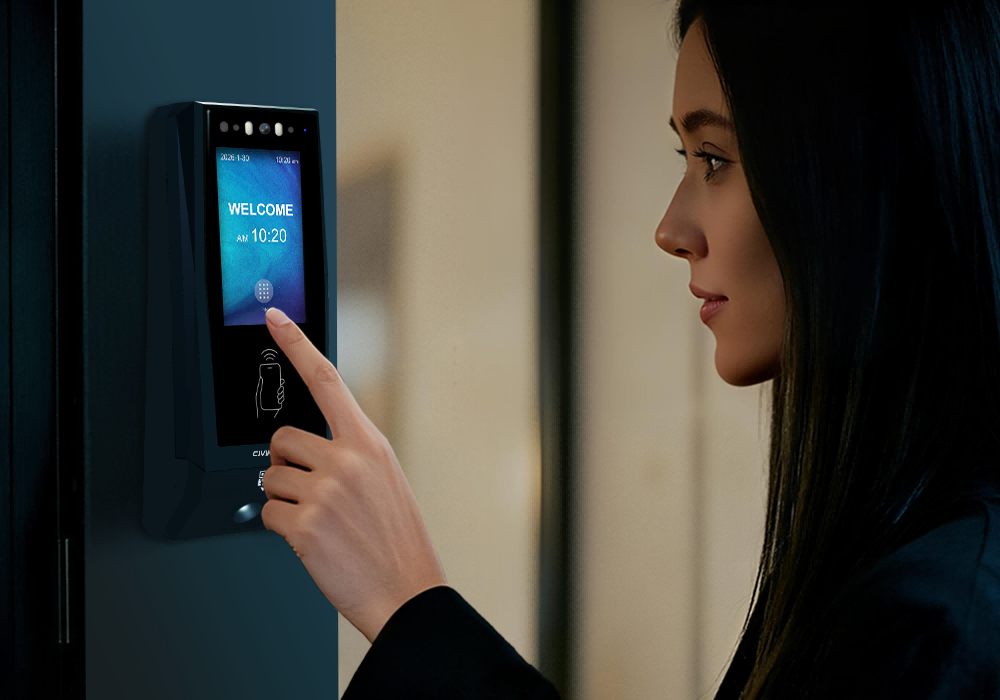
Coworking access control connects a person's credential with permission to enter defined workspace areas. CIVINTEC terminals support RFID cards, NFC/BLE mobile credentials, optional QR code scanning, and facial recognition on CT11. Working with the customer's management software, these options help operators organize daily entry and temporary visits across shared and private spaces.
The credential is how someone identifies themselves. The customer's software defines their access validity, permitted times, and authorized doors or zones. These permissions can apply to NFC/BLE mobile credentials and QR codes, as well as other supported methods; they are not exclusive to QR entry.

For members who visit frequently, a card provides a familiar arrival routine. They present their credential at the coworking entrance and continue to the workspace covered by their access profile. A tenant employee can use the same identification method at their private office door, with different permissions behind it.
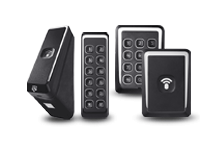
CIVINTEC CT11, CT10, and CT9 PRO support RFID options at 125kHz and 13.56MHz. Confirm the card technology and security configuration before retaining existing badges or issuing new ones; frequency alone does not establish application compatibility.
An office rented by one company may have several people coming and going. Giving each person an individual credential makes it easier to remove one employee's access or review a particular entry event without changing the whole team's routine.
Returning members: Connect their card to the workspace areas included in their current account.
Private office teams: Assign shared circulation and the team's own office, with other tenant offices outside the profile.
Replacement cards: Disable the lost credential through the management workflow before activating its replacement.
Card administration should follow the person throughout their use of the workspace. When a tenant adds an employee, the operator can approve an individual profile for the common entrance and that tenant's office. When the employee leaves, withdrawing their credential should leave colleagues' access unchanged. This is easier to organize when individual identities remain separate from the company's rental account.
A borrowed team badge makes that distinction harder to maintain. It can also leave staff unsure which person to contact when a pass is missing. Define who reports a lost card, who approves its replacement, and how the old identifier is removed from the access workflow. These routine decisions help an RFID installation stay manageable as tenant teams change.
CIVINTEC's office door entry solution provides further context on connecting staff and visitor credentials with permissions at office doors.
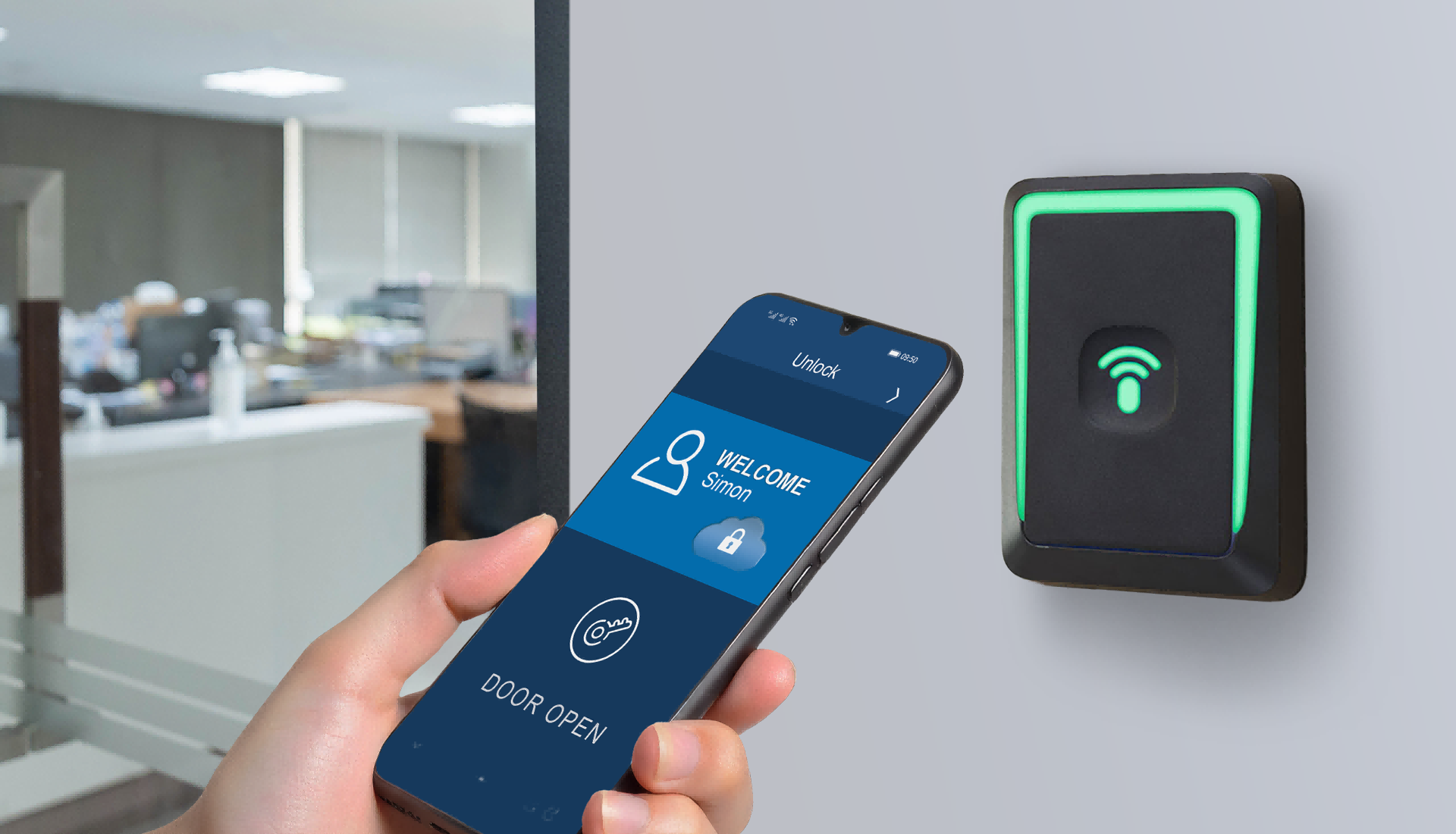
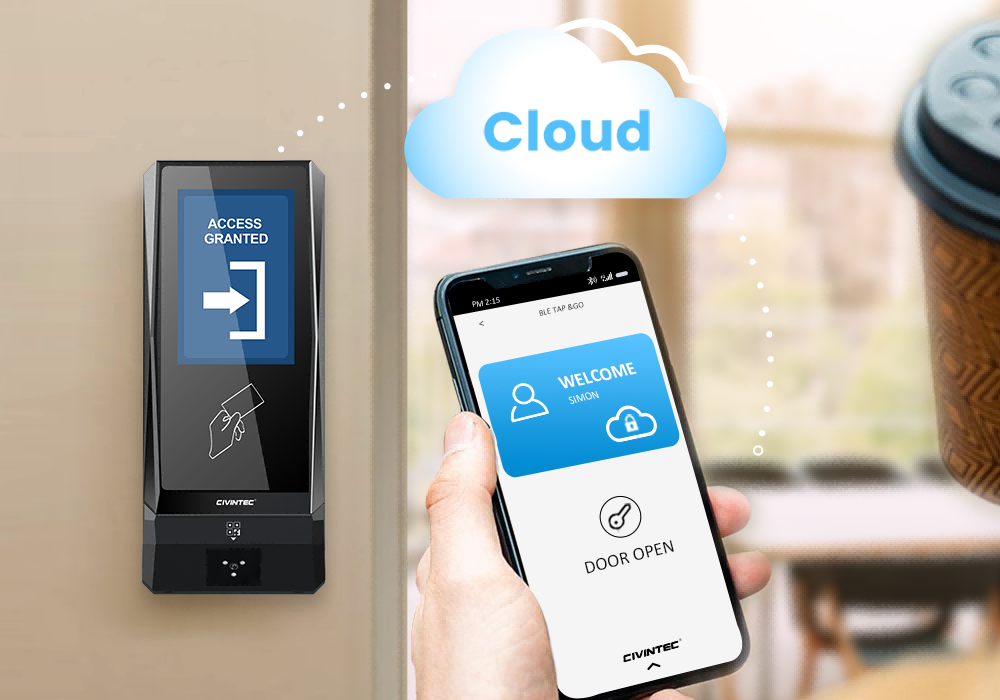
Mobile access control offers another way to carry a workspace credential. Members can use a supported NFC or BLE mobile credential at a compatible terminal rather than presenting a physical card. The choice should fit the phones and credential delivery workflow used by the operator and its customers.
For a member who already uses a coworking app, mobile entry can connect arrival with the service they use to manage their workspace account. The customer's software associates the mobile credential with the individual and their approved access profile; the terminal handles the configured identification and door interaction.
Confirm the supported phone platforms, NFC/BLE behavior, credential activation, and recovery process during integration. A clear route for replacing a phone or recovering an account matters as much as the first successful door opening. Keep a suitable alternative for users whose phones cannot support the selected workflow.
CIVINTEC's article on mobile credentials in access control covers the broader technology background. For coworking operators, the practical question is how easily a member can receive, use, and replace their own credential.
Temporary visitors can also receive NFC/BLE mobile credentials through a supported customer workflow. For example, a consultant working with a tenant for several days could receive a mobile credential linked to an approved visit, without becoming a permanent member of that tenant's office.
The customer's management software can configure:
Access validity: The dates when the visit begins and ends.
Permitted times: The daily or recurring periods when entry is allowed.
Authorized areas: The coworking entrance and approved route or destination.
Changes and cancellation: How the visit is extended, reduced, or withdrawn.
These are authorization rules for the person and their visit. A QR visitor pass can follow the same kinds of rules. Choosing NFC/BLE or QR changes how the visitor presents a credential, while the management platform remains responsible for the permitted visit.
For example, a tenant might invite a consultant for three working days, with access between 9:00 a.m. and 6:00 p.m. The operator could approve the common entrance, the route to the tenant office, and the agreed shared facilities. Through a supported integration, an NFC/BLE credential can be associated with that defined visit instead of the consultant receiving the host's wider access profile.
If the assignment gains an extra day, the authorized person can amend the visit in the customer software and distribute the revised permissions through the agreed process. A different destination may also require a different door assignment. Keeping these changes within the visit record gives reception and the tenant a clearer basis for resolving questions about access.
Before issuing the mobile credential, explain activation and presentation at the reader. A visitor who returns over several days may welcome the same phone-based routine each morning, while another may prefer QR delivery. Offer the method that fits the visit and supported phone setup.
A QR code access control system can suit visitors who need a straightforward pass for an approved arrival. Once the customer platform creates the visit and delivers the credential, the visitor presents the code at a terminal fitted with the appropriate QR scanner.
This approach is useful for a first client meeting, an occasional guest, or a short workspace visit where issuing and recovering a physical card would add work. The operator should choose QR or NFC/BLE according to the visitor's circumstances and the available delivery workflow, rather than assuming every visitor needs the same method.
Consider a guest invited to a tenant office in the afternoon. Their access profile should cover the doors needed to reach that office during the approved period. It should also leave unrelated offices and staff rooms outside the visit. The same policy can be implemented for an issued NFC/BLE mobile credential or QR credential through the supported integration.
Evaluate code delivery, scanning position, screen readability, expiry, and cancellation together. Dynamic codes or additional checks depend on the customer platform and selected configuration. Scanning a code is only one part of the complete visitor workflow.
See CIVINTEC's QR code access control solution for the credential technology. Where a visit also includes a reserved meeting room, the meeting room reservation guide explains that separate booking application in more detail.
A useful visitor instruction explains where the credential will work. Identify the building entrance, coworking floor, and intended destination, then show the visitor which reader to approach. Where the landlord manages the first door, agree how the visitor reaches the coworking entrance before sending a pass for the internal office.
The operator should also decide how an early or rescheduled arrival is handled. A guest arriving before their approved period may need help from reception or their host. Changing the appointment should trigger a review of the visit's dates, times, and route in customer software. This applies whether the guest carries a QR code or an NFC/BLE mobile credential. Clear arrival instructions and an identified contact make the chosen technology easier to use.
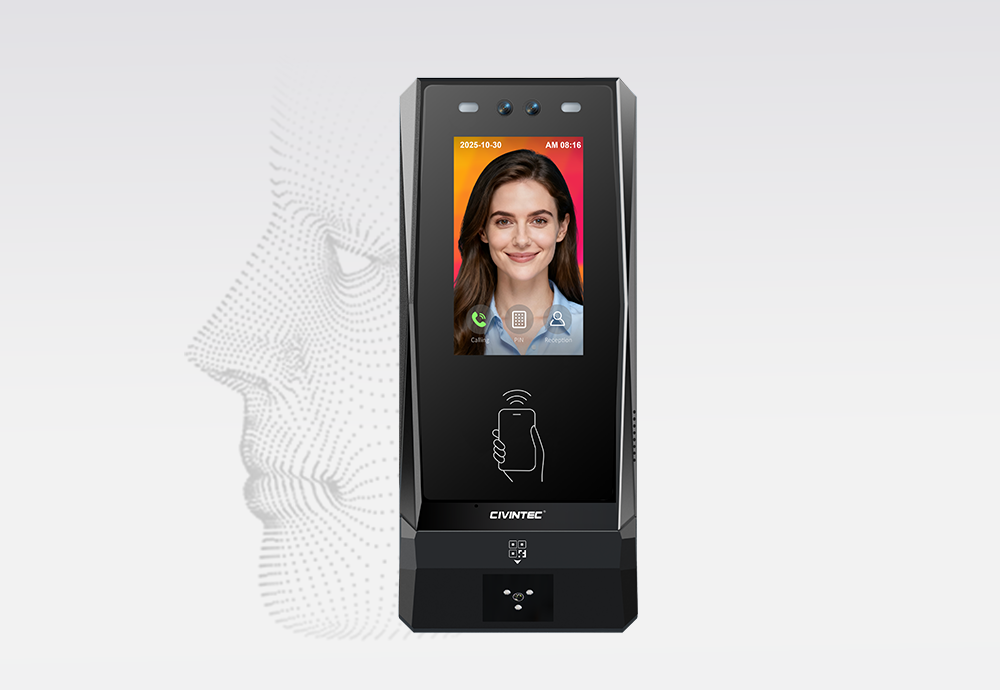
Facial recognition provides a hands-free identification option for appropriately enrolled users. In a coworking environment, it may suit regular members or operator staff who pass through the same controlled entrance each day and prefer an alternative to carrying a card or presenting a phone.
The CIVINTEC CT11 access control terminal adds facial recognition to the available credential choices. The operator can evaluate it for selected entrances and user groups while retaining card, mobile, or QR workflows elsewhere. Not every visitor needs to enroll a facial profile for a short visit.
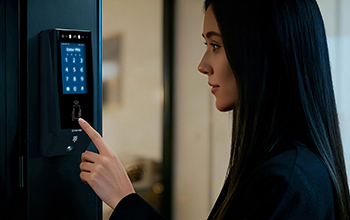
Plan enrollment, user information, template handling, and an alternative identification route as part of the customer workflow. Check the installation position and real lighting conditions before selecting face verification for a particular entrance. Door layout and procedures still matter when managing people who follow someone through an open door.
Evaluate facial recognition where regular users gain a practical benefit from hands-free entry, such as a main workspace entrance used several times a day. A smaller private office may instead use the card or mobile credentials already familiar to its tenant team. Different choices can coexist in the same project when the hardware and customer integration support them.
An enrolled facial identity still needs the correct permission profile. A member recognized at the shared entrance should receive only the doors and access periods approved for that account. Recognition identifies the user; the configured authorization determines where that user may continue.
Coworking access control should follow how people move through the space. A shared desk member and a private office tenant can keep familiar credential choices while receiving different access rights beyond the front door.
A desk allocation belongs in the customer's workspace software. Door access supports entry to the relevant workspace zone; it does not, by itself, reserve a particular desk or establish that the person used it.
| Workspace user | Areas to consider | Permission managed in customer software |
|---|---|---|
| Shared desk member | Coworking entrance and approved shared work areas | Current account validity and the permitted access schedule |
| Private office team member | Shared circulation and the team's own office | Individual identity, tenant association, and office assignment |
| Temporary client or consultant | Entrance, approved route, and visit destination | Visit dates, allowed times, and zones for NFC/BLE or QR access |
| Coworking operator staff | Service areas and assigned operational rooms | Role-based access separate from member and visitor profiles |
For a shared building, identify which doors belong to the landlord and which are controlled by the coworking operator. A successful coworking entrance test does not establish access through a separately managed building lobby. Coordinate both parts of the arrival route where required.
CIVINTEC's membership access control guide discusses account validity and member benefits across industries. For a coworking project, translate the relevant entitlement into a specific set of doors.
Begin the door plan with the areas members genuinely share: the entrance, circulation routes, and any communal work or amenity spaces included in their accounts. Then mark private office doors and operational rooms separately. This helps the operator discuss permissions in terms of recognizable destinations, instead of issuing one broad access profile for the entire floor.
For example, an employee in Office A may need the common kitchen and the corridor leading to their own room. Those shared rights do not require entry to Office B. Likewise, approving a guest for a tenant meeting should not add the operator's storage room or network cabinet to the route. Where the customer software supports reusable permission groups, the integrator can use them to organize these common and tenant-specific assignments.
Review the route when a team moves offices, expands into another room, or reduces its rented space. The new destination and the old door permissions both deserve attention. Leaving previous assignments active can make the access profile gradually broader than the current agreement. A named approval owner gives the operator a clear point of reference when tenant requests change.
[block1]
CIVINTEC provides SDK integration resources for connecting compatible terminals with customer software. A coworking operator or software partner can use these resources to bring account and visit decisions into the door access workflow and return supported access events for review.
The customer's platform manages member and tenant records, visit approval, workspace allocation, and access rules. The integration exchanges the required credential and permission data with the terminals, or uses supported server interactions for authorization, according to the selected architecture. CIVINTEC hardware supplies identification, configured door control, and event collection within that design.
A member joining a tenant team may need a new access profile. Where the integration supports retaining their credential, the software can update their doors and schedule while keeping records associated with the same person. Review their previous permissions during the change.
For implementation, agree on the following exchanges:
Provisioning: How an approved person receives a card, mobile credential, QR credential, or facial enrollment.
Permission updates: How dates, time schedules, and door assignments reach the access system.
Event return: Which identification and access results are recorded, and which account they belong to.
Revocation: How a canceled visit or departed tenant employee loses access, including how updates behave when a terminal is disconnected.
Access records help an operator investigate a failed arrival or review door activity. They should not be treated as a complete measure of desk occupancy or time spent working. Network arrangements, supported Ethernet/PoE configurations, and optional wireless connections should be confirmed for the selected model and installation.
Agree which customer system holds the approved version of a person's access profile. A tenant contact might request an office change, while an operator approves the resulting door rights. The integration should carry that approved decision into the access workflow rather than treating every account edit as permission to enter more areas.
Ask the software partner how staff will distinguish a requested update from one confirmed by the supported terminal or server workflow. The available acknowledgments, retries, and event fields should be checked against the integration documentation. The customer interface can then present an appropriate status instead of assuming that saving an account immediately updates every disconnected device.
When reviewing a denied entry, relate the person's credential, intended door, event time, and approved access period. That context helps staff separate an expired visit from an incorrect zone assignment or a credential activation problem. Access event data becomes more useful when it remains connected to the account decision behind it.
Start a pilot with a representative shared entrance and one private office. Walk through the arrival as a regular member, a tenant employee, and a temporary visitor. The purpose is to establish that the credential and approved route work together, including the doors where access should be declined.
Use an NFC/BLE visitor credential and a QR visitor credential with equivalent sample dates, allowed times, and zones. Check arrival during the approved period, an attempt outside it, and an attempt at an unrelated office. This confirms that the integration applies the intended policy across both methods, rather than reserving temporary restrictions for QR passes.
Include a changed visit and a lost credential in the exercise. Confirm who approves the change, how it reaches the access system, and which results staff can review. Keep a clear assistance route for a user whose credential cannot be presented. Once the pilot workflow is understood, apply the agreed configuration to additional doors and user groups.
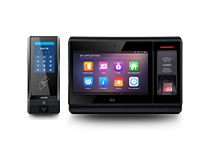
A main coworking entrance may need several credential options and audio assistance, while an internal office door may have a simpler interaction. Select hardware around those needs and connect it to the agreed software permission model.
| Selection point | CIVINTEC CT11 | CIVINTEC CT10 | CIVINTEC CT9 PRO |
|---|---|---|---|
| RFID options | RFID (125kHz and 13.56MHz) | RFID (125kHz and 13.56MHz) | RFID (125kHz and 13.56MHz) |
| Other credential options | NFC/BLE, optional QR code, PIN | NFC/BLE, optional QR code, PIN | NFC/BLE, optional QR code, PIN |
| Facial recognition | Supported | Not a facial recognition terminal | Not supported |
| Camera and assistance | Face verification and VoIP audio intercom | Supported photo capture and VoIP audio intercom | No built-in camera or VoIP audio intercom |
| Interface | 3.5-inch touchscreen; Linux | 3.5-inch touchscreen; Linux | 3.5-inch touchscreen; Linux |
Evaluate CT10 where credential-based entry, supported photo capture, and VoIP audio assistance fit the arrival workflow. Consider CT9 PRO for credential-based entrances that do not require a built-in camera or audio intercom. CT11 provides the face verification option described above. Confirm the ordered credential modules, interfaces, and integration requirements before choosing a configuration.
[block2]
CIVINTEC coworking access control offers familiar card entry, NFC/BLE mobile credentials for members and temporary visitors, QR passes for changing arrivals, and CT11 facial recognition for regular users.
Connect each method to the customer's management software so that validity, permitted hours, and authorized zones follow the person's approved access profile, with distinct boundaries for shared work areas, private offices, and staff spaces.
Compare the CIVINTEC access control terminal range, or contact CIVINTEC with your workspace layout, credential preferences, visitor workflow, and software requirements to discuss a suitable configuration.


 Home >
 Share




 Contact Us
