

-

Applications

Industries

 OEM & ODM Service
 Development Service
 Download
 Technical support
 Warranty & RMA
 FAQS
FAQS
 My Community
 Who Is CIVINTEC
 Why CIVINTEC
 News & Express
 Cooperation




 Oct 16, 2026
A confirmed meeting should give its participants a clear route to the right room. In many offices, however, the booking calendar and the door still operate separately. A receptionist distributes keys, employees share a permanent code, or a room remains unlocked between sessions. The calendar shows who reserved the space, but the entrance does not enforce that reservation.
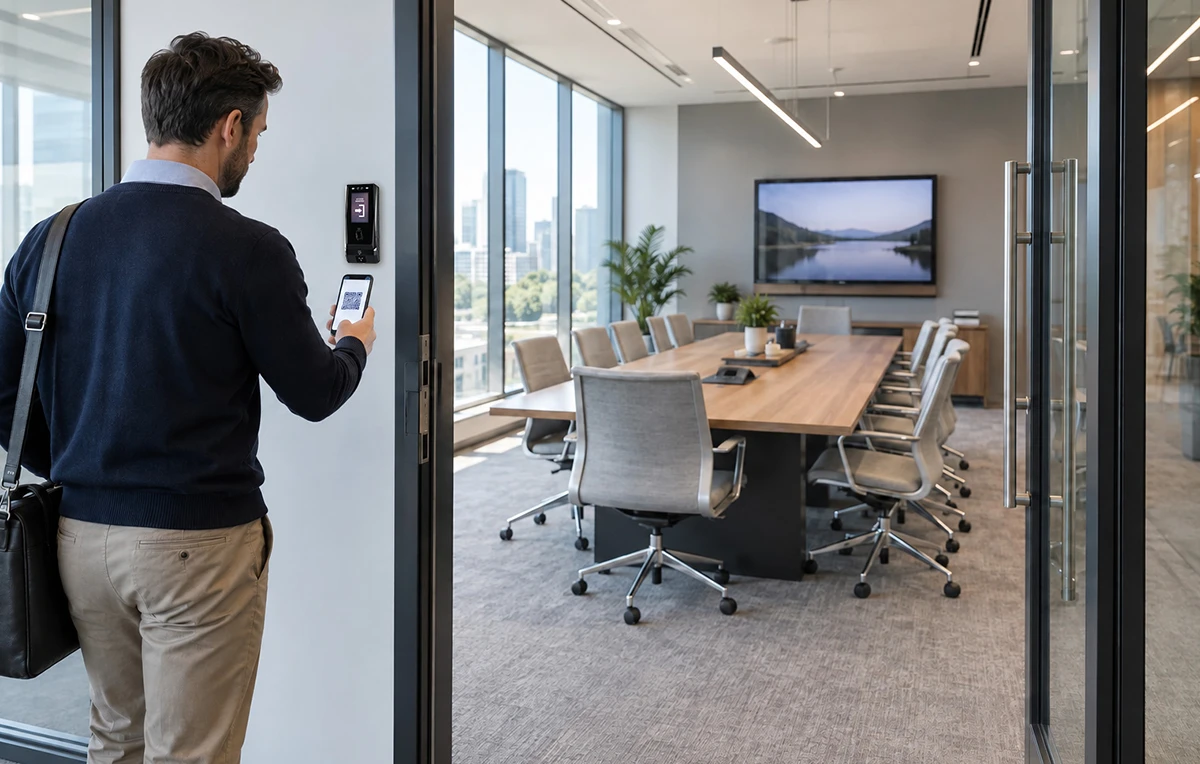
QR code access control connects a digital booking with a physical entry permission. Participants receive a credential for the approved room and period, present it at the entrance, and receive a response based on the current authorization rules. This approach suits corporate meeting rooms, coworking spaces, training suites, and bookable conference facilities where visitors change throughout the day.
CIVINTEC provides access control terminals and SDK resources for integration with customer software. The customer's meeting room reservation system manages bookings and participants; the configured terminal reads credentials, works with the selected authorization process, and controls a supported door interface. Connecting these responsibilities gives operators a practical way to offer self-service access without treating every booking as a manual key handover.
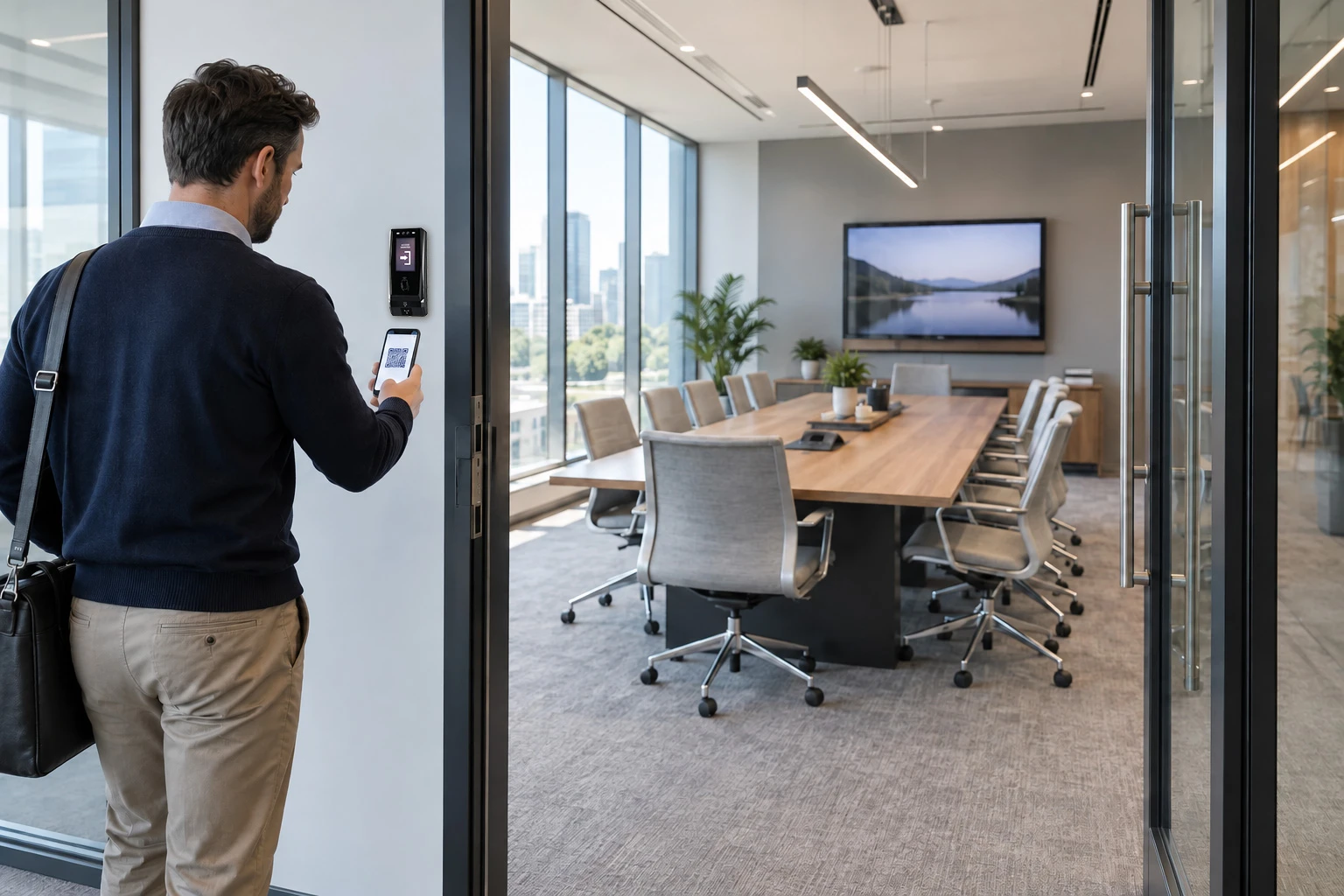
A room reservation answers which space is allocated to a meeting. Meeting room access control answers which credentials may open its entrance and when. The integration must connect these decisions while allowing each to change independently. An organizer can retain permission to edit a booking without receiving unrestricted access to every conference room.
Different users need different relationships with a booked room. Establish these roles before choosing how to distribute credentials.
Organizers manage the reservation and approved participant list through the customer platform. Their room access follows the agreed schedule and any authorized preparation period.
Attendees receive access for the meeting they are invited to attend. An invitation to one room should not create general permission for private offices or other tenants' facilities.
Facilities staff need separate schedules for cleaning, equipment checks, and room preparation. Those permissions should remain identifiable rather than borrowing an attendee's pass.
Individual credentials make it easier to revoke one participant's access without affecting everyone else. Where an operator chooses a shared group pass, its limitations should be understood: a record of that credential being used does not identify which member of the group presented it.
Map the booking's room identifier to the correct door or group of doors. A participant may need the main entrance, a shared corridor, and the meeting room itself, each with an appropriate validity period. That route should stop before unrelated work areas.
Preparation and clearance periods also matter. If access begins before the calendar slot, define that buffer in the permission rule. Decide whether participants may leave and return during the meeting. CIVINTEC's meeting room reservation solution provides a relevant integration reference for linking reserved periods, credentials, and terminal interaction.
[block1]
The value of QR code access control is easiest to see in an ordinary arrival. A visiting team books a room, receives its instructions before travelling, and reaches the correct door without collecting a reusable key. The customer platform and terminal need to agree on what makes that arrival valid.
Credential delivery should follow the booking's approval state. If a coworking operator requires account verification, host approval, or payment, the customer software completes those checks before granting entry rights. The terminal does not determine whether an invoice has been paid or a calendar request is acceptable.
Confirm the reservation. The platform allocates the room, participant permissions, and scheduled period.
Create the access credential. The platform associates the QR credential with the approved access rules and distributes it through the chosen email, web, or app workflow.
Present it at the door. The participant holds a phone display or permitted printed pass in front of the terminal's configured QR code module.
Check authorization. The selected online or local implementation evaluates whether this credential is valid for this entrance at this time.
Respond and record. The terminal performs the supported door-control action and provides feedback. Relevant events are made available to the integrated management workflow.
A readable QR code is not automatically an authorized pass. The scan supplies credential data; the authorization rules decide whether that data is accepted. For background on the credential technology, see CIVINTEC's QR code access control solution.
The invitation should identify the building entrance, room location, approved arrival period, and support contact. Keep these instructions separate from confidential meeting information. A guest standing outside a shared office needs practical directions, not the organizer's full calendar record.
Test the presentation experience with real phones and permitted print formats. Screen brightness, code size, damaged paper, and the position of the scanner can affect usability. A clear message for an early arrival or expired credential helps guests seek the correct assistance. The terminal display and response text can be developed within the supported SDK interface rather than assuming every message is supplied as a standard booking feature.
The software development kit, or SDK, is the integration resource that allows a developer to connect CIVINTEC access control hardware with a customer's booking application. It provides a development route through supported interfaces and examples; it is not a complete meeting room reservation system. Calendar rules, user accounts, notifications, and business workflows remain part of the customer software.
For a meeting-room project, this distinction gives the integrator a useful starting point. The existing booking experience can remain familiar while physical access is added to it. The implementation should use the SDK and firmware documentation for the exact terminal version being ordered.
Agree on the data needed to authorize a visit before building the interface. A stable booking identifier can connect the reservation, access credential, and subsequent changes without placing the entire meeting record on a device.
Room mapping connects each bookable space with its terminal and any authorized shared entrances.
Credential mapping relates the presented credential to a participant or approved group and the applicable booking.
Validity rules define the start and end times, entry buffers, cancellation state, and permitted re-entry behavior.
Event handling gives the platform enough context to interpret an accepted or denied attempt without collecting unnecessary personal information.
In an online design, the terminal communicates with the customer's server using the supported application interface, and the server applies current permissions before returning the intended response. TCP/IP Ethernet is a network connection; HTTP/HTTPS is an application communication protocol. Select and configure encrypted HTTPS communication where supported, and confirm the required certificate and authentication settings during integration.
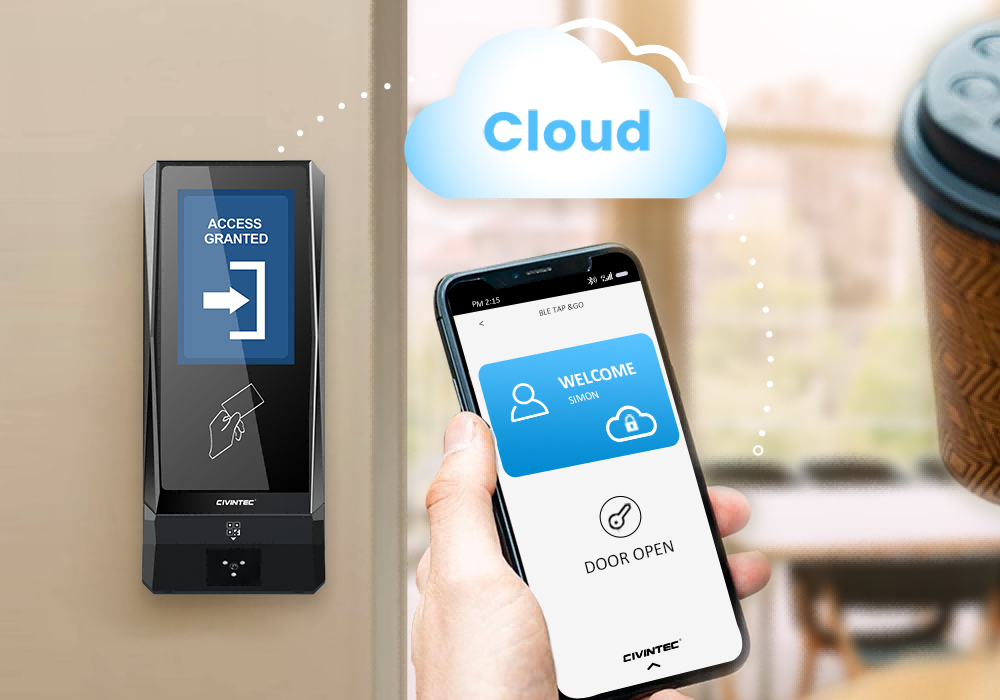
Connection options depend on the ordered model. Choose networking to suit the installation and support arrangements rather than assuming that every terminal includes every wireless option. CIVINTEC's article on cloud centralized access control discusses the broader role of customer software and connected devices.
A reliable interface must handle the same change arriving more than once, delayed updates, and a booking being edited while someone is approaching the door. Repeating a cancellation should leave the booking cancelled, not restore its original permission. Developers should define how each update is acknowledged and how unresolved changes become visible to support staff.
Time handling deserves explicit attention. The booking platform, terminal, and event records should interpret validity periods consistently, including time zones and daylight-saving changes. For recurring meetings, decide whether each occurrence receives its own authorization or whether a recurring rule is appropriate. Cancelling one occurrence should not unintentionally remove the organizer's other valid reservations.
SDK integration also supports a more informative entrance experience. Within the supported display interface, the developer can present useful status text or booking-related prompts. Avoid exposing sensitive participant lists on a public corridor screen. A concise room identifier and instruction are often more useful than showing the full reservation record.
Meeting schedules rarely remain fixed. Someone extends a session, moves a discussion to a larger room, or cancels after sending invitations. QR code access control should follow the approved change instead of leaving an old credential active simply because it has already been delivered.
Consider a meeting moved from Room A to Room B. The platform should update the intended room permission, withdraw the old entitlement where appropriate, and tell participants which entrance to use. Whether a new QR code is required depends on the credential design; a server-validated credential may reference updated permissions, while another implementation may require replacement.
Likewise, an extension should be approved against room availability before access is prolonged. A door being opened does not reserve the next slot. Separate the calendar's conflict checks from the access decision so that an overrun does not silently displace the following booking.
A screenshot or printed copy may reproduce the same visible credential. Scanning a QR code alone does not make it single-use, resistant to sharing, or automatically dynamic. If the project needs expiry, rotating credentials, usage limits, or an additional identity check, define and test those controls in the complete software and terminal workflow.
A single-use pass may suit an initial visitor check-in but be unsuitable for a long meeting with breaks. Match the rule to the activity. CIVINTEC's guide to QR code door access is useful context; the project still determines its own credential lifecycle and re-entry policy.
At shared entrances, keep tenant and visitor permissions distinct. A valid conference-room booking should not inherit employee privileges. The related visitor access control guide provides background for managing invited guests alongside regular staff.
Meeting room access control can supply an authorization event to a wider facility-management workflow. An accepted arrival might be used by the integrated customer platform to request a lighting state or enable a supported room facility. This requires the appropriate terminal interfaces, external controls, and an agreed operating sequence.
A door lock, lighting circuit, ventilation system, and presentation display have different control requirements. A terminal relay or supported interface provides a control signal; it should not be described as directly powering every connected appliance. Specify which external controller executes each action and what the room's manual controls may override.
A booking ending is also not sufficient evidence that a room is empty. Participants may still be clearing equipment or finishing a discussion. Where facilities depend on actual presence, use an appropriate occupancy strategy instead of assuming the last credential event proves vacancy. Keep emergency exit arrangements and necessary services independent of the ordinary booking workflow.
Credential records can help an operator investigate a denied arrival, check whether a particular pass was presented, or review access activity against scheduled reservations. Combining those records with booking data can make recurring support problems easier to identify.
However, a successful scan does not prove that every attendee arrived, that the meeting continued for its full slot, or that the room stayed occupied. If utilization reporting requires those answers, define additional check-in, check-out, or sensor inputs. Give administrators access to the information needed for their role, and agree on retention and review procedures before collecting image or credential records.
CT11, CT10, and CT9 PRO offer different hardware capabilities for an integrated meeting room reservation system. Begin with the required credential and assistance workflow. A standard bookable room may need a QR-enabled credential terminal, while a controlled conference suite may justify additional identity verification or audio assistance.
The comparison below highlights relevant selection points. Confirm the exact QR module, networking configuration, SDK version, and supported interfaces for the intended installation.
Selection point | CIVINTEC CT11 | CIVINTEC CT10 | CIVINTEC CT9 PRO |
|---|---|---|---|
Main role | Facial recognition access control terminal | Credential-based access control terminal with camera | Credential-based access control terminal |
Interface | 3.5-inch touch screen; Linux | 3.5-inch touch screen; Linux | 3.5-inch touch screen; Linux |
Credential options | Face; RFID (125kHz & 13.56MHz); NFC/BLE mobile credentials; optional QR code; PIN | RFID (125kHz & 13.56MHz); NFC/BLE mobile credentials; optional QR code; PIN | RFID (DESFire with SAM); NFC/BLE mobile credentials; optional QR code; PIN |
Camera function | Facial recognition; confirm project capture settings | Supported photo capture on configured RFID card and QR code reads | No built-in camera |
Assistance | VoIP audio intercom | VoIP audio intercom | No built-in VoIP intercom |
Booking integration | SDK integration with customer booking software | SDK integration with customer booking software | SDK integration with customer booking software |
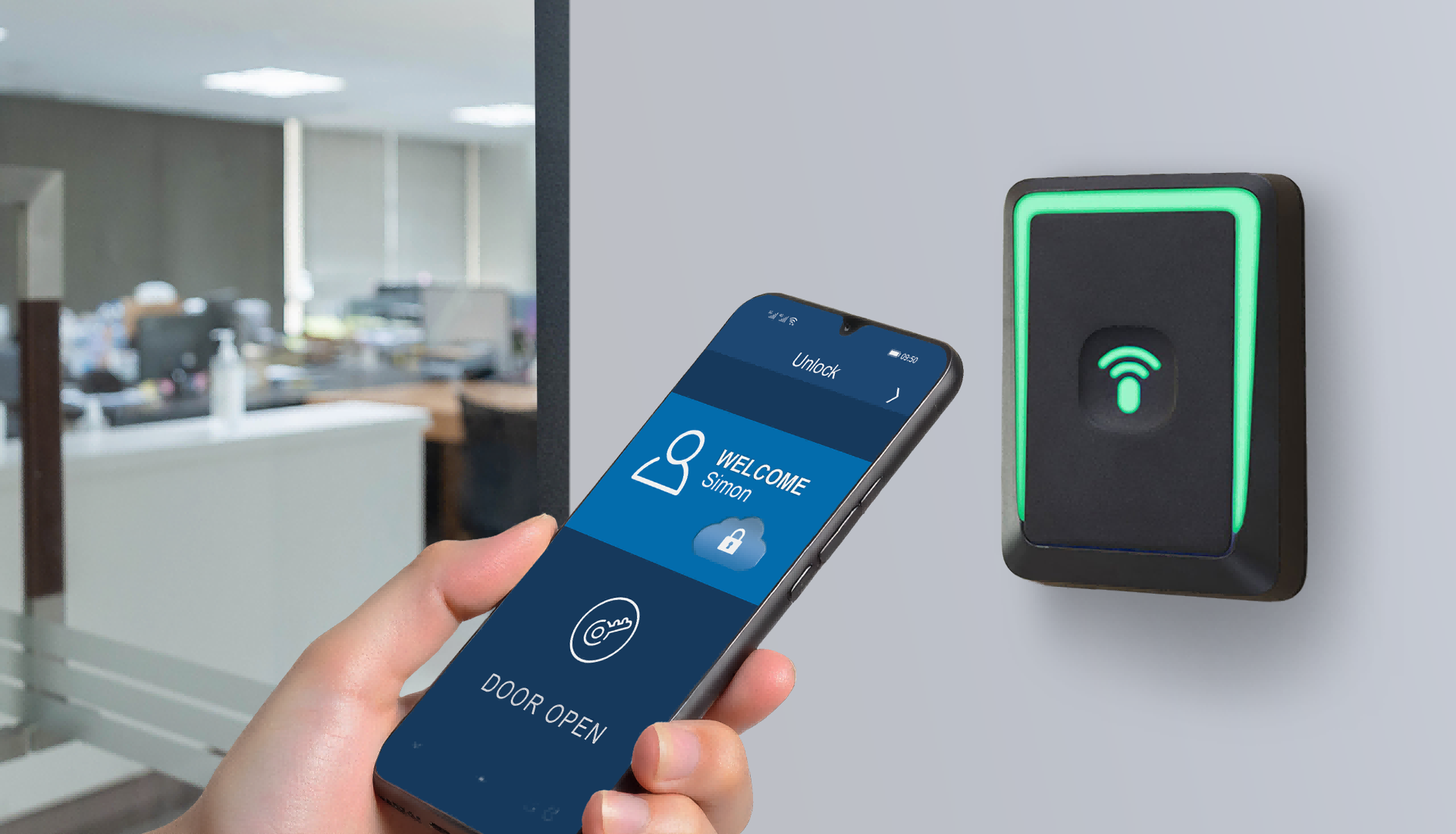
The CIVINTEC CT9 PRO access control terminal is relevant when the project centers on reservation credentials and a touch-screen interaction. An ordered QR-enabled configuration can support the participant's presented code within the integrated authorization workflow. RFID or NFC/BLE mobile credentials can serve regular users where appropriate.
The CT9 PRO SAM slot is a selection consideration for protected RFID projects, not evidence that a module and keys are already installed. Confirm the chosen version and security configuration. A room requiring voice assistance would need a separate arrangement because CT9 PRO has no built-in VoIP intercom.
The CIVINTEC CT10 access control terminal adds a camera and VoIP audio intercom to credential-based operation. Supported photo capture on configured RFID card and QR code reads can be relevant where an operator has a defined visual-record requirement. Agree on the capture triggers, storage, transfer, and access permissions.
Audio assistance may help a visitor resolve an arrival problem with the designated support team. Design that support route around actual operating hours. CT10's camera function should be evaluated as credential-event photo capture, rather than facial recognition or video intercom.
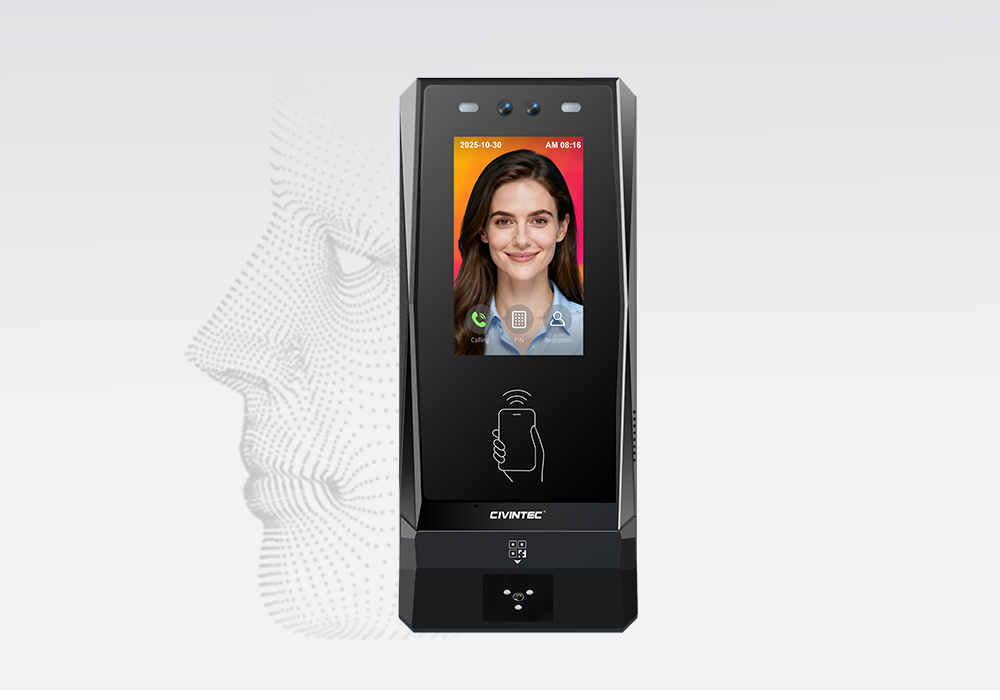
The CIVINTEC CT11 facial recognition access control terminal combines facial recognition with other supported credential choices and VoIP audio intercom. It can be considered where a conference facility requires a defined identity-verification process in addition to convenient booking access.
Facial enrollment, visitor handling, and the chosen authentication sequence need their own design. Offering several credential methods does not automatically require them all in one transaction. For an ordinary short meeting, the operator should weigh the additional enrollment and data-management requirements against the need for that verification method.
A small pilot lets the operator evaluate the complete journey rather than only testing whether the scanner can read a code. Use representative bookings, shared entrances, and participant devices. Include reception and facilities staff because they will handle the exceptions after deployment.
Test ordinary arrivals. Confirm the correct room, validity window, door action, response message, and permitted re-entry.
Test changed reservations. Cancel, extend, and move a booking, then verify both its old and updated permissions.
Test invalid presentation. Try an expired pass, the wrong room, an early arrival, and a duplicate credential according to the chosen policy.
Test interrupted service. Confirm the planned response when a server or network connection is unavailable and check synchronization after recovery.
Test support and facilities. Review authorized remote assistance, separate staff access, and any connected room-control actions.
Where local operation is part of the design, define which stored permissions remain usable and how delayed cancellations are handled. A disconnected terminal cannot be assumed to receive immediate cloud changes. Network resilience and power availability are separate requirements, and the pilot should check both.
Agree on who maintains booking integration, device configuration, and user support. This ownership helps resolve a failed arrival without guessing whether the cause is a calendar rule, credential delivery, network connection, or door interface. Expand to additional rooms after these responsibilities and acceptance checks are clear.
[block2]
Cloud QR code access control gives a booked meeting a defined entry workflow instead of relying on an unlocked door or a shared permanent code. The customer platform manages reservation rules and credential validity, while the selected CIVINTEC terminal supplies the physical access interface. SDK integration connects these roles and allows the arrival experience to fit the operator's existing software.
Start with the room route, participant groups, and booking changes that matter in daily use. Then select the terminal configuration and test the complete journey. To discuss your integration requirements, Initiate Technical Consultation with CIVINTEC or Explore Product Specifications.


 Home >
  Share
Share



 Contact Us