

-

Applications

Industries

 OEM & ODM Service
 Development Service
 Download
 Technical support
 Warranty & RMA
 FAQS
 My Community
 Who Is CIVINTEC
 Why CIVINTEC
 News & Express
 Cooperation




 Nov 02, 2026
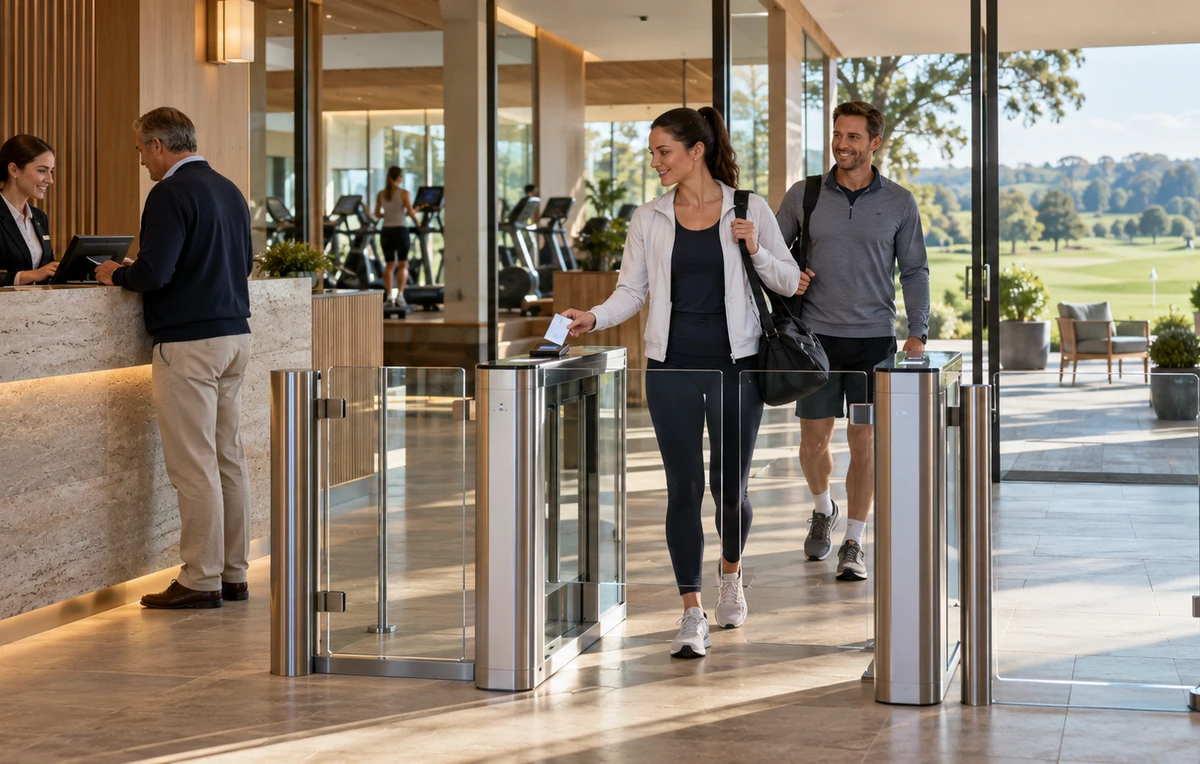
A membership promises access to something valuable: a place to train, a course to play, a workspace, or a quiet room to study. Delivering that promise becomes more complicated when plans have different opening hours, facilities require reservations, and members renew or change their subscriptions throughout the year.
Membership access control connects those entitlements with the physical entrance. A familiar card, mobile credential, QR code, or approved biometric profile identifies the arriving member. The configured system then checks whether that person may enter this location at this time.
CIVINTEC develops and manufactures access control hardware for integration with customer software. Its membership management hardware solution provides a starting point for bringing member identification and facility access together. This guide considers how the same approach can serve different industries, with each operator retaining control of its membership rules and customer experience.
A member account and an entry permission answer different questions. The account describes the relationship with the business; the permission defines which entrance or facility the member can use. Keeping these connected helps staff explain an access decision and update it when the membership changes.
Member identity: Associate the credential with an individual member record. A family or corporate subscription may cover several people, but each person's access can still be managed separately.
Membership status and validity: Distinguish active, future, expired, paused, and cancelled plans, including the start and end of each entitlement.
Permitted locations: Specify the branches, rooms, courts, lounges, or facilities included in the plan.
Visit conditions: Apply the relevant opening hours, reservation window, guest arrangement, or approved session allowance through customer software.
For example, a member may hold an active subscription but still need a booking for a particular court. Another member may have access to one branch during off-peak hours only. These distinctions make membership management useful at the entrance, where a valid identity alone does not explain the whole visit.
[block1]
Memberships change more often than door hardware. A well-planned membership access control system follows enrollment, renewal, suspension, and cancellation without requiring staff to maintain a separate, conflicting list of people at every entrance.
Enrollment: Create the member record, approve the selected plan, and issue access from the agreed activation date.
Renewal: Extend the relevant permission after the customer platform confirms the renewal. The member may retain the same credential where the integration supports updating its entitlement.
Plan changes: Add or remove the facilities and time periods affected by an upgrade, downgrade, or branch transfer.
Pauses and suspensions: Apply the operator's agreed hold period, then restore access only when the appropriate status change takes effect.
Expiry and cancellation: End ordinary access at the defined time while giving the member a clear route to renew, resolve an account issue, or request assistance.
Define validity precisely. A subscription ending on a particular date needs an agreed cutoff time and time zone. Seasonal memberships, recurring reservations, and temporary extensions should follow the same interpretation across the customer platform and terminals.
The customer software owns these business decisions, including any payment or approval checks. CIVINTEC access control terminals work with the resulting authorization. Renewal and cancellation handling should therefore be tested through the complete software-to-door workflow.
Members do not all arrive in the same way. Some carry a club card, some prefer a phone, and others need a short-term pass. Supporting suitable credential choices can make entry more convenient while retaining one consistent permission model.
RFID membership cards: A familiar option for regular users and facilities with an established card-issuing process. Confirm the existing card technology and security configuration before planning reuse.
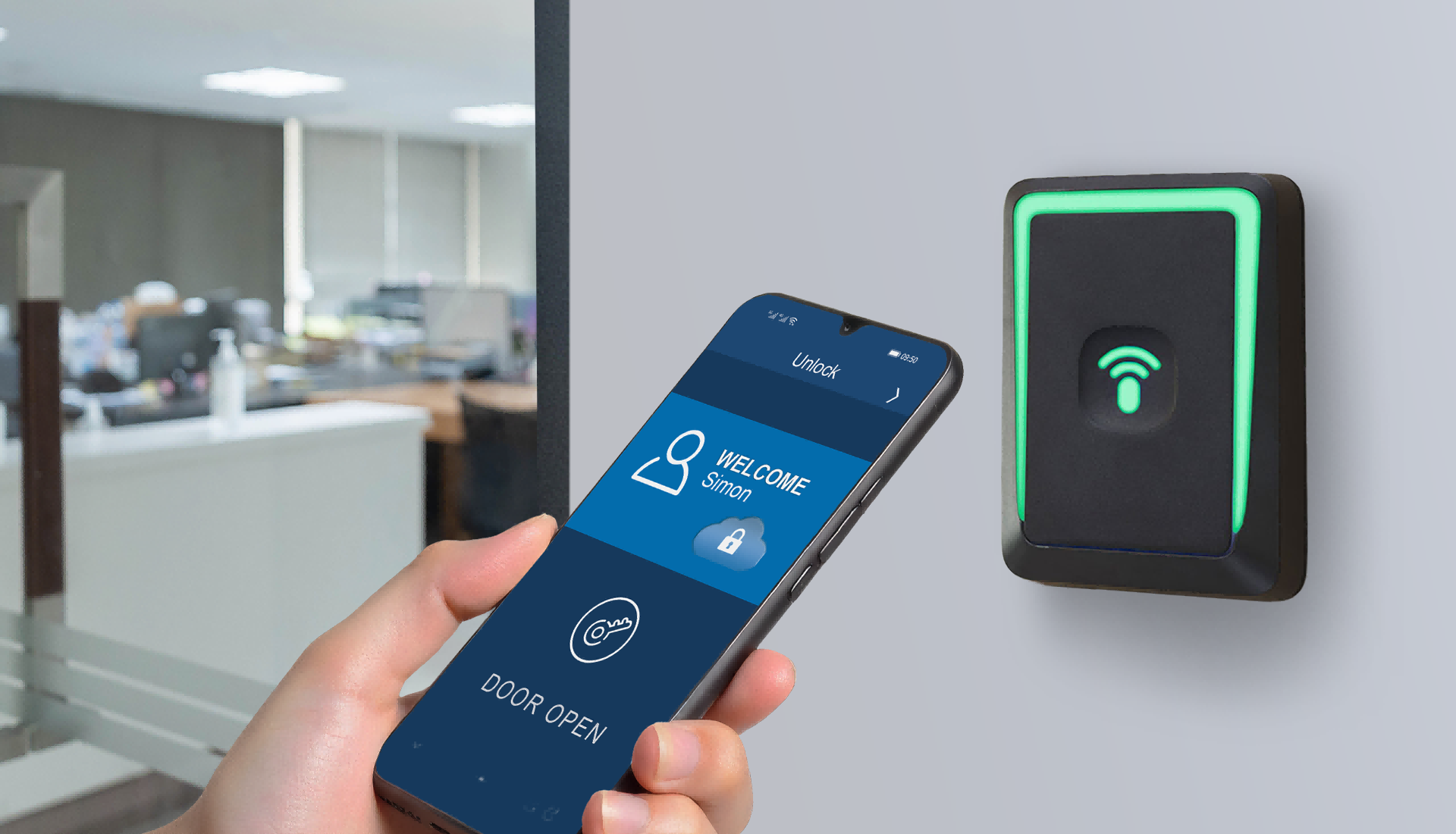
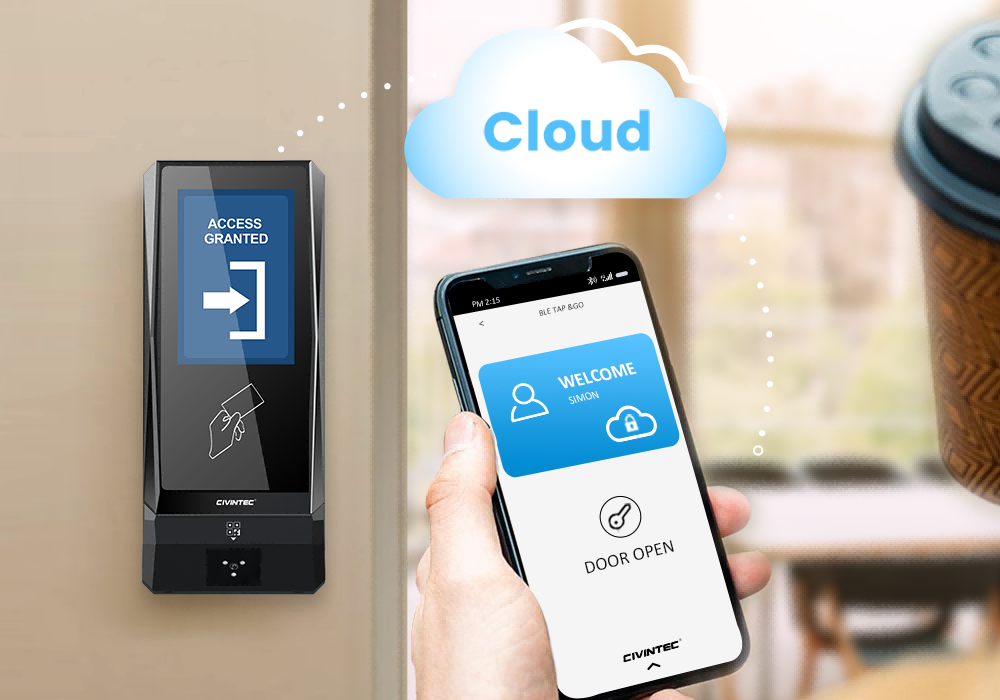
NFC/BLE mobile credentials: Let members use compatible approved devices, with issuance, replacement, and revocation handled through the integrated credential workflow.
QR codes: An optional QR code module can support trial memberships, booked sessions, or guest passes. The customer platform determines the permitted location, validity, and reuse rules.
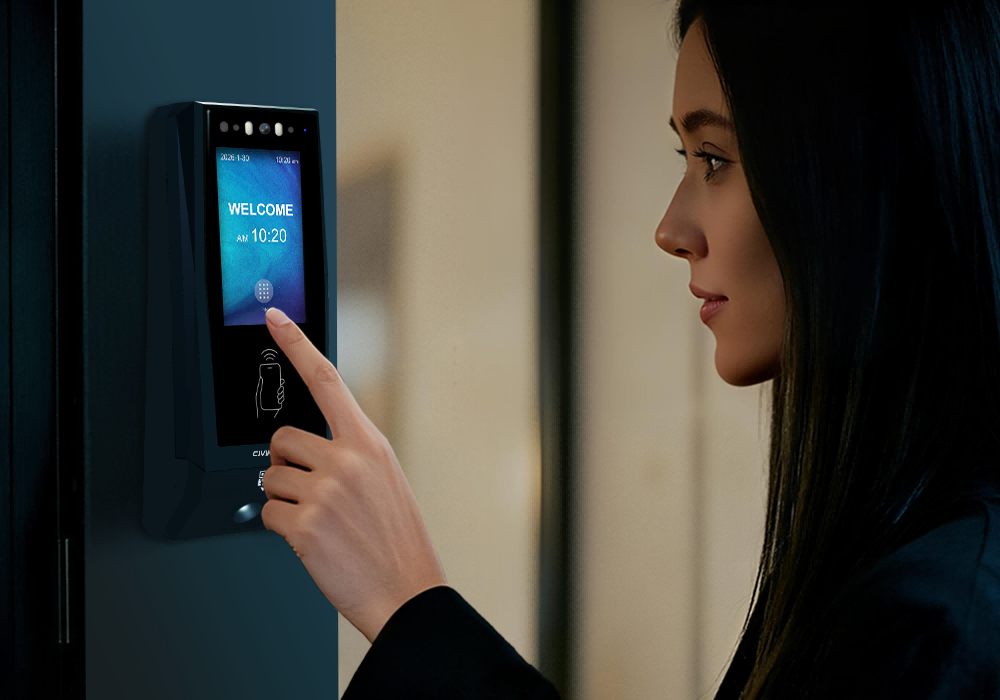
PIN entry: Useful for selected member or assistance workflows. Individual or dynamic PIN requirements should be configured through customer software and verified against the terminal implementation.
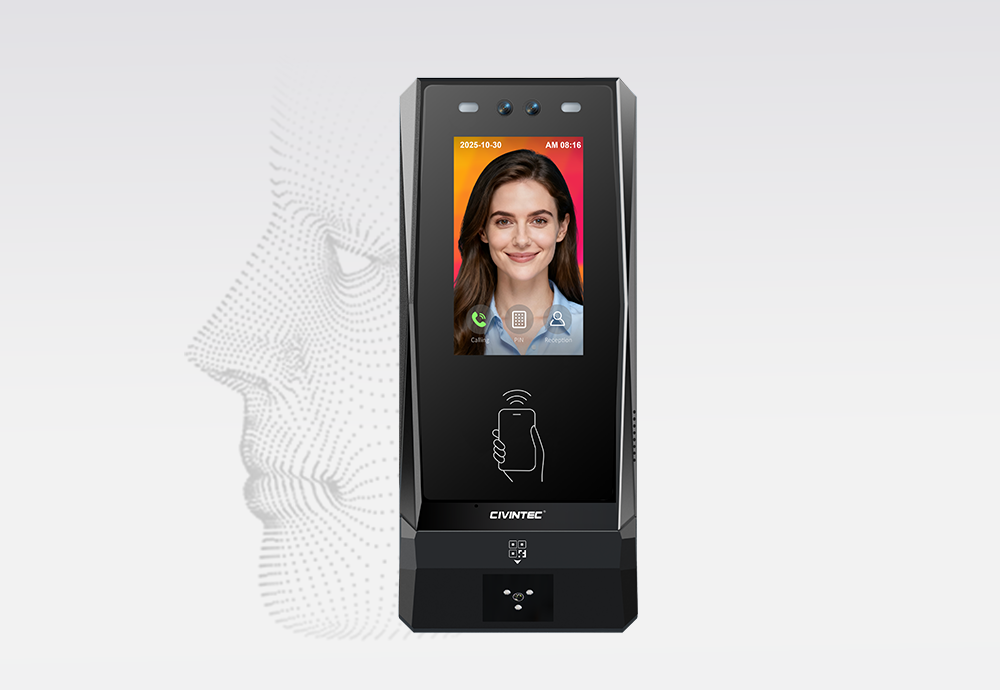
Facial recognition: CT11 offers an additional identification option for enrolled members where the operator has an appropriate enrollment and data-management process.
A venue can offer several methods at the same entrance without requiring every member to use the same one. Combined authentication, such as a credential plus another check, is a separate configuration decision. Keep an accessible assistance route for a lost card, changed phone, or unsuccessful verification.
Credential security also needs a defined implementation. A DESFire project should specify protected application authentication and key management; a QR pass needs rules for copied or shared codes. Identification should be supported by suitable doors, turnstiles, and operating procedures rather than treated as a complete solution to unauthorized following.
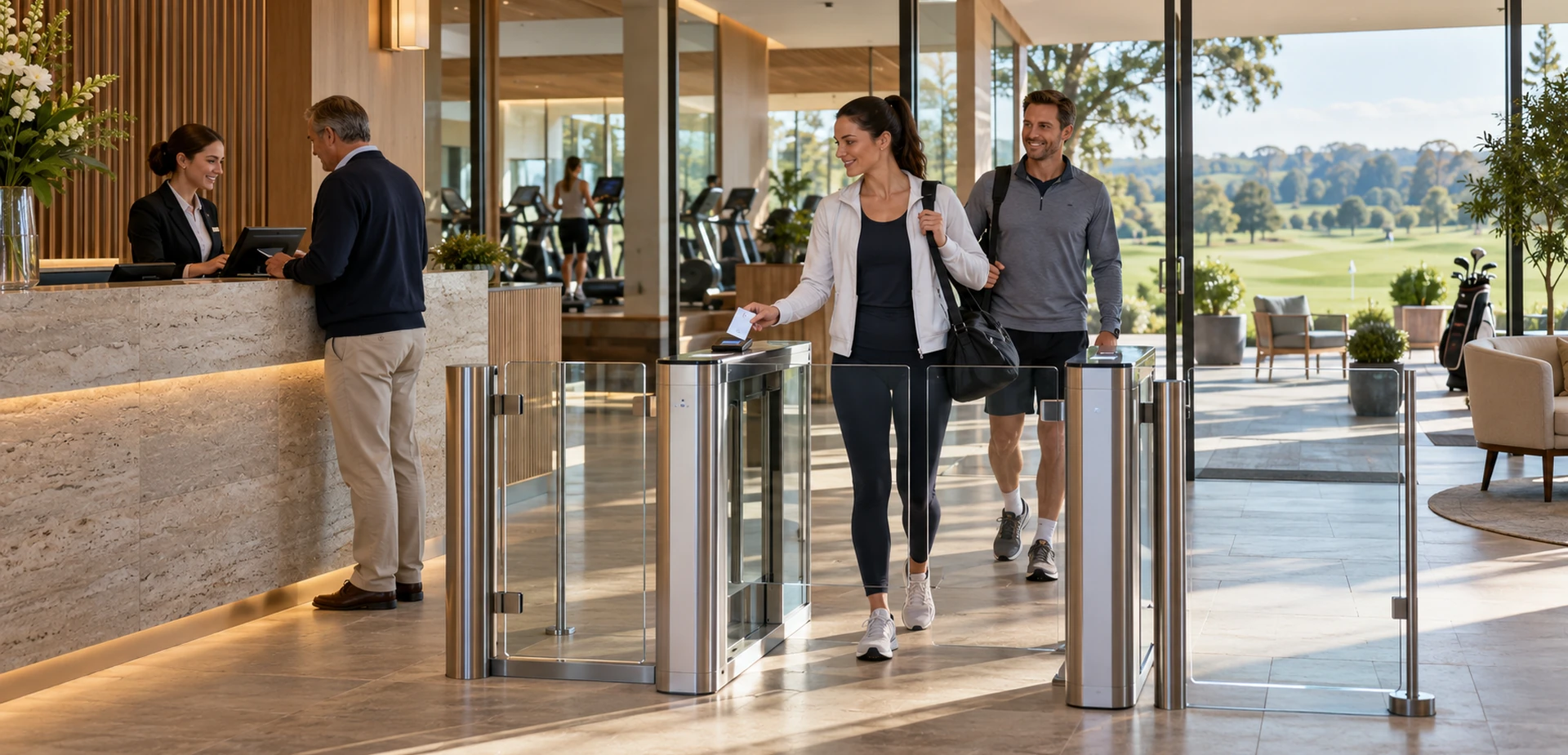
The following applications share a common sequence: identify the member, check the current entitlement, and apply it at the appropriate access point. Their commercial models and daily routines differ, so each example starts with the service the member has purchased or been approved to use.
A fitness centre may offer full-access memberships, off-peak subscriptions, single-branch plans, and classes booked separately. Entry should reflect those choices while allowing regular members to arrive without repeatedly explaining their plan at reception.
Membership periods: Connect activation, renewal, and pauses to the permitted training hours.
Facility entitlements: Separate general gym access from studios or other areas that require an additional plan or booking.
Branch permissions: Distinguish home-club subscriptions from plans that include multiple locations.
A configured CIVINTEC terminal can provide the identification and door-control interface for these rules. The customer platform manages the subscription and class allocation. See the CIVINTEC fitness and gym access control guide for related application context. The benefit is a more consistent arrival process, particularly when reception coverage varies during the day.
A Golf Club membership may include clubhouse access while practice areas, simulator sessions, or course use follow additional rules. A visiting player's booking and a full member's subscription should remain identifiable as different entitlements.
Membership categories: Map the approved category to the clubhouse, practice areas, and other included facilities.
Reserved sessions: Connect a booked simulator bay or practice session to the correct access point and arrival window.
Guests and visiting players: Issue defined access periods through the customer platform, keeping guest permissions separate from the host member's ongoing rights.
CIVINTEC's Golf Club access control solution describes relevant credential and software-integration applications. A practical project can make the route from parking or reception to the approved facility clearer. Any barrier, lighting, rental, or payment workflow still requires its own compatible equipment and customer-software integration.
At tennis, badminton, or other court-based venues, membership eligibility and court availability are separate. An active member may be allowed to make a reservation without being entitled to enter every court at any time.
Court allocation: Associate the approved booking with the correct court entrance and any shared approach route.
Session timing: Define arrival, preparation, and permitted re-entry periods without extending access into the next reservation.
Booking changes: Update permissions when a session is moved, cancelled, or extended through the customer's booking system.
The CIVINTEC sports court solution provides a useful integration reference. Terminal control signals may also participate in a configured lighting workflow through suitable external controls. The operator should define what happens after a session ends, including situations where people remain inside.
A wellness subscription can combine access to a lounge or relaxation area with separately reserved treatments and sessions. Members need a simple arrival experience, while the business needs clear boundaries around bookable rooms and staff-only spaces.
Included facilities: Assign access according to the membership package, with different permissions for shared amenities and private service rooms.
Appointment windows: Connect an approved appointment to its room and permitted arrival period through the customer platform.
Assisted arrivals: Provide a staff contact when a member arrives early, changes an appointment, or needs help presenting a credential.
CIVINTEC access control terminals can support identification at these boundaries, using the credential method suited to the venue. Select installation positions and equipment for the actual environment. Linking permissions to the booked service helps staff avoid giving a visitor broad access simply to solve one arrival issue.
A workspace membership may include a shared lounge, selected opening hours, and a monthly meeting-room allowance. An individual member, a company account, and an invited meeting guest each need a clear relationship with the available space.
Individual access: Assign each authorized person a credential, including employees covered by a company subscription.
Room permissions: Have the customer platform convert a confirmed reservation into access for the booked room and period.
Guest separation: Give invited participants the route they need without inheriting the member's wider workspace privileges.
CIVINTEC terminals can connect these software decisions to shared entrances and room doors. The meeting room reservation access control guide offers related workflow examples. Allowance calculation and billing remain in the customer platform; a door opening does not itself reserve or charge for a meeting room.
Membership does not have to mean a paid subscription. Libraries, reading clubs, and learning centres may grant registered users additional opening hours or access to study facilities after an eligibility check.
Registration validity: Link access to the active reader or learner record and the approved extended-hours arrangement.
Study-zone permissions: Separate general reading areas from reserved rooms, staff workspaces, and restricted collections.
Room reservations: Apply a booking period to a specific study space while retaining the necessary route through shared entrances.
The CIVINTEC self-service library access control guide illustrates this distinction between reader access and staff responsibilities. A connected terminal gives the facility a way to verify the approved credential at the entrance, while the customer software maintains registration and room-booking rules.
Once the membership rules are clear, map each application to the hardware features it needs. The following matrix is a starting point for selection, with the exact configuration determined by the credential, doorway, and customer-software requirements.
Application | Permission to apply | Model to evaluate | Customer integration |
Fitness centre | Active plan, branch, and training period. | CT11 where facial verification is required. | Member status, enrollment, and plan changes. |
Golf Club | Membership category and approved facility or session. | CT9 PRO for credential-based access. | Member categories, bookings, and guest validity. |
Racket sports club | Reserved court and permitted arrival window. | CT9 PRO with the selected credential options. | Court mapping, reservation changes, and external controls. |
Wellness or spa club | Included amenities and booked service rooms. | CT10 where supported photo capture or audio assistance is needed. | Appointments, access zones, and an assistance team. |
Coworking or business club | Workspace plan and separate room reservations. | CT10 or CT9 PRO, depending on assistance needs. | Individual accounts, room bookings, and guest permissions. |
Library or learning space | Approved registration and study-zone access. | CT11 for enrolled facial entry, or a credential-based alternative. | Registration periods, opening schedules, and study bookings. |
Model selection does not assign business rules automatically. Use the matrix to agree which system makes the access decision, what the terminal receives, and how the connected lock or gate responds.
The three CIVINTEC models offer different ways to implement the member entrance. Select facial recognition, photo capture, or audio assistance according to an actual operational requirement, then confirm the credential modules and integration interfaces.
Selection point | |||
Main role | Access control terminal with facial recognition. | Credential-based access control terminal with camera. | Credential-based access control terminal. |
Interface | 3.5-inch touch screen; Linux. | 3.5-inch touch screen; Linux. | 3.5-inch touch screen; Linux. |
Credential options | Face; RFID (125kHz and 13.56MHz); NFC/BLE mobile credentials; optional QR code; PIN. | RFID (125kHz and 13.56MHz); NFC/BLE mobile credentials; optional QR code; PIN. | RFID (DESFire with SAM); NFC/BLE mobile credentials; optional QR code; PIN. |
Camera and assistance | Facial recognition; VoIP audio intercom. | Supported photo capture on RFID card and QR code reads; VoIP audio intercom. No facial recognition. | No built-in camera or VoIP audio intercom. |
Membership integration | SDK integration with customer software for identity, permissions, and events. | SDK integration with customer software for credentials, permissions, and events. | SDK integration with customer software for credentials, permissions, and events. |
Confirm optional modules and firmware for the ordered model. For CT9 PRO, a SAM slot does not mean a SAM card and project keys are already installed. Individual or dynamic PIN workflows depend on the configured customer software. CT11 and CT10 audio assistance also requires a compatible VoIP setup and a responsible response team.
The software development kit provides a route for developers to connect CIVINTEC terminals with the customer's membership platform. It supports building the required device interaction; it is not a complete subscription, payment, or reservation application.
Identify the member record: Maintain a stable reference that connects the person, issued credentials, and current entitlements.
Calculate permission: Let the customer platform apply membership status, validity, location, and any booking requirement.
Authorize the entry: Use online server authorization or configured local permissions according to the chosen design and supported interfaces.
Respond at the terminal: Execute the supported door-control action and display appropriate access feedback.
Return the event: Make available records accessible to the customer platform for support and review.
Confirm subsequent changes: Track whether renewals, cancellations, and credential replacements have reached the relevant devices.
For multi-location operators, common membership rules can coexist with local opening hours and facility differences. Central administrators may manage plan definitions while venue teams handle approved exceptions. The interface should preserve those responsibilities instead of giving every local operator unrestricted control.
Define event handling carefully for visit-limited plans. A repeated scan at the same entrance should not accidentally consume several sessions. The customer application must decide which accepted transaction counts as a visit, how retries are handled, and whether re-entry is permitted.
An entrance is part of the membership service. Members need to understand where to enter and how to get help when the expected permission is unavailable. Clear feedback can reduce repeated scans and unnecessary calls to the wrong team.
Explain the next step: Use supported display functions to provide concise instructions, such as contacting reception or checking an approved booking, without exposing account details publicly.
Plan network connections: Evaluate TCP/IP Ethernet and supported wireless options for each installation. Where PoE is selected, confirm terminal compatibility and the power requirements of connected equipment.
Define interrupted-service behavior: Decide which stored permissions may remain usable during a network interruption. A disconnected terminal cannot be assumed to receive a cancellation immediately.
Review meaningful records: Use available access events to investigate denials and permission changes. A credential event alone does not prove current occupancy or the length of a member's visit.
Membership expiry controls future authorization; it should not obstruct a person who needs to leave. Coordinate the entrance design with the facility's exit arrangements and assistance process. Network continuity and power availability should also be considered separately.
Begin with a representative entrance and a small set of membership plans. Test the full member journey, including ordinary visits and changes that occur during the subscription period.
Check plan boundaries: Test active, future, expired, paused, and renewed memberships against the intended doors and hours.
Check reservations: Move or cancel a booking and verify that the old access permission is updated.
Check credentials: Replace a lost card or changed phone and confirm the treatment of the previous credential.
Check interruptions: Verify local permission behavior, recovery synchronization, and the support response during a connection failure.
Check member assistance: Confirm that display messages, reception processes, and any VoIP audio route lead to useful help.
Record the agreed behavior with the software provider, installer, and facility team. This creates a repeatable starting point for further locations while leaving room for each industry's opening hours, facility layout, and membership model.
[block2]
Effective membership access control turns a membership entitlement into a clear arrival experience. Across fitness centres, Golf Clubs, sports facilities, wellness venues, workspaces, and learning environments, the shared requirement is to connect the right person with the right place and period.
CIVINTEC access control terminals provide identification and supported door-control functions, while customer software manages membership validity, reservations, and business rules. SDK integration brings these responsibilities together so operators can develop a service suited to their members.
Review the CIVINTEC access control terminal range or discuss your membership access control project with CIVINTEC. Share your membership types, facility layout, credential preferences, and current software to begin planning the integration.


 Home >
 Share





 Contact Us
