

-

Applications

Industries

 OEM & ODM Service
 Development Service
 Download
 Technical support
 Warranty & RMA
 FAQS
 My Community
 Who Is CIVINTEC
 Why CIVINTEC
 News & Express
 Cooperation




 Nov 24, 2026
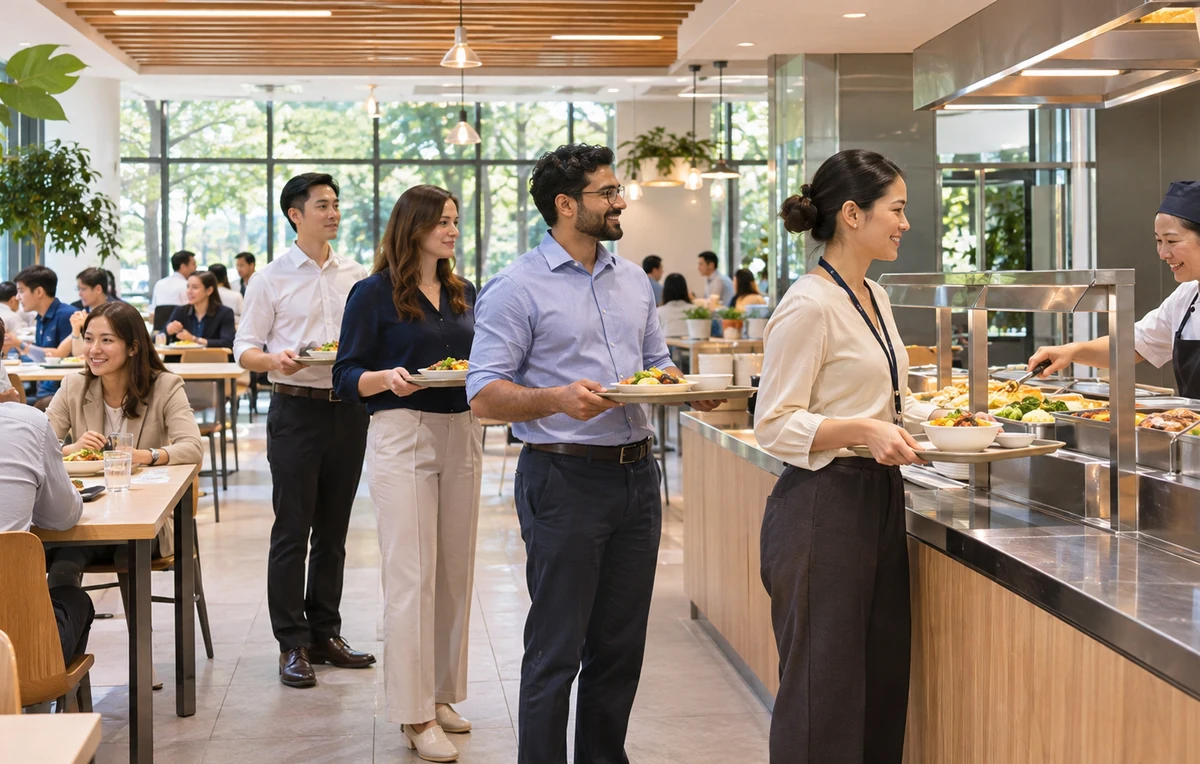
A staff badge can identify someone at a cafeteria entrance. Your meal software answers the next questions: has this person booked lunch, which dining location may they use, and does the meal require a payment? Connecting those decisions to the entrance makes the same credential more useful throughout the dining journey.
Cafeteria access control connects identity verification at a door or gate with permission to enter a dining area. When integrated with meal software, that permission can reflect a reservation, meal allowance, approved serving period, or assigned cafeteria. CIVINTEC access control terminals provide the hardware connection; the customer's software defines the dining rules.
For the wider entrance and dining workflow, CIVINTEC's cafeteria management solution provides useful context. This guide focuses on the next planning decision: how to connect your existing meal software to suitable terminals while keeping entry, meal collection, and payment records meaningful.
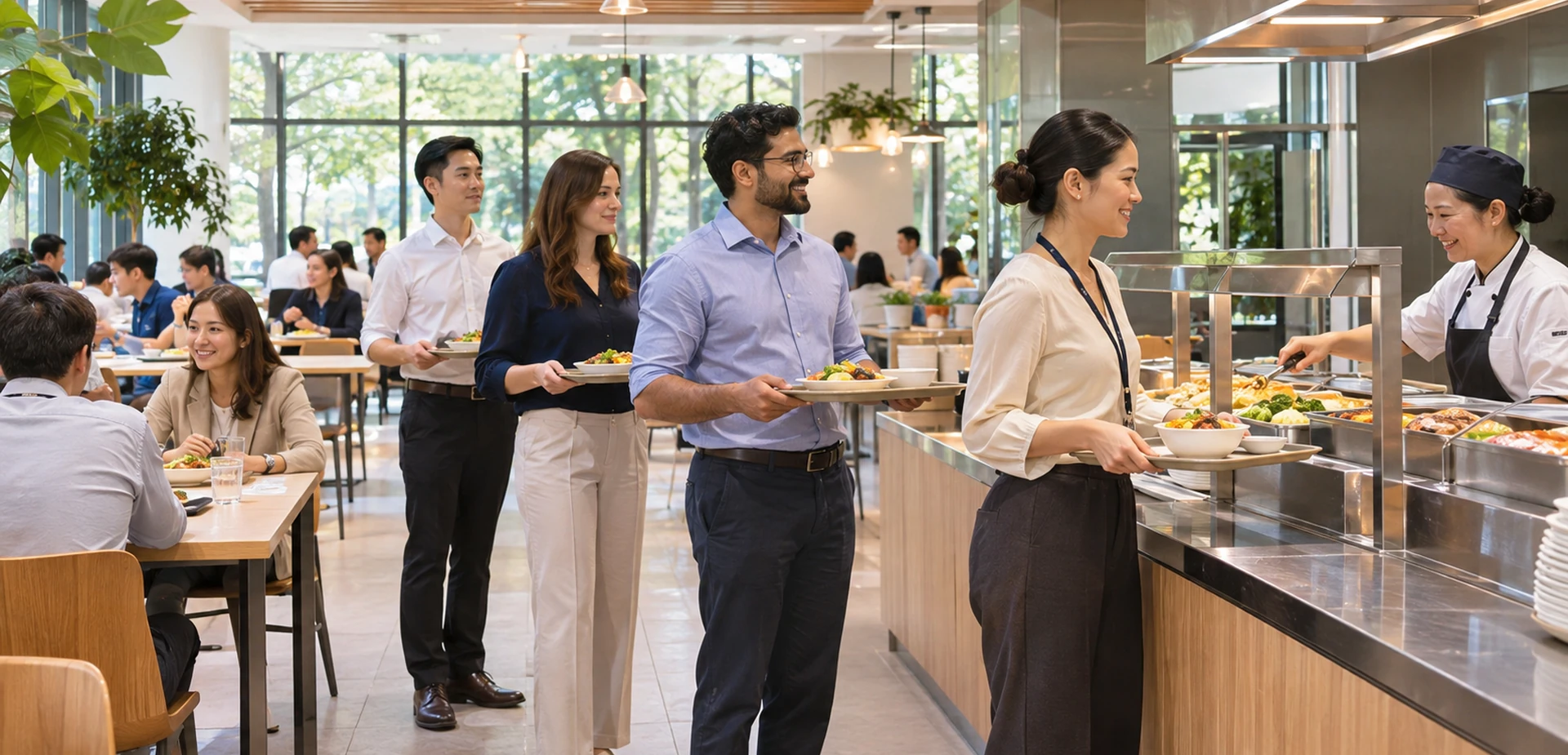
The most useful integration starts with the dining policy, rather than a list of device features. A corporate cafeteria may provide an included lunch, charge for extra purchases, and serve contractors under a separate account. Each arrangement needs a clear software decision before the entrance can respond appropriately.
An approval might mean permission to enter the dining hall, permission to collect a reserved meal, or confirmation that a charge has succeeded. These are different events. Choose the event that the particular terminal location will support, then explain that meaning to staff and diners.
For example, an employee could enter the cafeteria to meet a colleague without collecting lunch. If the entrance scan automatically counts as a consumed meal, the catering report will overstate meal collection. Where this distinction matters, use a separate pickup confirmation or a software workflow that records collection explicitly.
| Decision | Customer software responsibility | Terminal or connected entrance role |
|---|---|---|
| Who is presenting a credential | Link the credential to an active person or approved visitor | Read a supported credential or perform configured authentication |
| Who may enter | Define the allowed location, period, and access status | Apply the supported authorization and control the compatible entrance |
| Who may collect a meal | Check the booking, allowance, or guest meal approval | Provide the configured identification point for the collection workflow |
| Whether money is due | Apply prices, subsidies, account rules, and payment confirmation | Exchange supported data with the integrated application |
| What happened afterward | Reconcile entry, collection, and payment as separate records | Supply the supported access events for software reporting |
The table describes an integration plan, rather than a meal application supplied inside every terminal. Agree the required data exchange with your software provider and CIVINTEC before choosing the final configuration.
Meal eligibility usually changes more often than the physical entrance. Employees join a shift, students change a meal plan, and visitors arrive for a single lunch. Connecting the software allows the dining policy to guide access without treating every credential holder as permanently entitled to every cafeteria.
Use a stable person record in the customer software, with their current credential mapped to that record. Replacing a lost badge should update the credential association while preserving the person's meal booking and account history. Decide how the previous badge will be withdrawn from the relevant access configuration.
The meal period also needs a business definition. A night shift meal served after midnight may belong to the previous working day. Specify the service date and opening window in the application so that a valid booking does not appear expired simply because the calendar date has changed.
Permission to enter a cafeteria should reflect the person's purpose. A diner needs access to the public dining entrance. A catering employee may also need a preparation area or store room. A delivery contractor may need a receiving entrance during an agreed delivery window.
Employees and students: Associate dining permission with the relevant site, meal plan, and service period.
Visitors: Give the approved meal visit an expiry and a defined location through the customer software.
Catering staff: Base preparation and storage access on work duties, independently of meal benefits.
Service contractors: Limit the approved route and work period without granting general dining or kitchen access.
For education projects, connect this dining policy with the broader campus access control solution. A student identity can link several services, while residence entry, library access, and meal eligibility retain their own permission rules.
[block1]
CIVINTEC provides access control terminals with SDK resources and supported communication interfaces for customer integration. The practical task is to decide which information moves between the software and the terminal, when authorization takes place, and what response the diner should receive.
Consider an illustrative employee lunch workflow. The employer's meal application contains the employee record, lunch reservation, assigned cafeteria, and allowance. A compatible CIVINTEC terminal provides the identification point at the dining entrance.
Prepare the entitlement. The meal software confirms the reservation and the cafeteria where it can be used.
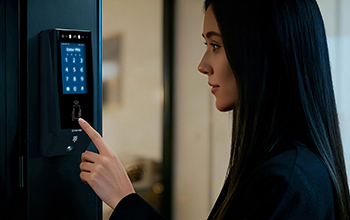
Present the credential. The employee uses an approved RFID card, NFC/BLE mobile credential, QR code, or configured facial authentication option.
Apply the access decision. The integration checks or applies the supported authorization for that entrance, using the selected operating mode.
Release the entrance. The compatible door or gate responds to the approved access control output.
Confirm meal collection. The chosen pickup workflow records whether the employee actually receives the meal.
Reconcile the records. The application relates the entry and collection to the relevant booking and any payment transaction.
This sequence is a design example. It does not require every project to make a live server request for every scan. The integration team should choose the supported online or local authorization arrangement that matches the dining policy and network conditions.
Choose messages that tell the person what to do next. An approved entry, an early arrival, an unknown credential, and a booking assigned to another cafeteria need different handling. With supported display configuration, the terminal can present relevant status feedback; the software integration determines the business meaning behind it.
Keep the recovery path simple. A visitor with an approved lunch but an unreadable credential needs a way to contact the responsible team. Define who may correct the booking or approve an exception, then record that action in the customer software. This helps the entrance support the service rather than become a separate administrative task.
The credential should fit how people already use the facility. Offering several supported methods can help different groups use the same entrance, provided their credentials connect to the correct software identity and permission record.
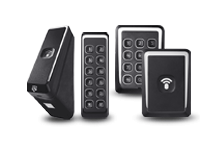
RFID is useful where employees or students already carry compatible cards. Before reusing an existing credential, confirm the exact card technology and the data the project needs to read. Matching a frequency alone does not establish compatibility with every card application.
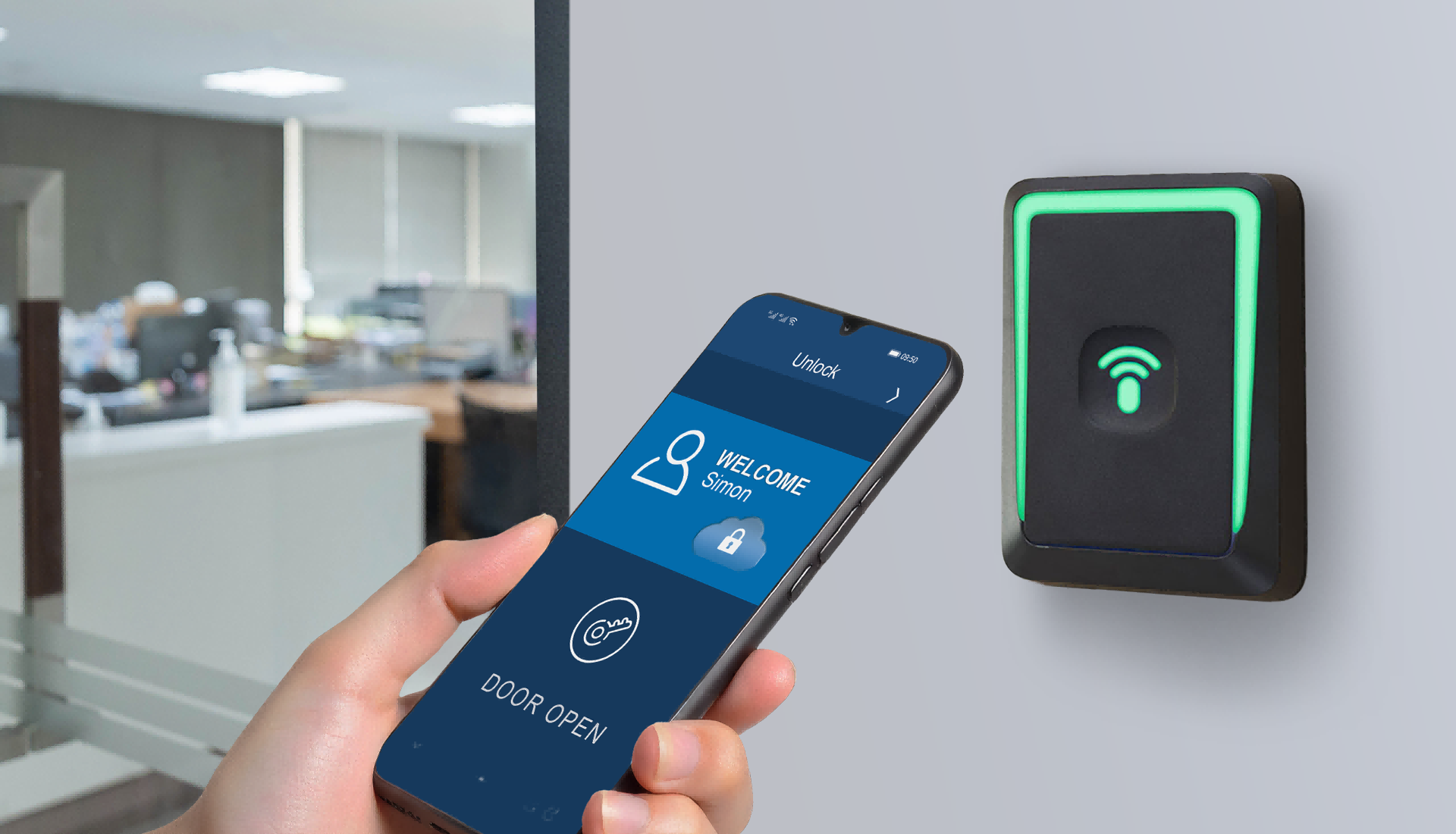
NFC/BLE mobile credentials offer another identification option for regular diners and approved visitors. Their validity period, allowed serving window, and permitted cafeteria belong in the customer management software. These conditions apply to the person and their authorization, rather than being features exclusive to a QR code.
A QR code can identify an approved visitor or meal reservation when the selected terminal has the optional QR code module and the application provides a compatible workflow. Agree how the software treats cancelled bookings and repeated presentations before issuing visitor credentials.
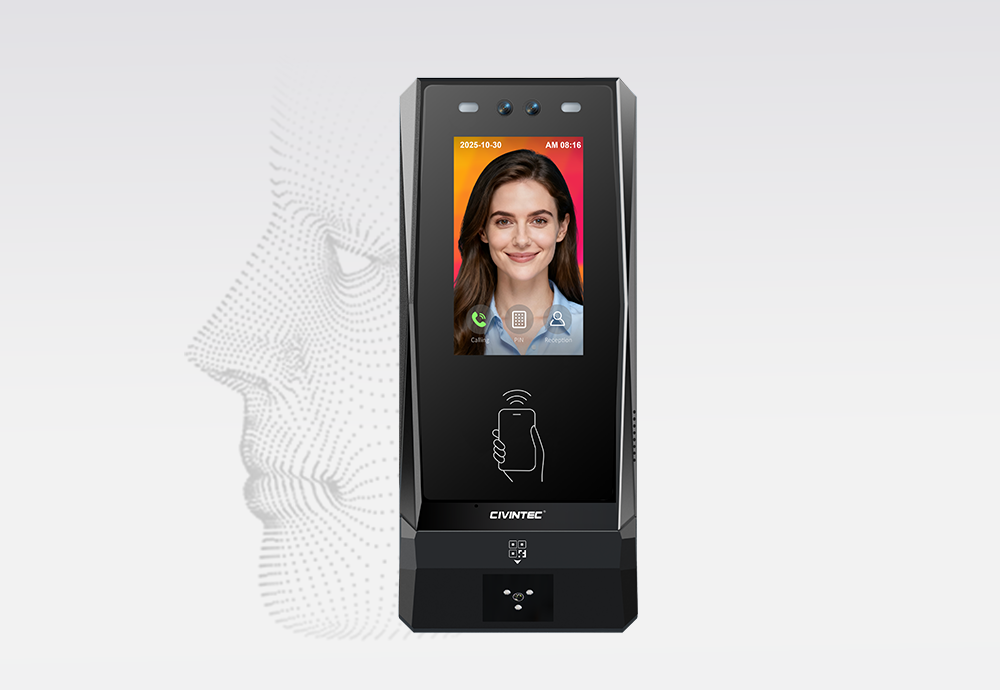
CT11 adds facial recognition for projects that choose biometric authentication. Plan enrollment and the alternative credential route with the customer. CT10's camera does not provide the same facial recognition function, and CT9 PRO-W does not include a camera. Choose these capabilities because they serve the dining operation, rather than making every entrance use the same authentication method.
RFID can support both identification and small-value cashless payment in a compatible, integrated cafeteria arrangement. For example, a staff card may identify the person for an included meal and link an additional purchase to their approved cafeteria account. The credential connects the person to the transaction; the meal or payment software applies the financial rules.
Define whether the application uses a prepaid account, an employer allowance, a meal subsidy, or another approved closed-loop payment arrangement. It should determine the price, available benefit, amount due, successful transaction status, and any later correction or refund. Confirm the required credential application and terminal configuration with the project team.
Do not treat an RFID read or an approved door release as proof of a successful charge. If a connection drops after the software accepts a purchase, the application needs a defined way to check its transaction result before retrying. This is a payment integration decision, not an assumption that every repeat scan should create another deduction.
Payment at the entrance may suit a fixed-price meal. Where diners choose additional items inside, the appropriate payment point may be the serving counter or checkout. Design the entry rule around the actual service model so that an optional purchase does not unnecessarily delay everyone entering the dining hall.
CIVINTEC's cashless self-service dining guide expands on the wider dining and payment application. Here, the priority is connecting the correct account decision to the relevant access or service event. General bank card acquiring and universal mobile wallet payment acceptance require separate confirmation.
Multi-site access control systems become useful when one organization operates several dining locations. The goal is to reuse appropriate identities and management processes while retaining the different opening periods, meal arrangements, and local responsibilities at each cafeteria.
A person may work at one campus during the week and visit another for a meeting. The customer software can define whether the existing meal entitlement travels with that person, needs advance approval, or stays restricted to the original cafeteria. Reusing a credential does not automatically mean providing the same benefit everywhere.
Use clear site and entrance identifiers in the integration. A meal reservation should point to a recognizable service location, and an access record should identify the terminal or entrance involved. This helps administrators distinguish a booking mismatch from a device or credential issue without relying on a person's name alone.
When a reservation moves from one cafeteria to another, define how the customer application withdraws the original allocation and confirms the replacement. If the policy permits only one subsidized lunch, the software needs an agreed way to apply that rule across participating sites, including concurrent attempts.
Local managers may also need different reporting views. A catering operator can review collection at their site, while an employer reviews the total benefit provided across locations. Keep the report permissions and account ownership in the software design. CIVINTEC's multi-site enterprise access guide provides broader context for distributed access management; this dining workflow adds the meal-specific decisions.
Good dining data should help the team answer a practical question. Entry records show access activity. Booking records show planned demand. Pickup confirmation shows the meals actually collected. Payment records show the financial outcome. Comparing these sources can help explain service demand without assigning the same meaning to every event.
Some people scan twice because they missed the first response. Others leave briefly and return. Decide whether these actions create another access event, a repeated pickup request, or a new purchase attempt. Ask the software provider how it will recognize an already processed meal request and preserve the original result.
If the operation uses meal tickets, define what the ticket proves and when it becomes valid. CIVINTEC's canteen ticket printing integration illustrates an external printer arrangement. Printing requires the appropriate integration and hardware connection; a printer is not built into the access control terminal. A printed ticket alone also does not establish that a meal was collected.
Select supported host or local operation with a clear understanding of the information available during a network interruption. A local access permission may remain usable while a recent booking change or account balance is unavailable. Agree whether that situation permits entry, requires staff assistance, or pauses a paid service.
After connectivity returns, reconcile the supported access events with the application records. Test this behavior with the proposed configuration instead of assuming that offline door access also confirms a current payment or a newly changed meal entitlement.
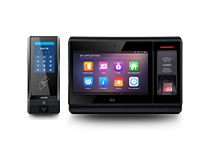
Choose the terminal after defining the credential, assistance, and software workflow. All three product families offer options for connected access control, but their camera and authentication capabilities differ. Check the exact order configuration and integration requirements for the intended installation.
The CIVINTEC CT11 access control terminal adds facial recognition and VoIP audio intercom to the available credential options. Evaluate it where diners will use configured facial authentication or where an entrance needs an audio assistance route. Meal eligibility and payment decisions remain part of the connected customer application.
The CIVINTEC CT10 access control terminal supports credential-based entry with a camera and VoIP audio intercom. It can suit a dining entrance that uses cards or mobile credentials and requires the supported camera or assistance functions. Confirm camera trigger conditions for the selected workflow; CT10 does not provide facial recognition.
The CIVINTEC CT9 PRO-W access control terminal provides a touchscreen option for connected credential access without a built-in camera or VoIP intercom. Evaluate it where the main requirement is an identification point linked to customer software and compatible door or gate control.
| Feature | CT11 | CT10 | CT9 PRO-W |
|---|---|---|---|
| RFID credentials | RFID (125kHz and 13.56MHz) | RFID (125kHz and 13.56MHz) | RFID (125kHz and 13.56MHz) |
| Mobile credentials | NFC/BLE mobile credentials | NFC/BLE mobile credentials | NFC/BLE mobile credentials |
| QR code reading | Optional QR code module | Optional QR code module | Optional QR code module |
| Facial recognition | Supported | Not supported | Not supported |
| Camera and assistance | Camera for facial authentication; VoIP audio intercom | Camera; VoIP audio intercom | No built-in camera or VoIP intercom |
| Meal and payment rules | Customer software integration | Customer software integration | Customer software integration |
Start with a representative entrance and the people who will actually use it. A useful pilot includes a regular diner, a visitor, a changed reservation, and a meal that requires an additional payment. Ask the catering team to review both the entrance response and the application record.
Valid meal: The correct person, cafeteria, and serving period produce the intended response.
Changed booking: A cancellation or site transfer reaches the relevant authorization workflow.
Repeated presentation: Another scan does not create an unintended second meal or payment.
Service interruption: The agreed local or staff-assisted procedure works and records can be reconciled afterward.
Operational review: The team can distinguish a reservation problem from an access event or an unsettled transaction.
Use the findings to refine the workflow before adding more locations. This gives procurement a concrete basis for selecting credentials, terminal configurations, entrance hardware, and the required software work.
[block2]
Effective cafeteria access control connects the dining policy in your meal software with a suitable identification and entrance workflow. CIVINTEC terminals provide hardware options for that connection, while your application manages meal eligibility, local permissions, small-value payment arrangements, and service records. Keeping these responsibilities clear makes the system easier to specify and expand across cafeterias.
Compare the CIVINTEC access control terminal range, then contact CIVINTEC with your meal software, preferred credentials, cafeteria locations, entrance layout, and payment requirements. These details help identify the appropriate CT11, CT10, or CT9 PRO-W configuration and the integration scope for your project.


 Home >
 Share




 Contact Us
