

-

Applications

Industries

 OEM & ODM Service
 Development Service
 Download
 Technical support
 Warranty & RMA
 FAQS
 My Community
 Who Is CIVINTEC
 Why CIVINTEC
 News & Express
 Cooperation




 Nov 05, 2026
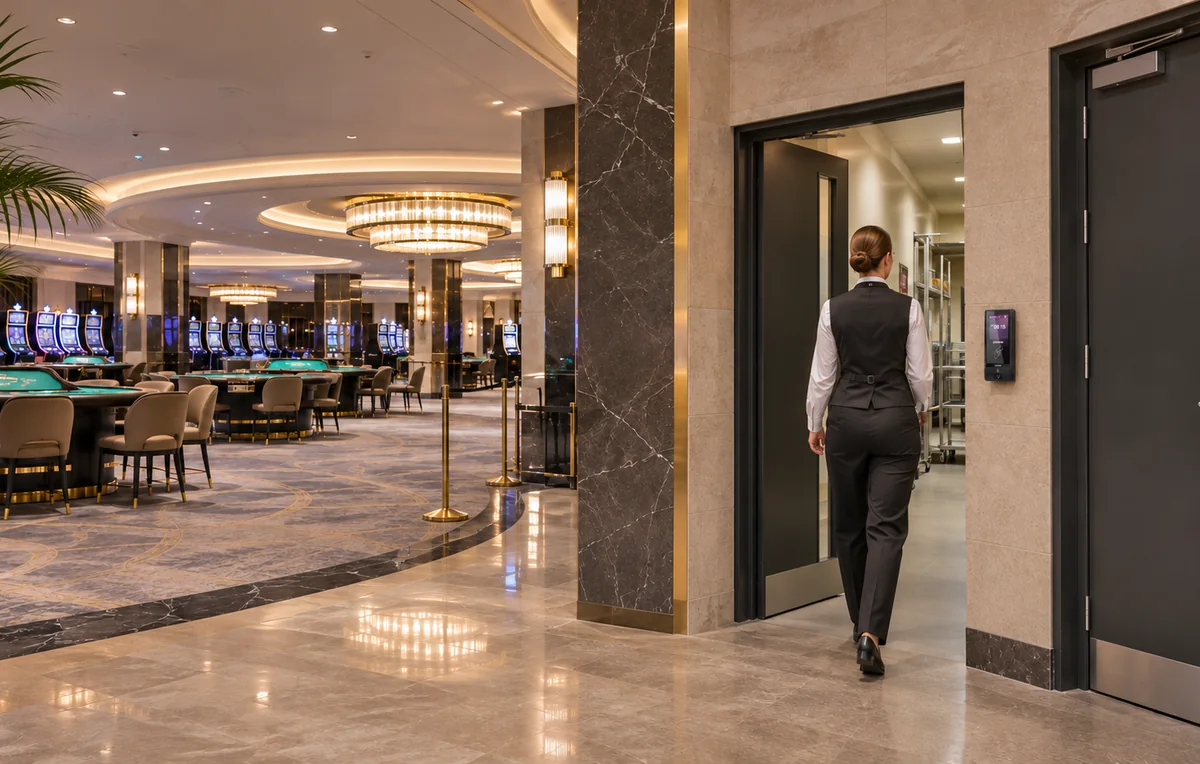
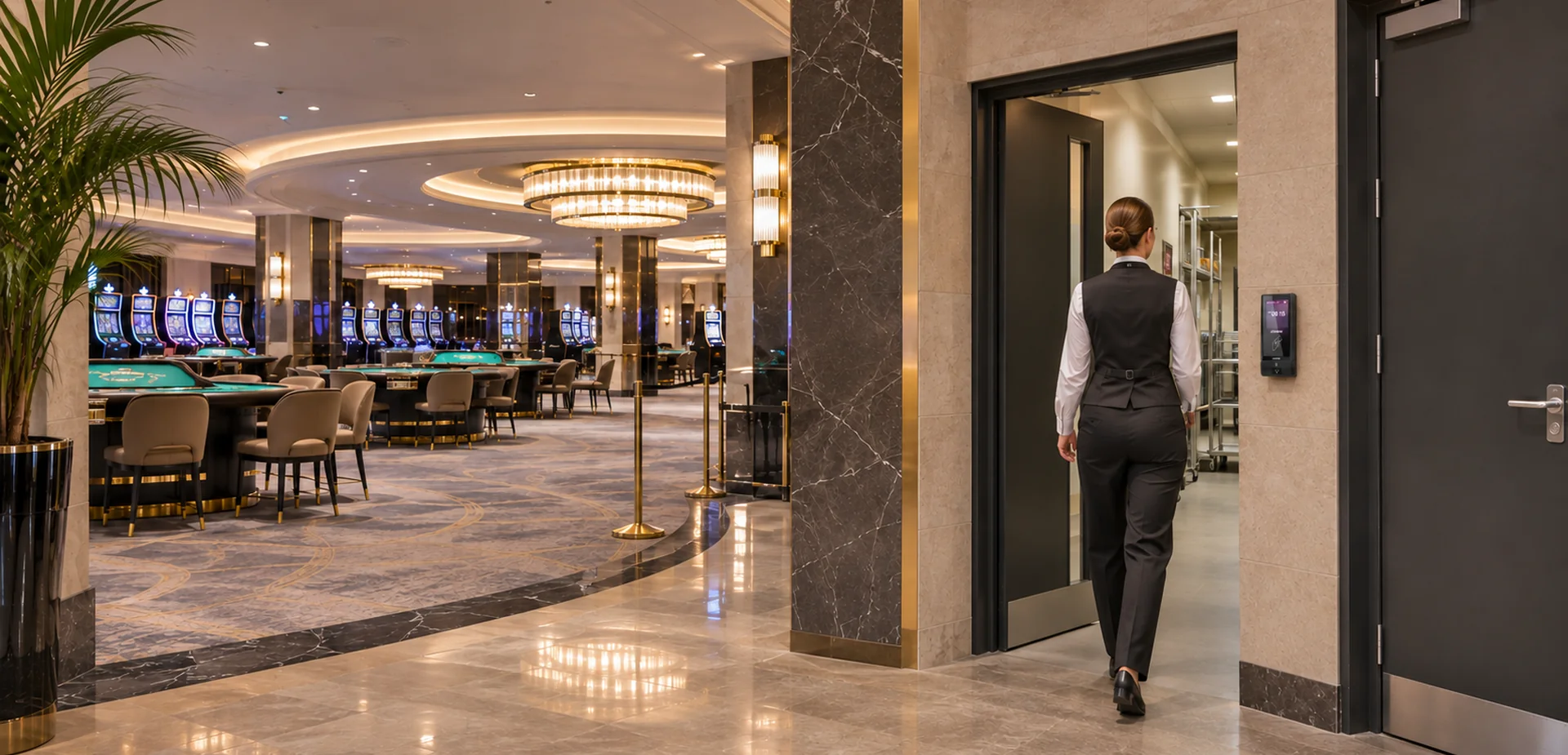
A casino can remain open to guests while its staff areas follow very different entry rules. Dealers change shifts, cash-handling teams move between restricted rooms, technicians visit equipment areas, and suppliers arrive at service entrances. Giving all these groups the same back-of-house access makes it harder to control who can reach sensitive spaces.
Casino and Gaming Access Control connects staff identification with permission to enter a particular zone at an approved time. A valid employee credential should open the doors needed for that person's work, while leaving unrelated departments and restricted rooms outside their access profile.
CIVINTEC provides access control terminals and integration resources for these workflows. Building on its casino and gaming security access control solution, this guide focuses on staff zones: how to organize permissions, select authentication methods, and connect door control with the customer's management software.
The first design decision is where one access permission should end and another should begin. Start with a floor plan showing public areas, staff circulation, restricted departments, and delivery routes. Then follow the journeys employees and contractors make during a normal shift.
A dealer may need the employee entrance, changing area, and an approved route to the gaming floor. That route does not necessarily include cash offices, surveillance rooms, or technical storage. Keeping these permissions separate makes a casino access control system more useful than a single staff-only boundary.
Staff entrances establish the initial boundary between public circulation and operational areas. They should support routine arrivals without making the same credential valid at every internal door.
Regular employees: Assign an identity and a role that reflect the person's department and approved work locations.
Relief staff: Add access for a temporary assignment without permanently expanding the employee's normal permissions.
Cleaning teams: Define the rooms and service periods required for the task, including any areas that need supervision.
Contractors: Give each visit a named sponsor, an approved route, and an end date in the customer software.
Plan the complete route, including permitted break areas and exits. An employee who can enter a corridor but cannot reach the assigned workplace may be encouraged to borrow a credential or ask someone to hold a door open.
Cash-related rooms need a narrower authorization group than general staff corridors. Identify who approves access, which shifts or duties justify it, and how temporary changes are recorded. A supervisor covering another department should receive a defined exception rather than unrestricted access across the property.
Door authorization also needs to fit the venue's cash-handling procedures. If the operator requires escorts or two-person approval, those workflows must be designed with the relevant software and physical controls. Selecting an access control terminal alone does not establish these procedures.
Surveillance rooms, network closets, and gaming-equipment service rooms support different responsibilities. Security operators may need the surveillance room, while a maintenance contractor may only need a specified technical area for an approved repair.
Permission to enter a room should remain distinct from permission to use its systems or equipment. This separation is also discussed in CIVINTEC's high-security access control guide. For a casino project, it helps keep physical entry aligned with departmental ownership without treating a door credential as a software administrator account.
Deliveries should reach the receiving team without creating an open route into sensitive staff areas. Separate the arrival point from internal authorization, especially where suppliers share a service corridor with employees.
The same operational question appears in retail staff-area access control: how can an authorized delivery reach its destination while offices and storage remain separately controlled? Casino operators can apply this route-based approach to kitchens, stores, maintenance access, and contractor arrivals.
Different personnel may need different credentials. Regular staff often prefer a familiar card, while approved mobile credentials can suit selected employees. Temporary access may use a QR workflow, and some entrances may call for facial recognition. The objective is to make identity checks practical for the people and doors involved.
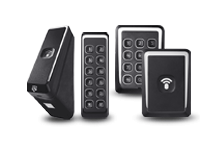
RFID cards provide a physical credential for employees who do not use a personal phone at work. When evaluating card security, distinguish between reading a public card number and authenticating a protected card application.
For suitable DESFire implementations, AES authentication and correctly managed keys help resist misuse based only on copied card identifiers. Reading the UID alone does not provide that protection. CT9 PRO offers a SAM slot for configured secure RFID applications; the selected model, SAM installation, protected application, and key-management approach should be agreed together.
This approach is particularly relevant when reviewing credentials for cash offices or other restricted departments. It strengthens credential authentication, while role permissions still determine which doors the employee may enter. A secure card does not prevent its holder from lending it or someone else following through an open door.
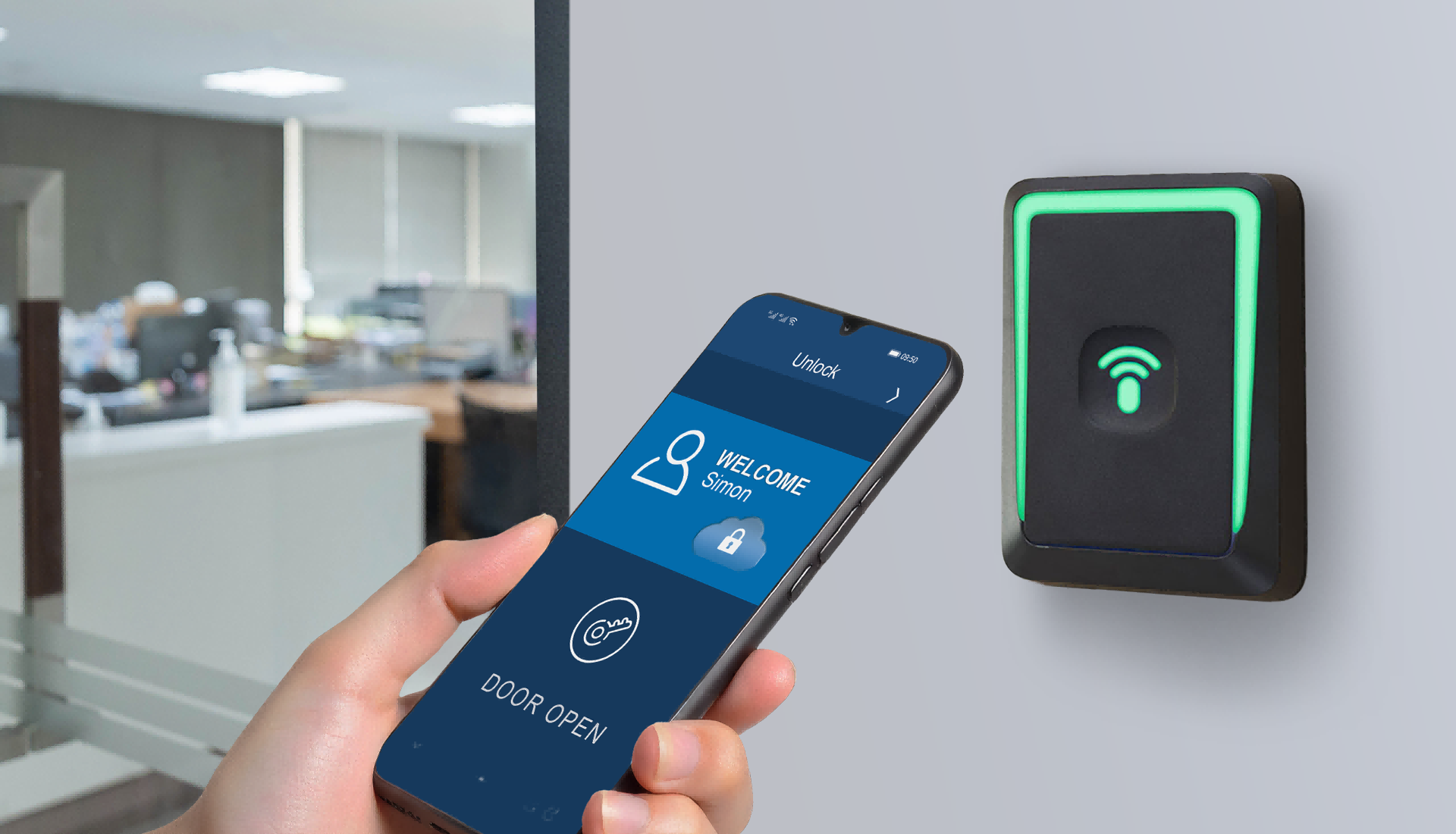
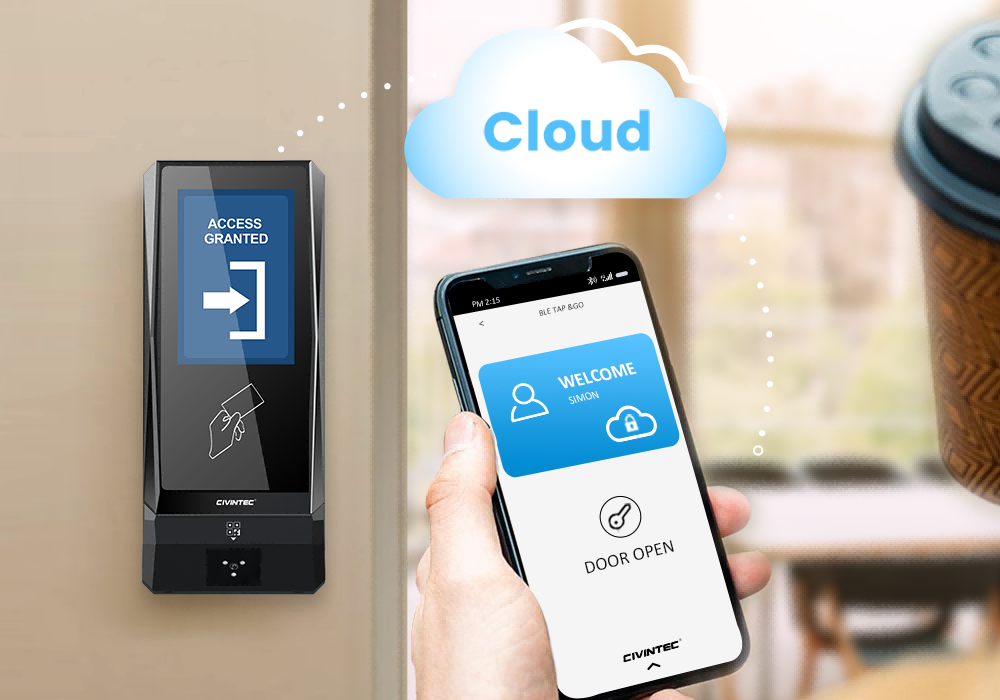
NFC/BLE mobile credentials can provide an alternative for staff whose role and workplace policies allow phone-based entry. The deployment should include a clear process for credential issuance, device replacement, and revocation.
Keep a practical alternative for employees who cannot use a personal device. A mobile credential should remain tied to an authorized identity and approved areas; changing the credential medium should not silently expand access rights.
An optional QR code module can support approved contractors or temporary staff. Customer software defines the permitted doors, validity period, cancellation rules, and any restrictions on repeated use. The terminal reads the credential and participates in the configured authorization workflow.
For example, a service technician may receive access to one maintenance entrance during a scheduled visit. If the visit is cancelled, the software and terminal integration should carry that cancellation through to the relevant entry point. A QR image by itself does not enforce an expiry or prevent forwarding.
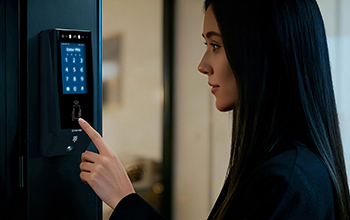
PIN entry offers another option. Basic PIN settings and more advanced workflows should be distinguished: individual or dynamic PIN assignment requires the supported customer software integration. Avoid using a permanent shared code as the default identity for unrelated departments or contractors.
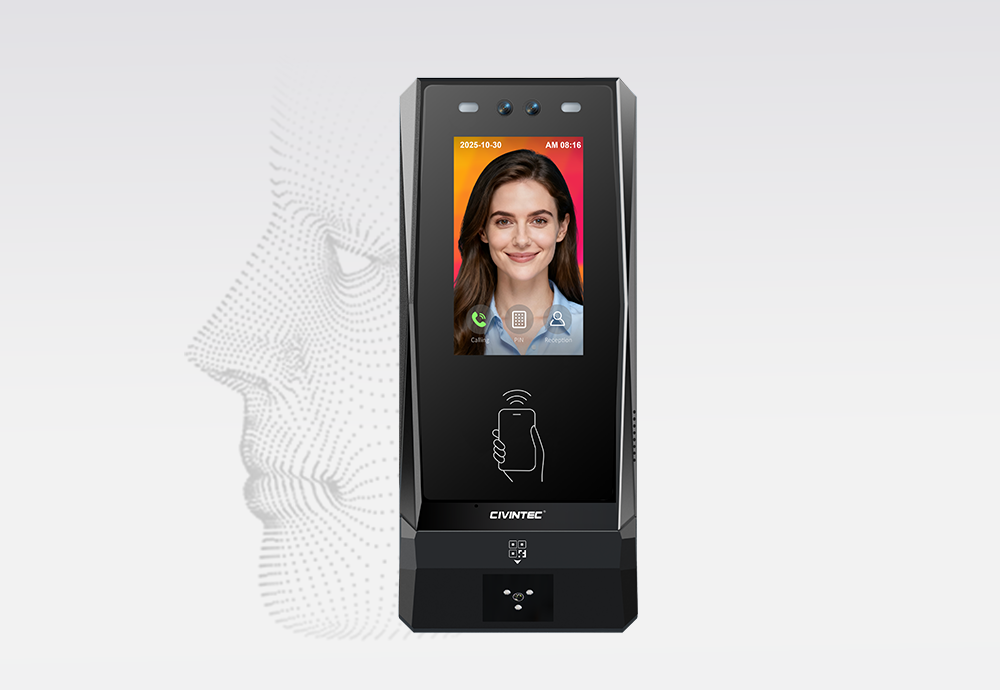
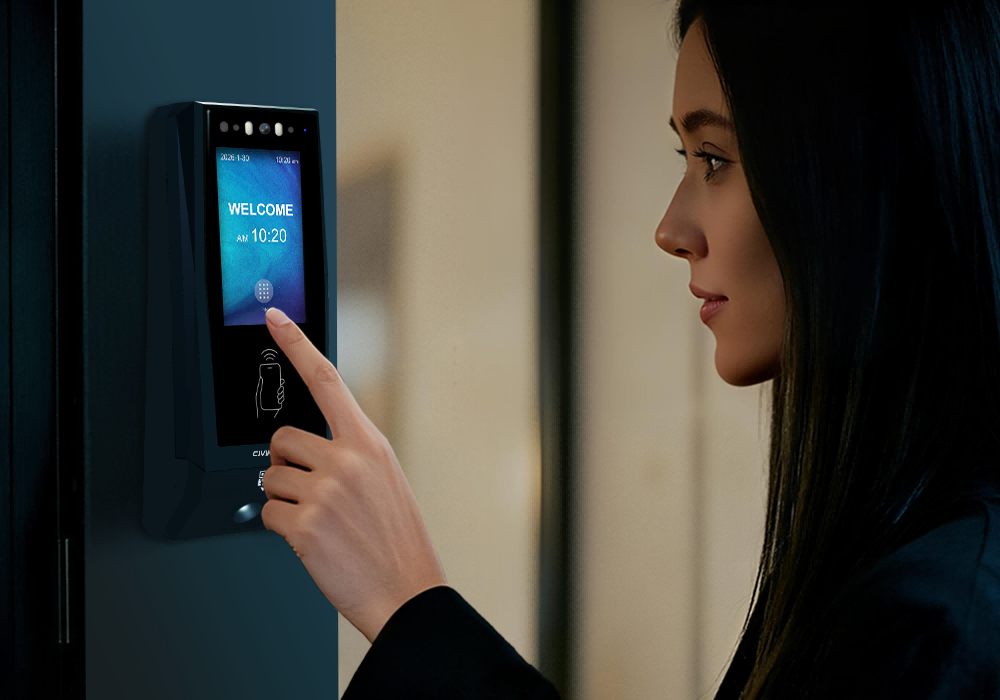
Where biometric identification fits the project, CT11 provides facial recognition as an additional authentication option. Enrollment, installation conditions, staff communication, and an alternative entry route should be considered before deployment.
Facial recognition can help connect an access check to the enrolled employee, but it does not replace role authorization or physical door supervision. Similarly, offering several credential types does not automatically mean that multiple factors are required together. Any combined verification rule needs an explicitly supported and tested configuration.
Casino operations continue across shift changes, temporary cover, and changing assignments. Permissions need to follow those changes, rather than accumulate each time an employee helps another department.
The customer management platform can organize access around the employee's identity, role, location, and authorized period. CIVINTEC access control terminals then support the configured identification and door-control process.
Before the first shift: Create the identity, approve the relevant staff zones, and issue the selected credential.
During reassignment: Add the doors needed for the new duty and review whether previous permissions are still required.
For temporary cover: Define a start and end time, with a named manager responsible for the exception.
After a lost credential: Revoke or replace the affected credential and confirm that the change reaches the relevant terminals.
When employment ends: Remove access through the customer's offboarding workflow and review any outstanding temporary permissions.
Consider a relief cashier who covers a late shift. The person's existing staff entrance permission may remain valid, while access to the cash office is granted only for the approved assignment. When that assignment ends, the additional permission should close without disrupting the employee's normal access elsewhere.
Shift rules also need to accommodate authorized early arrivals, overtime, and overnight work. Test a shift crossing midnight and an approved extension before applying a standard schedule to the whole workforce. This helps reduce unnecessary entry exceptions without giving everyone all-day access.
[block1]
CIVINTEC's SDK resources support integration between access control hardware and customer-managed applications. The customer software owns business decisions such as department assignments, contractor approvals, credential validity, and permission changes. The terminal handles supported credential interaction, authorization execution, and event collection according to the chosen operating mode.
A practical integration can be organized around four steps:
Prepare approved identities and permissions. Establish which system holds the staff record and which administrator can approve access to each zone.
Apply the access decision. Connect credential reads with server authorization or configured local permissions, depending on the project architecture.
Collect relevant events. Map terminal identifiers, credential references, door locations, and timestamps into the customer application's records.
Maintain changes and exceptions. Handle credential replacement, expired assignments, denied entry, and interrupted communication through agreed workflows.
The SDK is an integration resource, not a complete casino management platform. Project teams should confirm the required interfaces, supported commands, event handling, and responsibilities before committing to a rollout. The broader CIVINTEC access control application overview provides context for connecting terminals with customer systems.
For an existing venue, begin with the software already responsible for employee and access records. Decide whether it will remain the permission source or exchange approved data with a separate access application. Avoid maintaining two independent permission lists without a clear synchronization process.
Model selection should follow the authentication method and the assistance needed at the door. The three terminals below offer different combinations of capabilities; they should not be treated as interchangeable.
Selection point | CIVINTEC CT11 | CIVINTEC CT10 | CIVINTEC CT9 PRO |
|---|---|---|---|
Main role | Facial recognition and credential-based entry | Credential-based entry with camera | Credential-based entry with secure RFID options |
RFID and mobile options | RFID 125kHz and 13.56MHz; NFC/BLE mobile credentials | RFID 125kHz and 13.56MHz; NFC/BLE mobile credentials | RFID DESFire with SAM configuration; NFC/BLE mobile credentials |
Other entry options | Face, optional QR code module, PIN | Optional QR code module, PIN | Optional QR code module, PIN |
Assistance and images | Facial recognition; VoIP audio intercom | Supported photo capture on RFID or QR reads; VoIP audio intercom | No built-in camera or VoIP audio intercom |
Example to evaluate | Employee entrance requiring face verification | Receiving entrance requiring audio assistance | Restricted office using a reviewed DESFire and SAM design |
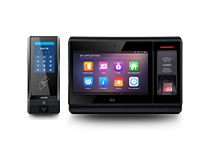
The CIVINTEC CT11 access control terminal is an option where the project requires facial recognition alongside other credential methods. A selected staff entrance is a useful pilot location because enrollment, user experience, and exception handling can be evaluated together.
The CIVINTEC CT10 access control terminal suits credential-based workflows where a camera and VoIP audio assistance are useful. Supported photo capture on RFID or QR reads depends on configuration; it should not be treated as continuous video surveillance or facial recognition.
The CIVINTEC CT9 PRO access control terminal provides another route for credential-based entry, including a specified DESFire and SAM implementation. It can be considered for offices or controlled staff areas where built-in camera and audio assistance are not required.
Confirm the exact ordered configuration for optional credential modules and network features. Selecting one model for every door may simplify purchasing, but selecting according to the actual entry workflow can avoid paying for unused functions or omitting needed assistance.
Authentication is one part of casino access control. Door locks, closing mechanisms, physical barriers, and the position of control equipment also affect whether a staff boundary remains effective after a valid credential is read.
At a sensitive entrance, review how the terminal communicates with the locking system and where the lock-control equipment is installed. Define who responds when a door remains open or an employee cannot gain authorized entry. These decisions should be part of the door schedule and installation design.
Credential checks alone do not prevent tailgating. Where the venue requires tighter control of physical passage, evaluate appropriate barriers, monitoring, and staff procedures. Anti-passback rules, if configured, concern credential entry and exit sequences; they are not a substitute for detecting how many people pass through a door.
Keep emergency exit arrangements within the wider door-system design. A security rule for entry should not be assumed to define how occupants leave during an emergency.
Ethernet can suit fixed staff entrances with existing cabling. Available wireless options should be selected against the specific terminal model, coverage, and the venue's network design. Where supported, PoE may simplify terminal power and data cabling, but the power needs of locks and external equipment must be assessed separately.
For server-connected operation, review HTTPS configuration, access to management interfaces, and the handling of communication failures. Network connectivity and application protocols serve different purposes and should both be included in the integration plan.
Configured local operation may allow supported authorization and event handling when the server connection is unavailable. Identify which credentials and permissions remain usable, how long they stay valid, and how records are handled when communication returns.
A disconnected terminal cannot receive a new server-side revocation until communication is restored and the change is applied. For a restricted staff zone, decide whether that delay is acceptable or whether another operational response is needed. Power continuity requires its own design; local authorization does not keep an unpowered door system running.
Access events help teams investigate denied entry, review temporary assignments, and identify permissions that no longer match an employee's role. Their value depends on consistent door naming, reliable identity mapping, and usable timestamps in the customer software.
For example, repeated denials at a receiving entrance may point to an expired contractor assignment, an incorrect door group, or a changed delivery schedule. Reviewing the event alongside the approved visit helps the responsible team address the cause without simply widening access.
Set a clear process for who can view records, how long records are retained, and how exceptions are escalated. An access event documents a system interaction; it does not automatically prove a person's complete movement through the building or create an immutable audit record.
A useful pilot covers more than a successful door opening. Choose an employee entrance and a restricted internal door so the team can test both routine arrival and a narrower permission boundary.
Verify an approved employee can use the intended route and is denied at an unrelated department.
Test a temporary assignment before its start time, during its validity, and after expiry.
Replace a lost credential and confirm the previous credential no longer works after the change is applied.
Check overnight shifts, authorized overtime, and a contractor visit that is cancelled.
Test the agreed response to a network interruption, recovery, and a door held open.
Use the results to refine permission groups and support procedures before extending the same design to additional entrances. A repeatable process makes it easier to maintain Casino and Gaming Access Control as departments, personnel, and site requirements change.
[block2]
Effective staff-zone security starts with clear permission boundaries and credentials that fit everyday work. CIVINTEC access control terminals provide hardware options for employee identification, controlled entry, and integration with customer management software. The complete system connects those capabilities with role approvals, door hardware, event review, and practical exception handling.
Review the CIVINTEC access control terminal range or discuss your casino staff-zone access control project with CIVINTEC. Share your staff-zone layout, preferred authentication methods, and software integration requirements to begin planning the right configuration.


 Home >
 Share




 Contact Us
