

-

Applications

Industries

 OEM & ODM Service
 Development Service
 Download
 Technical support
 Warranty & RMA
 FAQS
FAQS
 My Community
 Who Is CIVINTEC
 Why CIVINTEC
 News & Express
 Cooperation




 Oct 28, 2026
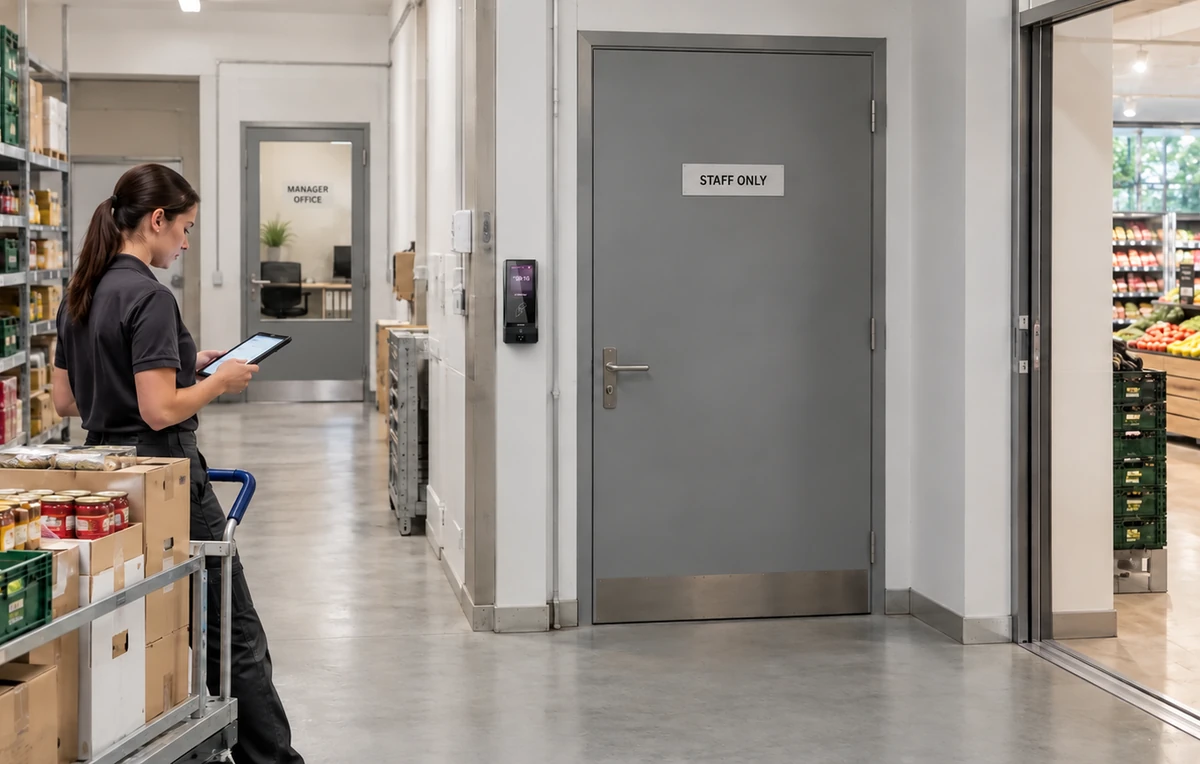
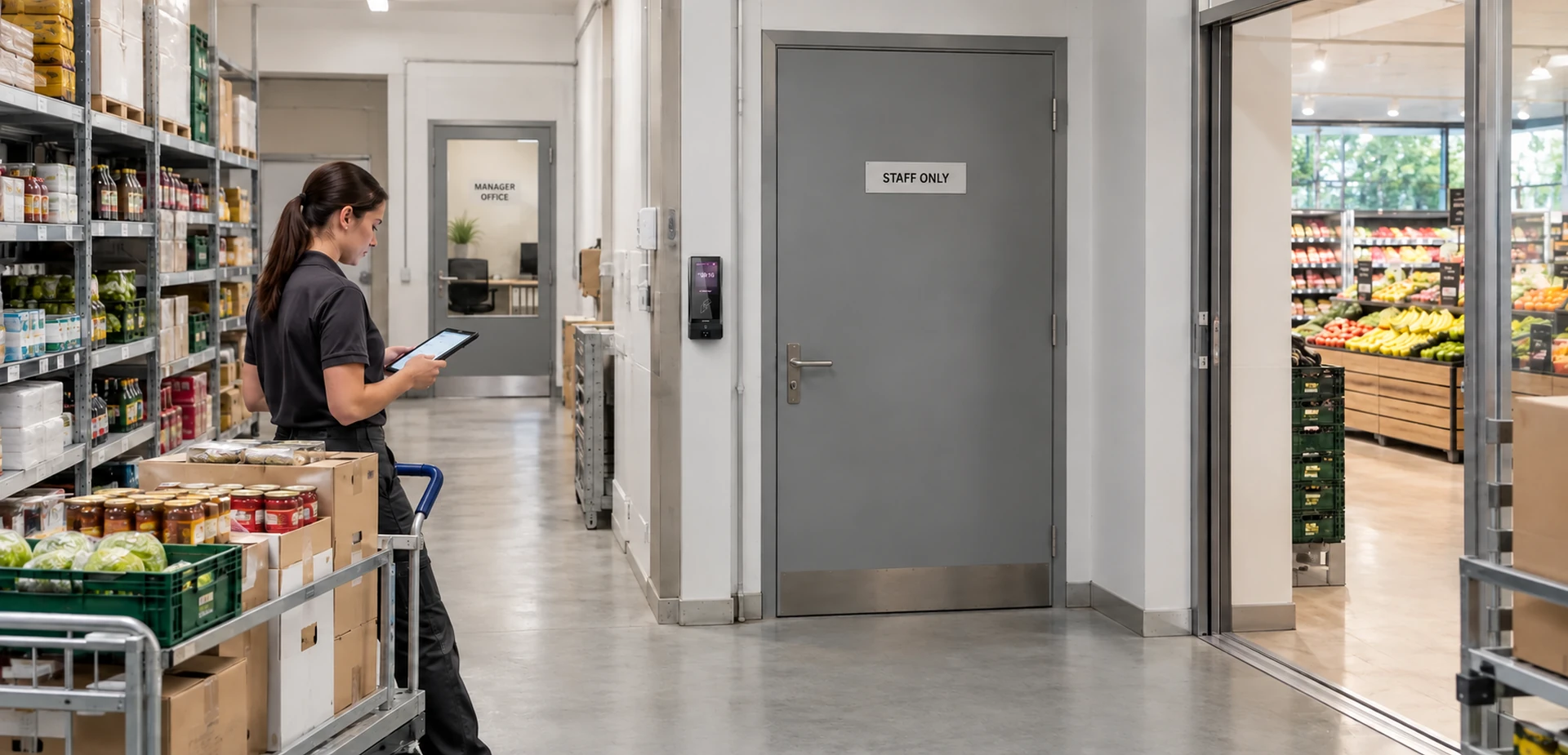
A busy retail store needs welcoming public entrances and clear boundaries behind the sales floor. Staff move between displays and stockrooms, managers handle private records, and delivery teams arrive while customers are shopping. A shared key or widely known door code makes those different responsibilities difficult to manage.
Retail access control helps stores connect staff identities with the areas and working periods they actually need. A replenishment assistant may need the stockroom throughout a shift, while a visiting contractor only needs an approved service entrance. Neither should automatically receive access to the manager's office.
CIVINTEC develops access control terminals and readers for integration with customer management software. Building on its retail and supermarket access control solution, this guide explains how to organize staff zones, choose credential options, and connect door access with everyday store operations.
Start with the routes people use, rather than a list of doors. Follow a delivery from the receiving entrance to storage, a sales assistant collecting replacement stock, and a manager arriving before opening. These journeys reveal where authorization needs to change and where repeated checks would interrupt routine work.
Stockrooms and back storage: Give replenishment and inventory teams access to the stock they handle. Keep high-value storage or controlled cabinets under separate permissions when the business requires an additional boundary.
Offices and administrative rooms: Limit entry according to responsibility for personnel files, business records, and management activities. Working on the sales floor should not automatically grant office access.
Receiving entrances: Distinguish store employees from external drivers and service personnel. An approved delivery should lead to a defined handover area, with a staff contact responsible for onward movement.
Shared staff facilities: Make break rooms and changing areas convenient for authorized employees while keeping routes into storage or administration separately controlled.
A small store may combine several functions in one room. In that case, agree what the shared door permission covers and whether a cabinet or internal partition needs a separate control point. The aim is a practical zone plan that staff can understand and managers can maintain.
A useful retail store access control system follows changes in the workforce. New starters, seasonal workers, relief managers, cleaners, and maintenance contractors have different reasons to enter staff areas. The customer platform should translate those responsibilities into approved locations and access periods.
Sales and replenishment staff: Assign the relevant store and stockroom permissions, with working periods that reflect preparation, trading, and closing activities.
Managers and supervisors: Add the offices or administrative areas required by their role. Define who can approve exceptional entry rather than giving every supervisor unrestricted control.
Temporary and visiting personnel: Give each assignment a start and end date. A temporary transfer to another branch should not create permanent access to both stores.
Cleaning and maintenance teams: Limit permissions to the rooms and service windows needed for the job, with a named store contact for unexpected changes.
For example, a relief employee supporting a weekend promotion may need the sales-floor staff entrance and stockroom at one additional branch. The assignment can end after the promotion without changing the person's normal home-store permissions. This is a software workflow to implement and test with the terminal integration.
Review exceptions regularly. A permission added to solve a one-day staffing problem should have an owner and an expiry, so yesterday's workaround does not become an overlooked permanent entitlement.
Different employees may prefer different ways to enter. CIVINTEC access control terminals offer credential options that can be selected for the project, allowing retailers to accommodate regular staff and temporary visitors within one permission framework. The identification method and the authorization policy should be planned together.
RFID cards suit stores with an established badge process. Before reusing an existing card, confirm the card technology, application, and security configuration. For projects using DESFire, protected application authentication and managed keys can provide a stronger approach than reading a card identifier alone.
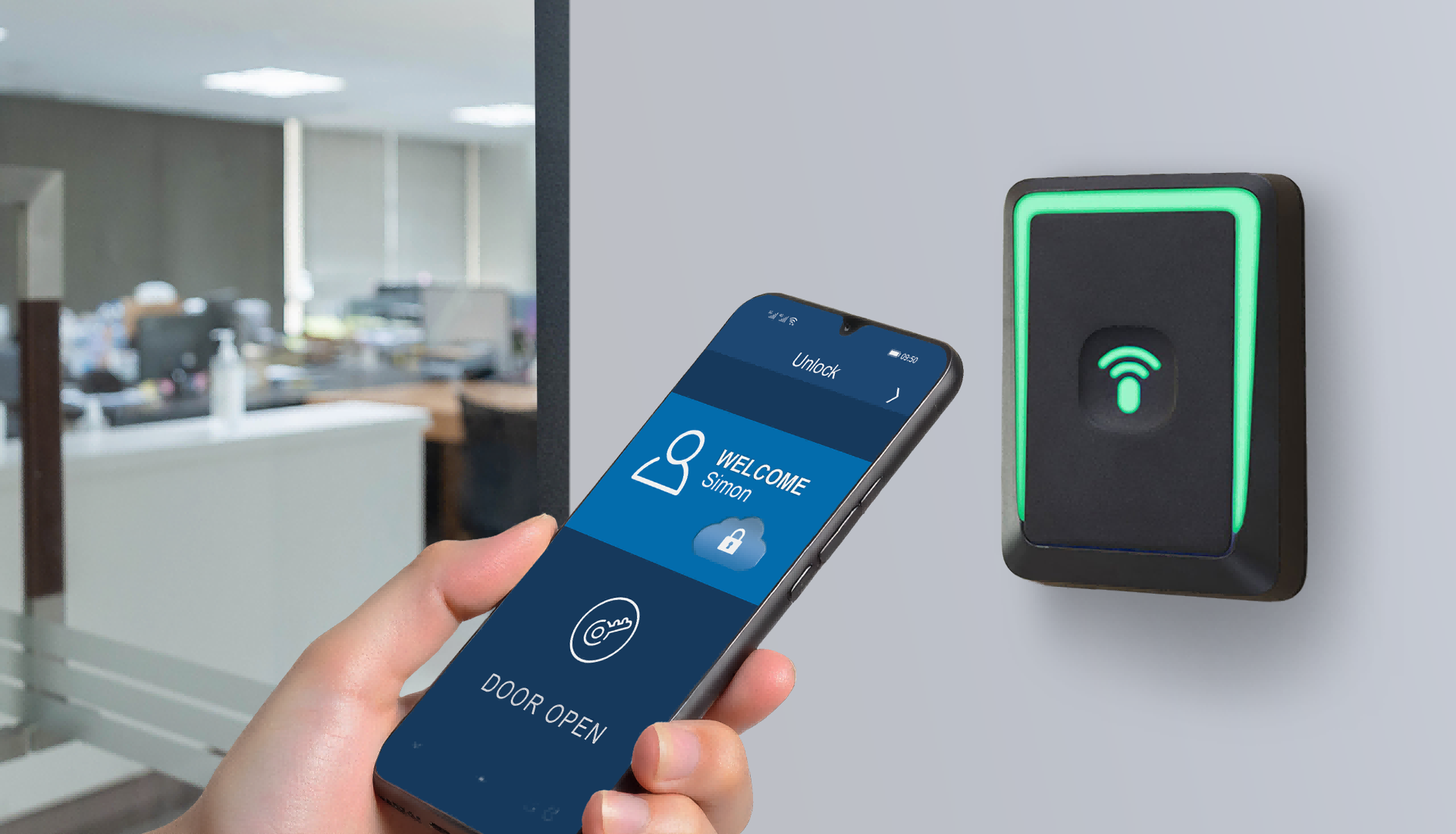
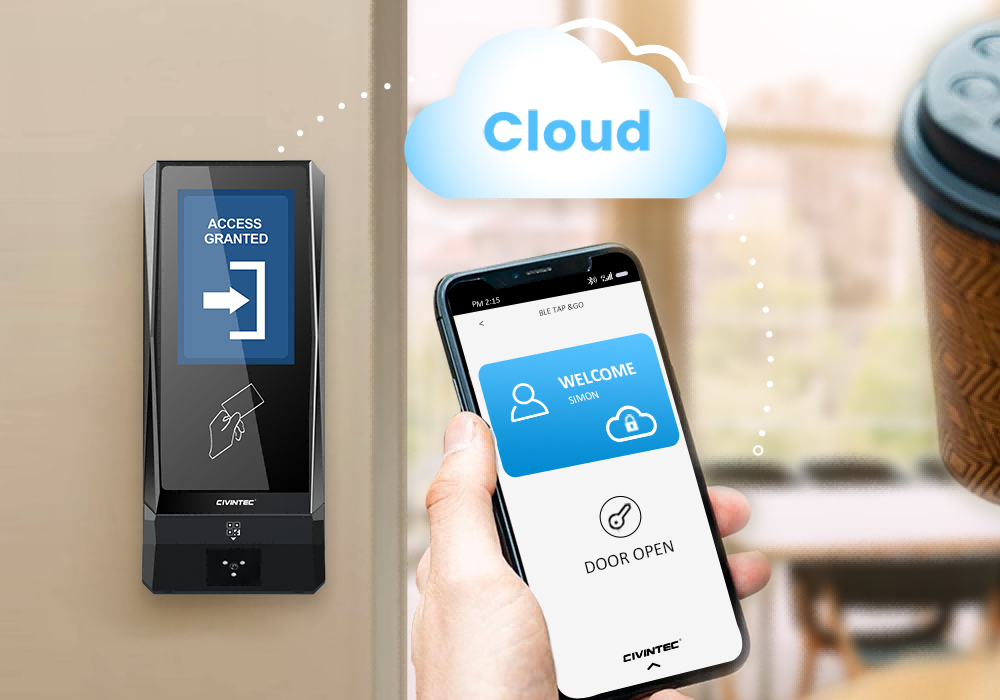
NFC/BLE mobile credentials provide another option for employees using approved smartphones. Plan how credentials are issued, replaced when a phone changes, and revoked when employment ends. Keep a practical alternative for staff who cannot use a personal device for work.
An optional QR code module can support a temporary access workflow for an approved contractor or visiting employee. The customer software must manage the credential's permitted doors and validity period; displaying a QR code does not by itself establish those rules. Include a process for cancelling a visit or reissuing a credential.
PIN entry can also fit selected doors and user groups. Avoid relying on one permanent code shared across the whole workforce. Where individual or dynamic PINs are required, confirm the customer software workflow and supported terminal configuration before rollout.
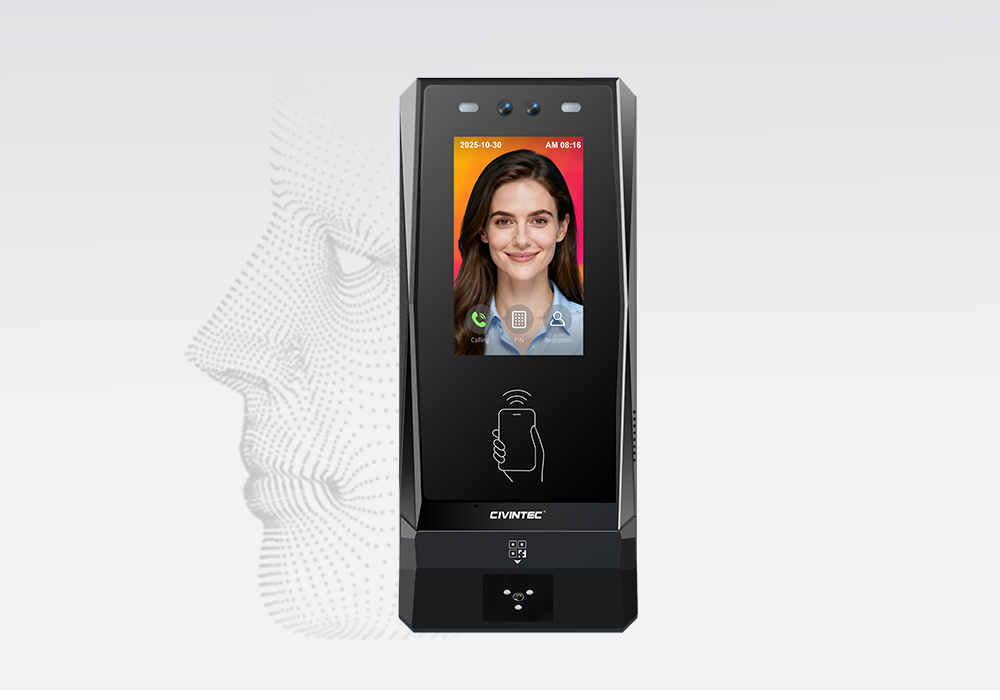
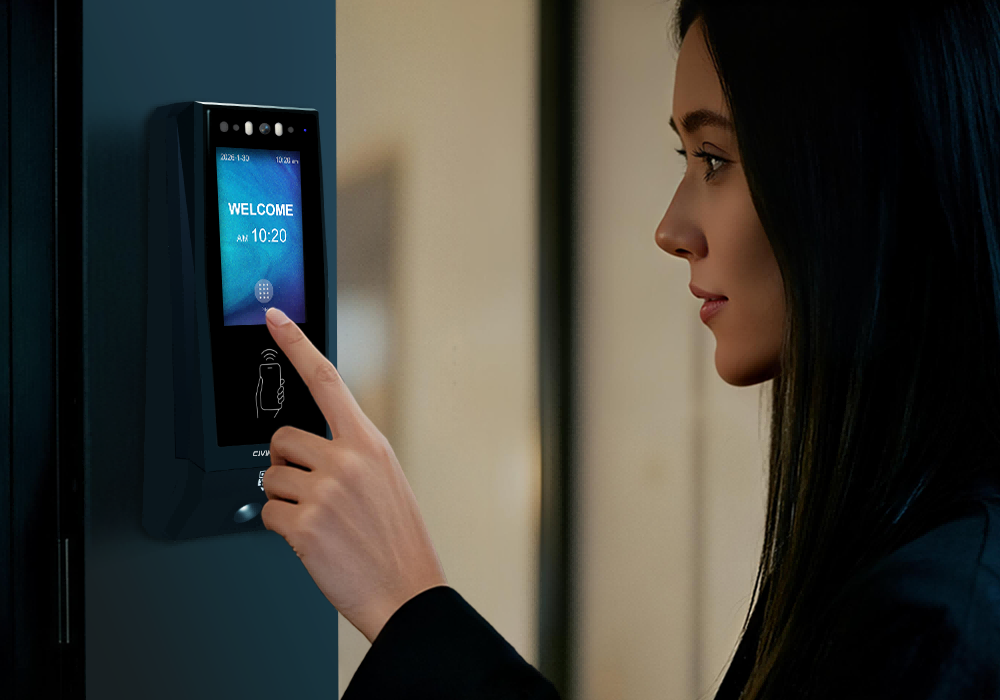
Where the project calls for biometric identification, CT11 provides facial recognition as an additional option. Assess enrollment, installation conditions, employee communication, and an alternative entry method as part of deployment. Offering several credential types does not automatically mean that two factors are required together; any combined authentication rule must be supported and configured.
[block1]
The receiving entrance connects two operating environments: an external delivery schedule and the store's internal staff areas. A driver arriving early, a delayed shipment, or a contractor without the expected credential should have a clear way to contact the responsible team.
For suitable configurations, CT11 and CT10 provide VoIP audio intercom capability. This can support a conversation between an arriving person and designated staff through a compatible communications setup. The store still needs to decide who answers, what they check, and when they may authorize entry.
Assign a receiving contact: Route arrival queries to a responsible employee or team during delivery hours, with an agreed fallback when that person is unavailable.
Keep approval specific: Confirm the delivery or work assignment before authorizing access. Entry into a handover area should not extend automatically to offices or other stockrooms.
Review the physical handover: Position the access control terminal and door so staff can handle deliveries without routinely holding a restricted entrance open.
Credential verification is one part of this arrangement. Door closing, supervision, and suitable physical barriers remain important when several people or goods move through the opening together. The receiving process should remain workable during the busiest delivery period.
Once staff-zone rules are defined, match each access point to an identification method, a CIVINTEC model to evaluate, and the software and door hardware needed to complete the workflow. The matrix below is a planning guide; the final choice depends on the store layout and selected terminal configuration.
| Retail zone | Access decision | CIVINTEC model to evaluate | Required system integration |
|---|---|---|---|
| Main staff entrance | Verify employees assigned to the store and approved working periods. | CT11 where facial verification is appropriate. | Employee permissions, enrollment process, door hardware, and an alternative entry method. |
| Stockroom or back storage | Admit authorized replenishment and inventory teams. | CT9 PRO for credential-based entry; CT10 where supported photo capture is needed. | Store and role assignments, credential management, door closing, and event collection. |
| Management office | Restrict entry to managers and designated administrative staff. | CT9 PRO with the selected credential configuration. | Office-specific permissions, approval of exceptions, and prompt updates when roles change. |
| Receiving entrance | Manage staff entry and approved delivery or contractor arrivals. | CT10 where VoIP audio assistance is required. | Receiving-team workflow, compatible audio setup, credential validity rules, and door control. |
| High-value storage room | Apply narrower authorization and a reviewed card-security design. | CT9 PRO for a specified DESFire and SAM implementation. | Protected card application, managed keys, configured SAM, and separate inventory procedures. |
Turn each row into a practical door schedule: who may enter, which credential they use, when permission applies, and who handles an exception. Keep stock movement and delivery confirmation in the relevant business systems; an access event alone does not establish what goods were moved.
Retail operators and integrators can use the comparison below to select the features each staff-area door needs. The three models share multi-credential access control foundations, while facial recognition, camera functions, and audio assistance differ.
| Selection point | CIVINTEC CT11 | CIVINTEC CT10 | CIVINTEC CT9 PRO |
|---|---|---|---|
| Main role | Access control terminal with facial recognition. | Credential-based access control terminal with camera. | Credential-based access control terminal. |
| Interface | 3.5-inch touch screen; Linux. | 3.5-inch touch screen; Linux. | 3.5-inch touch screen; Linux. |
| Credential options | Face; RFID (125kHz and 13.56MHz); NFC/BLE mobile credentials; optional QR code; PIN. | RFID (125kHz and 13.56MHz); NFC/BLE mobile credentials; optional QR code; PIN. | RFID (DESFire with SAM); NFC/BLE mobile credentials; optional QR code; PIN. |
| Camera and assistance | Facial recognition; VoIP audio intercom. | Supported photo capture on RFID card and QR code reads; VoIP audio intercom. No facial recognition. | No built-in camera or VoIP audio intercom. |
| Selection checks | Confirm enrollment, privacy arrangements, and face-verification conditions. | Confirm photo-capture configuration and the audio-response workflow. | Confirm the submodel, SAM installation, protected card application, and keys. |
| Software integration | SDK integration with customer software for permissions and access records. | SDK integration with customer software for permissions and access records. | SDK integration with customer software for permissions and access records. |
Confirm modules, firmware, and supported interfaces before ordering. A CT9 PRO SAM slot does not mean a SAM card is already installed or project keys are configured. Across all three models, the customer's software and connected door hardware determine the finished retail workflow.
Retail teams should be able to manage access as part of an established personnel process. CIVINTEC provides access control hardware and SDK support for integration with the customer's software. The customer or integration partner builds the connection between employee records, approval rules, and the deployed terminals.
This approach can support a retailer's existing staff-management environment without assuming that a ready-made connector exists for every HR, scheduling, or store-management package. Start by agreeing which system owns each record and what the terminal needs to receive.
Create the employee record: Use a stable employee reference and confirm the assigned store, role, and start date in the customer system.
Approve access: Translate the role and assignment into allowed doors and working periods, with an approval process for exceptions.
Issue and provision credentials: Associate the selected credential with the employee, then distribute the supported authorization data or implement the agreed online decision workflow.
Collect access events: Return available event information to the customer platform and map each terminal to a recognizable store and doorway.
Update or withdraw permissions: Process transfers, replacement credentials, and leavers, and confirm that the relevant devices have received the change.
When evaluating the SDK and documented interfaces, ask the developer to demonstrate a complete change from the software screen to the physical door. A successful connection is only the start; the workflow must also handle rejected updates, duplicate employee records, and a terminal that is temporarily offline.
CIVINTEC's overview of cloud centralized access control provides further context for connecting distributed access control hardware with customer software. For retail, the useful outcome is a consistent process that local managers can follow and central teams can review.
A compact shop in a shopping centre and a standalone supermarket may have very different cabling and network arrangements. Check each doorway's connection route before choosing hardware options. Discuss how the access control installation will fit the retailer's managed network and who will support it.
Wired TCP/IP Ethernet: Assess the cable route and available network ports for permanent staff-area installations.
PoE: Where supported by the selected configuration, PoE can simplify terminal power and data cabling. Confirm the switch budget and the separate requirements of locks and other connected devices.
Wireless connectivity: Consider supported Wi-Fi or 4G options where appropriate to the model and site, after checking coverage and the retailer's network policy.
Local operation: Define which preloaded credentials and permissions should remain usable during a connection interruption, then verify this behavior on the selected hardware.
Offline operation needs an agreed operational response. A disconnected terminal cannot be assumed to receive a newly cancelled credential immediately, and local authorization still depends on power. Store teams should know how to handle urgent access changes while connectivity is being restored.
Access records become useful when managers can connect them to a person, doorway, and operational question. Give terminals clear location names, maintain consistent time settings, and decide which authorized staff can review the records in the customer platform.
Unexpected denials: Check whether an employee has the correct store assignment, working period, and credential status before issuing wider access.
Out-of-hours activity: Compare recorded access with approved closing, replenishment, cleaning, or maintenance work.
Temporary assignments: Review whether short-term permissions were removed when the visit, transfer, or contract ended.
Repeated exceptions: Identify doors where staff repeatedly request manual assistance, then improve the underlying workflow or installation.
An accepted credential event does not establish which item left the stockroom or prove that only one person entered. Inventory transactions, delivery records, and other appropriate evidence provide the additional context. The same distinction is discussed in CIVINTEC's guide to asset and equipment access control.
Set record retention and review responsibilities deliberately. A store manager investigating a denied entry and a central administrator reviewing branch permissions may need different views and levels of authority.
Begin with a representative store and a small set of staff-area doors. Include the people who handle replenishment, receiving, staff scheduling, and technical support. Their feedback will show whether the proposed permissions match the working day.
Map the doors and users: Document the stockroom, office, and receiving routes, along with the groups that need each one.
Confirm the hardware configuration: Check credential compatibility, optional modules, door interfaces, installation position, and power arrangements.
Connect a real software workflow: Test a new starter, a temporary transfer, a lost credential, and a leaver through the customer's management process.
Test normal and exceptional entry: Include valid entry, expired permission, the wrong store, an early delivery, and a disconnected terminal.
Review daily operation: Observe busy replenishment and receiving periods, then resolve confusing approvals or recurring manual workarounds.
Document the rollout: Record the agreed settings, support contacts, and acceptance checks before repeating the design at further branches.
For a wider rollout, reuse the role structure while allowing documented site differences. Store opening hours, delivery arrangements, and staff facilities may vary. A central template should make those differences visible rather than hiding them behind one universal access profile.
Assign ongoing ownership as part of the pilot. The retailer, software provider, and installer should agree who handles employee changes, device faults, network incidents, and permission reviews. Clear responsibilities help the store resolve an access problem without delaying an entire shift.
[block2]
Effective retail access control supports the working day behind the sales floor. Separate staff zones, suitable credentials, and well-maintained permissions help stores manage entry without treating every employee or visiting contractor as the same type of user.
CIVINTEC access control terminals provide hardware options for these workflows, while the customer's management software organizes the people, rules, and records. Start with the staff areas that need clearer control, verify the integration in one store, and expand using a repeatable operating process.
Review the CIVINTEC access control terminal range or contact CIVINTEC about your retail project with your door layout, credential requirements, and software integration goals.


 Home >
  Share
Share



 Contact Us