

-

Applications

Industries

 OEM & ODM Service
 Development Service
 Download
 Technical support
 Warranty & RMA
 FAQS
FAQS
 My Community
 Who Is CIVINTEC
 Why CIVINTEC
 News & Express
 Cooperation





 Sep 21, 2026
A government building can welcome the public at reception while protecting records, communications rooms, and equipment that keep essential services running. These responsibilities require different permissions. A valid staff card should not automatically authorize entry to every department, and permission to enter a technical room should not automatically permit operation of its equipment.
A high security access control system brings credential authentication, area authorization, and controlled release together within a defined security architecture. Its effectiveness depends on how these layers work in practice, including the response to a lost credential, an incomplete identity check, or an unavailable server.
CIVINTEC provides access control hardware and integration tools for these environments. For equipment manufacturers, system integrators, and government project teams, the design task is to connect suitable terminals to approved management software and physical controls. The objective is specific: allow the right person to perform an authorized action while keeping unrelated rooms, devices, and administrative functions restricted.

Start by identifying the protected resource and the consequence of unauthorized use. A public counter, departmental office, restricted archive, and communications cabinet should not share one broad access profile. Assign an owner to each resource who can approve access and review whether that permission remains necessary.
Effective high-security area access control separates identity from entitlement. Authentication establishes whether a presented credential or identity check is accepted. Authorization determines whether that person may enter this location or perform this action now. Successful authentication alone should not override an expired assignment or a restriction imposed by the resource owner.
CIVINTEC's government security systems solution describes role-based access and a server-connected CT9 PRO approach. It provides a relevant architecture reference, rather than proof that one configuration satisfies every government requirement. Each project must define its own security policy, approved interfaces, and acceptance criteria.
Consider a maintenance technician admitted to a communications room. The work order may permit inspection of one cabinet without authorizing changes to another rack or operation of a shared console. The customer's management platform should represent those permissions separately instead of treating room entry as unrestricted equipment access.
| Protected resource | Permission to define | Separate control to retain |
|---|---|---|
| Departmental office | Named staff and approved working periods | Visitor escort and department approval |
| Restricted archive | Access for assigned records personnel | Document release and handling procedures |
| Communications room | Approved technical staff or maintenance visit | Cabinet and console permissions |
| Equipment enclosure | Access to a specified cabinet or device | Operating limits and maintenance controls |
| Administrative workstation | Approved security administrators | Software accounts and privileged actions |
These are planning examples, not preconfigured CIVINTEC policy packages. Their value is making permission boundaries visible before installation. The same distinction applies when a contractor changes assignments: the new task should not silently retain access granted for an earlier job.
RFID remains useful where staff need a physical credential and personal phones are restricted. The relevant question is not simply whether the terminal reads a card, but which information it trusts and how it establishes that trust. Reading a public identifier is a different process from authenticating a protected card application.
For RFID deployments using DESFire EV1/EV2/EV3 credentials, AES encryption and correctly configured protected-application authentication can resist misuse based only on copied card identifiers. Possession of the same visible card number does not provide the secret material needed to complete the configured authentication. Reading the UID alone does not activate this protection.
Before issuing credentials, agree on the supported card generation, protected application, key provisioning process, and authentication settings. Define who may personalize cards, change keys, and approve replacement credentials. Production keys should be handled through the project's approved process rather than included in general installation notes or shared support documents.
Plan for credential replacement as well as enrollment. When a card is lost, revoke the lost credential and issue its replacement through a controlled process. Verify that affected access points have received the updated authorization state. A replacement card does not, by itself, disable the original credential or resolve terminals that have not synchronized.
Secure credentials address only part of the risk. A genuine card can still be lent to another person, and an authorized user can receive excessive permissions. Additional identity checks, permission reviews, and physical entry procedures address those different problems. Avoid describing encryption as a substitute for them.
A terminal that supports RFID, NFC/BLE mobile credentials, QR codes, and PIN entry offers several identification options. That list does not mean every transaction requires multiple factors. An installation accepting a card or a PIN is different from one requiring a valid card and a separate PIN before release.
For a high security access control system, specify the required combination at each protected boundary. Confirm that the selected hardware, firmware, and customer software can enforce the sequence, associate the checks with the same person, and reject incomplete transactions. Do not describe an untested combination as an available standard feature.
A possession credential and a personal secret can provide different checks when properly implemented. Two possession credentials should not automatically be described as two independent authentication factors. Likewise, repeated presentation of the same card at successive doors creates separate access decisions, but does not establish a new kind of identity evidence.
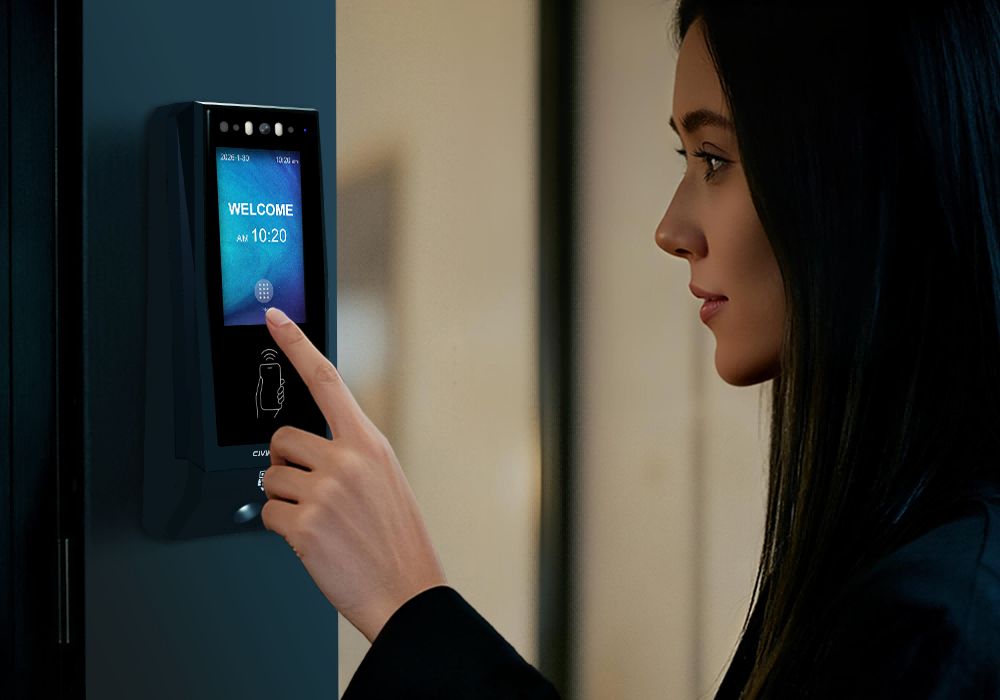
Where facial recognition is appropriate, CT11 can form the biometric component of the design. Confirm the intended enrollment and verification workflow before specifying a card-plus-face requirement. Privacy arrangements, permitted data storage, and an approved alternative for an unsuccessful verification should be resolved before deployment, not improvised by reception staff.
CIVINTEC terminals support basic PIN configuration in standalone mode. Assigning different PINs to individual people or using dynamic PINs requires the client's cloud software; those advanced workflows are not available in standalone mode. A shared basic PIN should not be presented as individually attributable authentication for a sensitive area.
For every configured combination, test a valid first check followed by a missing, incorrect, or expired second check. Confirm that an assistance call or a repeated presentation cannot unintentionally convert an incomplete transaction into access. Any authorized manual exception should follow a separate, recorded approval process.
[block1]
The security of a critical area access control system also depends on where decisions and switching functions reside. Review the exposed terminal, communication path, control equipment, lock wiring, and management server as separate parts of the design. An encrypted card transaction does not automatically protect the remaining path to the lock.
CIVINTEC's high-security access control architecture example illustrates moving door control inside the protected area. Use that principle when discussing a suitable current configuration with CIVINTEC. The example's historical component combination should not be treated as a universal wiring specification for every terminal or project.
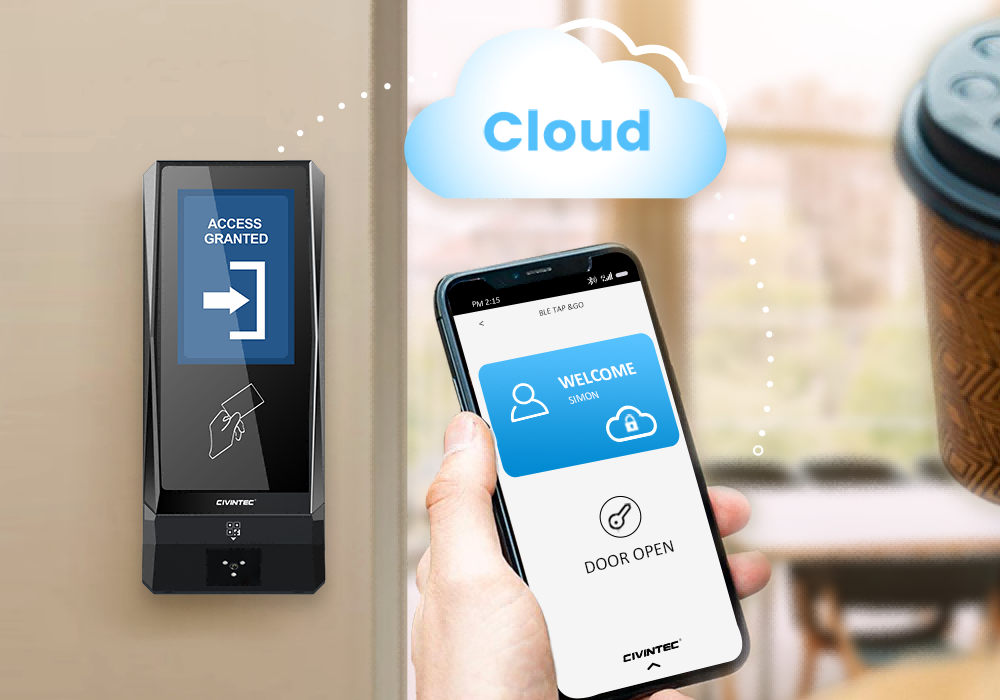
In a server-authorized arrangement, the terminal passes a credential event to the approved management application. The application evaluates the configured permission and returns the permitted control response. Compatible control hardware then operates the lock interface. Document which component makes each decision and what happens when a response is missing or delayed.
Server placement should follow the institution's hosting and network policy. Determine whether the project uses an approved local server or an approved hosted service, then verify the required software integration. A product's cloud capability does not imply that a public internet connection is mandatory or acceptable for every protected site.
Separate credential protection from transport security. Select and validate encrypted communication for supported links, including HTTPS where applicable, and verify certificate handling and endpoint configuration. Do not infer encrypted transport merely from the availability of HTTP commands, or transfer a reader's OSDP capabilities to a different terminal without checking its specification.
Remote access control management also needs administrative restrictions. Limit who can issue release commands, change schedules, or enroll credentials. Keep installation accounts separate from routine operator accounts where the management platform supports that separation. Review access to the management system with the same care as access through a physical door.
Equipment management extends the permission model beyond room entry. A project may require controlled access to a cabinet, an authorized enable request to an equipment controller, or confirmation that an assigned technician is permitted to begin a service session. Each action needs a defined interface and its own approval conditions.
CIVINTEC's facility control solution provides the relevant hardware and integration context. Supported relay and I/O arrangements can participate in equipment authorization. The customer's software supplies the business rules, while compatible external controllers govern the connected equipment. This distinction keeps the design technically meaningful.
An access control relay should not be assumed to supply power directly to every connected device. Confirm electrical ratings, isolation, signal behavior, and the receiving controller's requirements. The equipment manufacturer must define how an authorization input interacts with normal operation, maintenance states, and protective controls.
For example, unlocking a service enclosure can be a permitted access action without authorizing equipment startup. A separate command may request operation only after the equipment controller confirms its own conditions. Emergency stops and protective interlocks must remain part of the equipment's dedicated safety design, independent of ordinary credential acceptance.
A critical area access control system should also distinguish commanded actions from observed results. A log showing that an enable command was sent does not prove a cabinet opened or a machine operated. Where confirmation matters, specify suitable position or status feedback and decide which platform records and displays it.
Give a service visit an approved scope, responsible sponsor, and defined end condition. The management process should identify the equipment covered by the work order and remove temporary rights when the task ends. The terminal enforces configured authorization; it does not independently decide whether a technician's qualification or work order is valid.
If a site requires two-person approval, treat it as an explicit workflow requirement. Confirm support in the management application and associated controls rather than assuming that two credential readers automatically implement the rule. Test how cancellation, an absent approver, or an interrupted session affects the equipment permission.
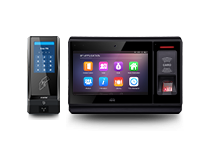
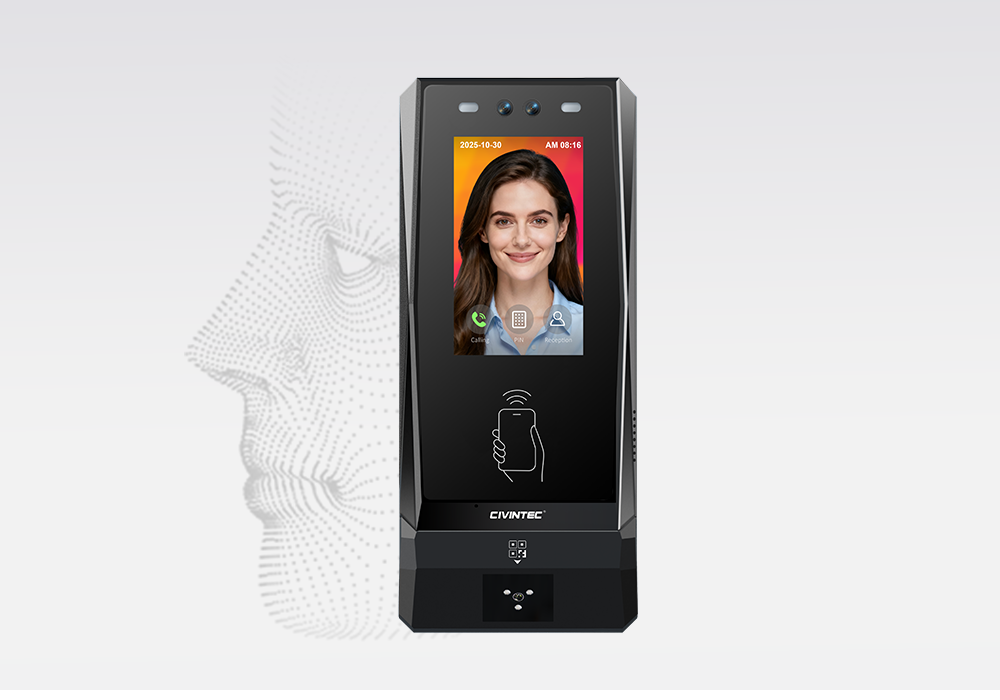
Different locations may justify different terminal functions within the same project. CT11 adds facial recognition where biometric verification is required. CT10 suits credential-based access needing supported photo capture and audio assistance. CT9 PRO serves credential-based locations without built-in camera or VoIP requirements. Selection should follow the approved interaction, not a uniform assumption that every doorway needs the same device.
| Selection point | CIVINTEC CT11 | CIVINTEC CT10 | CIVINTEC CT9 PRO |
|---|---|---|---|
| Main role | Facial recognition access control terminal | Credential-based terminal with camera | Credential-based access control terminal |
| Interface | 3.5-inch touch screen; Linux | 3.5-inch touch screen; Linux | 3.5-inch touch screen; Linux |
| Credential options | Face; RFID (125kHz & 13.56MHz); NFC/BLE; optional QR; PIN | RFID (125kHz & 13.56MHz); NFC/BLE; optional QR; PIN | RFID (DESFire with SAM); NFC/BLE; optional QR; PIN |
| Camera distinction | Facial recognition; confirm capture configuration | Supported photo capture on RFID card and QR code reads | No built-in camera |
| Voice assistance | VoIP audio intercom | VoIP audio intercom | No built-in VoIP intercom |
| Integration approach | Customer software and compatible control interfaces | Customer software and compatible control interfaces | Customer software and compatible control interfaces |
In this comparison, NFC/BLE refers to mobile credentials. QR capability depends on the ordered option. Confirm network interfaces and other configuration-dependent functions for the specific model. The PIN distinction described above applies across the comparison; individual or dynamic PIN workflows must not be inferred from basic keypad support.
Evaluate the CIVINTEC CT11 access control terminal where the security design calls for facial verification. Its role should be connected to a defined enrollment policy and acceptance test, without promising that biometric recognition eliminates every impersonation risk.
Choose the CIVINTEC CT10 access control terminal when supported credential-linked photos and VoIP audio assistance are useful. Its camera is not a facial recognition function, and supported photo capture should not be expanded into a claim that every person, alarm, or passage is recorded.
Consider the CIVINTEC CT9 PRO access control terminal for distributed credential-based access points. It can participate in the planned server and control architecture; provide separate assistance equipment when required. None of these choices removes the need to verify software behavior, secure-side control arrangements, or site-specific acceptance requirements.
An official visitor may need a meeting room without access to adjacent offices or equipment. Define the permitted route, sponsor, escort conditions, and expiration in the customer platform. A booking or identity document should not automatically become unrestricted access authority, even if reception has confirmed the visitor's identity.
CIVINTEC's visitor access control overview offers background on credential-based visitor workflows. For government projects, adapt those workflows to the institution's approval process. Temporary QR or mobile credentials need configured validation, expiry, and cancellation rules; their format alone does not prevent forwarding or inappropriate reuse.
Where phones are prohibited, select an approved alternative rather than designing a process that depends on personal devices. Where escorting is required, define how the escort accepts responsibility and how the visit ends. An access event alone does not demonstrate that an escort remained with the visitor throughout the visit.
Continuity planning should distinguish internet loss, local network failure, server unavailability, and power interruption. Each affects a different part of the authorization path. Decide which access points may use supported local authorization and which require a current server decision under the site's security policy.
An offline terminal cannot receive a new server revocation until communication is restored. Accordingly, any permitted local behavior must be evaluated against the sensitivity of the area and the freshness of stored permissions. Local operation also does not provide electrical backup; power continuity requires a separate design.
For sensitive equipment, define what happens to an already authorized session during an outage. The correct outcome may differ from the response to a new request. Coordinate with the equipment owner so that loss of authorization connectivity cannot trigger an unsafe shutdown or uncontrolled restart. Test recovery, including delayed commands and stale permission state.
Emergency access and evacuation need a separately approved door and life-safety design. Do not apply one blanket lock response to every opening. The relevant specialists should establish release behavior, emergency overrides, and testing responsibilities for each location. Everyday access software must not become an improvised substitute for that design.
Record the credential event, access point, time, decision, and available confirmation in the appropriate system. Keep administrator actions and manual exceptions distinguishable from ordinary user transactions. Restrict access to records and define retention according to the institution's requirements, especially where photographs or biometric information are involved.
Logs are useful for review but are not automatically tamper-proof evidence or a complete account of physical presence. High-security area access control also needs a response procedure: identify who investigates a denial pattern, a tamper indication, or a door that remains open, and what information that person should receive.
Use a pilot installation to test the permission model with representative roles before extending it across buildings. Include a correctly authorized employee, a visitor with limited rights, a revoked credential, and a technician assigned to only one device. Confirm both successful access and rejection outside the approved scope.
Demonstrate the full chain for a protected transaction, including required identity checks, the software decision, the release interface, and any expected status feedback. Repeat the test with an unavailable server and after recovery. Record observed results against agreed criteria rather than accepting a product feature list as proof of system behavior.
The handover should identify model and firmware versions, configured interfaces, credential administration responsibilities, and recovery procedures. Request any certifications or procurement evidence against the exact supplied configuration. The phrase high security access control system describes a design objective; it is not, by itself, evidence of government approval or a particular security certification.
[block2]
Government sites need access permissions that remain precise from the public entrance to sensitive rooms and equipment. A high security access control system should combine protected credential authentication with enforced identity checks, a defined authorization path, and controls appropriate to the resource being protected.
CIVINTEC offers terminal options and integration tools to support that architecture. Start with the required permissions and transaction tests, then select CT11, CT10, or CT9 PRO according to the verification and assistance needed at each location. Keep equipment safeguards and administrative responsibilities explicit throughout the project.
Initiate Technical Consultation with CIVINTEC to discuss your access boundaries, credential policy, and equipment interfaces. Explore Product Specifications to compare the terminal configurations for your project.


 Home >
  Share
Share




 Contact Us