

-

Applications

Industries

 OEM & ODM Service
 Development Service
 Download
 Technical support
 Warranty & RMA
 FAQS
 My Community
 Who Is CIVINTEC
 Why CIVINTEC
 News & Express
 Cooperation




 Nov 26, 2026
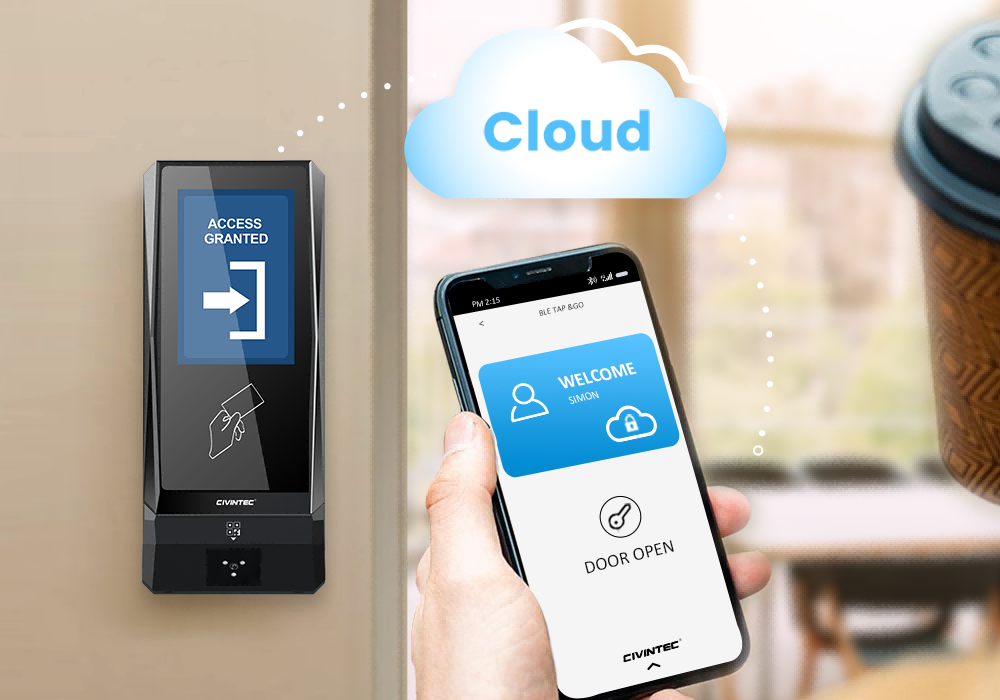
Government visitor access control connects an approved appointment to the doors a visitor may use and the times those doors may admit them. A third-party visitor management system manages the booking, records the identity check required by the institution, and activates a temporary credential. A compatible CIVINTEC terminal reads an NFC/BLE mobile credential or scans a QR code and relays or applies the access decision through the configured integration.
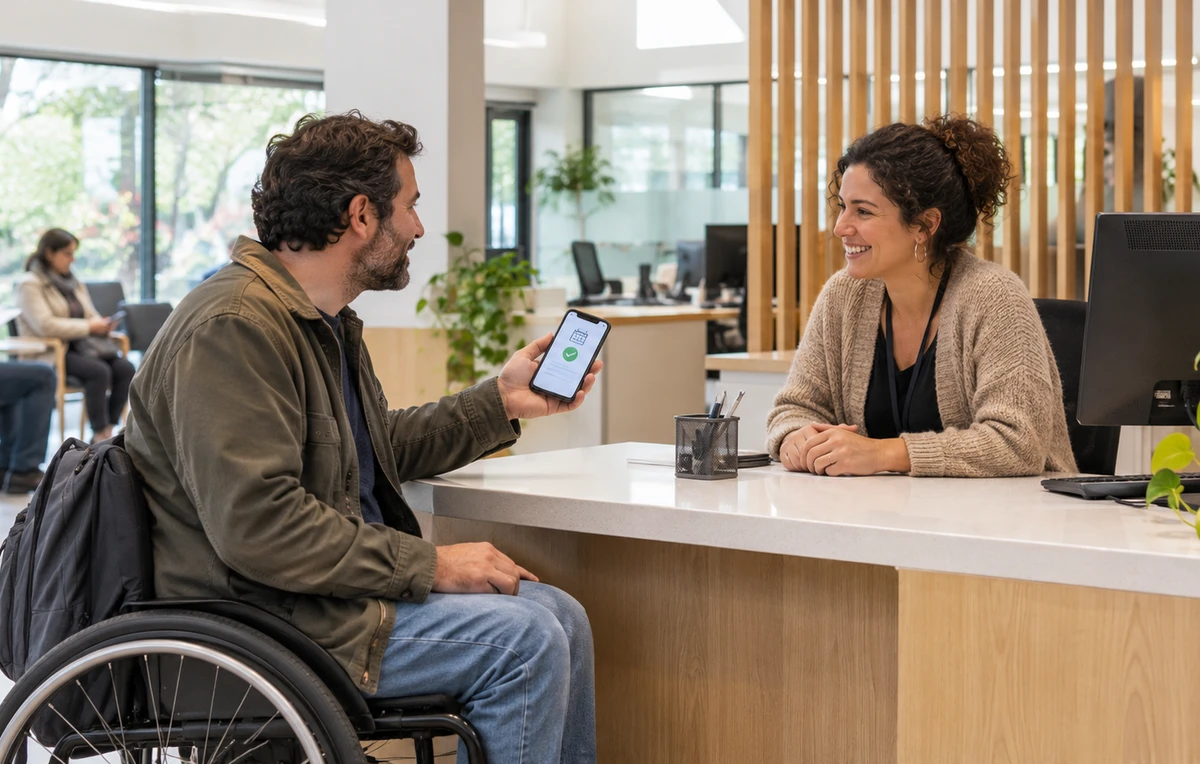
Consider a resident with a 10:00 appointment at a permit office. The confirmation email tells them where to arrive. At reception, staff match the visitor to the booking. Once staff complete the required check, the visitor can use the issued credential at the controlled entrance to the consultation area. That permission ends at the approved time or when the visit closes, according to the institution's policy.
The CIVINTEC guide to government site security covers the broader architecture for employees, restricted resources and equipment. This guide follows an individual visitor's appointment through check-in, temporary entry and checkout. The government institution access control solution provides a separate reference for planners connecting terminals to a wider building system.
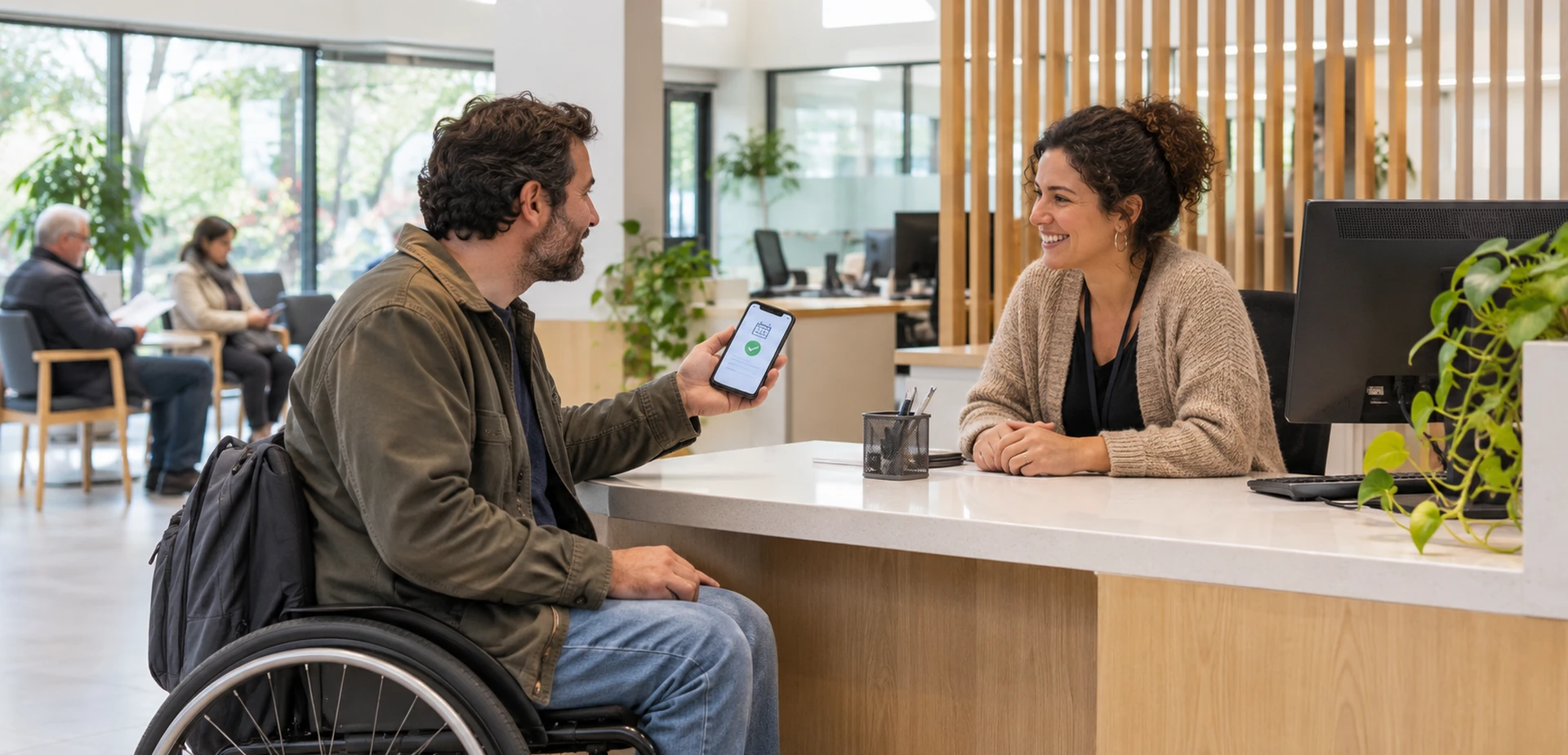
Start with the appointment record. Give it a unique reference and capture the named visitor, host or department, service location, scheduled times and any check-in requirement. Use the record to decide which entry points the visitor needs. An appointment at a public service desk, a meeting with a staff host and an escorted appointment can each follow a different approval path.
A 10:00 appointment might allow arrival at reception from 09:45. Entry to the consultation area can begin later, after the visitor completes check-in. The visitor management system should hold both times so a reminder, an early arrival or a delayed host does not accidentally trigger access. The same record should state who can extend the window and when any extension ends.
Map each appointment type to the smallest set of entrances the visitor needs. For a records consultation, the booking may authorize entry to the supervised visitor room during the visit. The staff member handles any request to consult records under the office's service process. If a host changes the room, the visit record should show the revised destination and the previous door permission should be removed.
Where a booking covers several people, confirm which attendees need their own credential and which will be escorted. For individual access, issue each approved attendee a distinct visitor credential tied to the same appointment reference. Reception can then see which people have checked in without treating the first arrival as confirmation that the whole group is present.
Government offices often serve walk-in and booked visitors at the same address. Draw the route from the public lobby to the location where staff provide the service. A booked visitor at a permit counter may stay in the public area throughout the visit. A visitor attending a private interview may need one controlled door after reception. A contractor attending a site briefing may enter through a service desk and then travel with the host. Use these routes to decide which visitors actually need a temporary door credential.
Assign each location in the booking system to a building, a check-in desk and the door group approved for that service. If two branches use the label Interview Room 1, use a separate location ID for each. The confirmation can show the street address, entrance and desk that the visitor should use. Staff can then catch a wrong-site arrival at check-in and transfer the booking through the authorized process if another branch can serve the visitor.
Walk each route with reception and facilities staff, including the return path from the appointment room. A visitor may need an accessible entrance or a different approach when the main lobby is closed. Build any approved alternate route into the location record and test it from arrival to departure. When a door is temporarily out of service, tell reception which alternate route they can use for that appointment and who can approve access if the visit needs to move.
Use the visitor's name or appointment reference to locate the booking, then apply the identity check required for that visit. A valid code or credential proves that the system recognizes the item presented. Reception checks that the person presenting it is the expected visitor whenever the site's policy calls for that check.
For appointments that require verification in person, staff can send a confirmation or check-in QR code in advance while leaving controlled-door access pending. After staff record the check, the visitor software activates the door credential for the approved window. If a QR code serves only as a booking reference, label it “for reception check-in” in the message. Label a door credential with the approved destination and entry time so visitors know where to present it.
Give staff a clear route for resolving a name mismatch, missing confirmation or absent host. The booking can stay pending while an authorized person resolves the issue. If the office permits an alternative identity check or a staffed escort, record that decision against the visit before granting any additional access.
| Visit stage | Decision recorded in visitor software | Result at the building |
|---|---|---|
| Booking approved | Host, destination and arrival instructions confirmed | Send the appointment confirmation and check-in instructions |
| Reception check complete | Staff record verification and activate the approved credential | The visitor can present it at selected doors during the allowed window |
| Appointment changed | Revoke superseded permissions and issue or update the credential | The approved destination and time match the revised visit |
| Visit closed | End the grant and retain the required visit and access records | Later presentation follows the site's expired or revoked credential response |
Decide how reception handles visits that need a second decision. A user can book an appointment for somebody else, a representative can attend on behalf of a resident, or a visitor can arrive with a confirmation carrying a different name. Create a pending status for appointments that need review. The receptionist can see the booking and contact the host or designated service desk without activating the controlled-door credential while the details are being resolved.
Give authorized staff a small set of outcomes. They can confirm the corrected attendee, arrange an escorted visit, transfer the visitor to a public counter or reschedule the appointment. Record who made the decision and which route and end time it authorized. If the visitor already received an access credential under different details, link the replacement to the same appointment record and verify that the earlier permission is withdrawn where it was applied.
Consider the handoff if the designated host is absent. A waiting visitor needs a clear location and a staff contact. The substitute host needs the booking reference and the approved access scope. If the substitute is authorized to approve the visit, record that decision before giving the visitor permission to continue. At a busy lobby or shift change, the same record lets the next receptionist see whether the case is pending or already approved.
[block1]
Both NFC/BLE mobile credentials and QR codes can support scheduled access when the issuing software applies the same visit status, access window and door permissions. Choose the method around how the visitor receives and presents the credential, which phones the project supports and whether the site requires a staffed check before controlled entry.
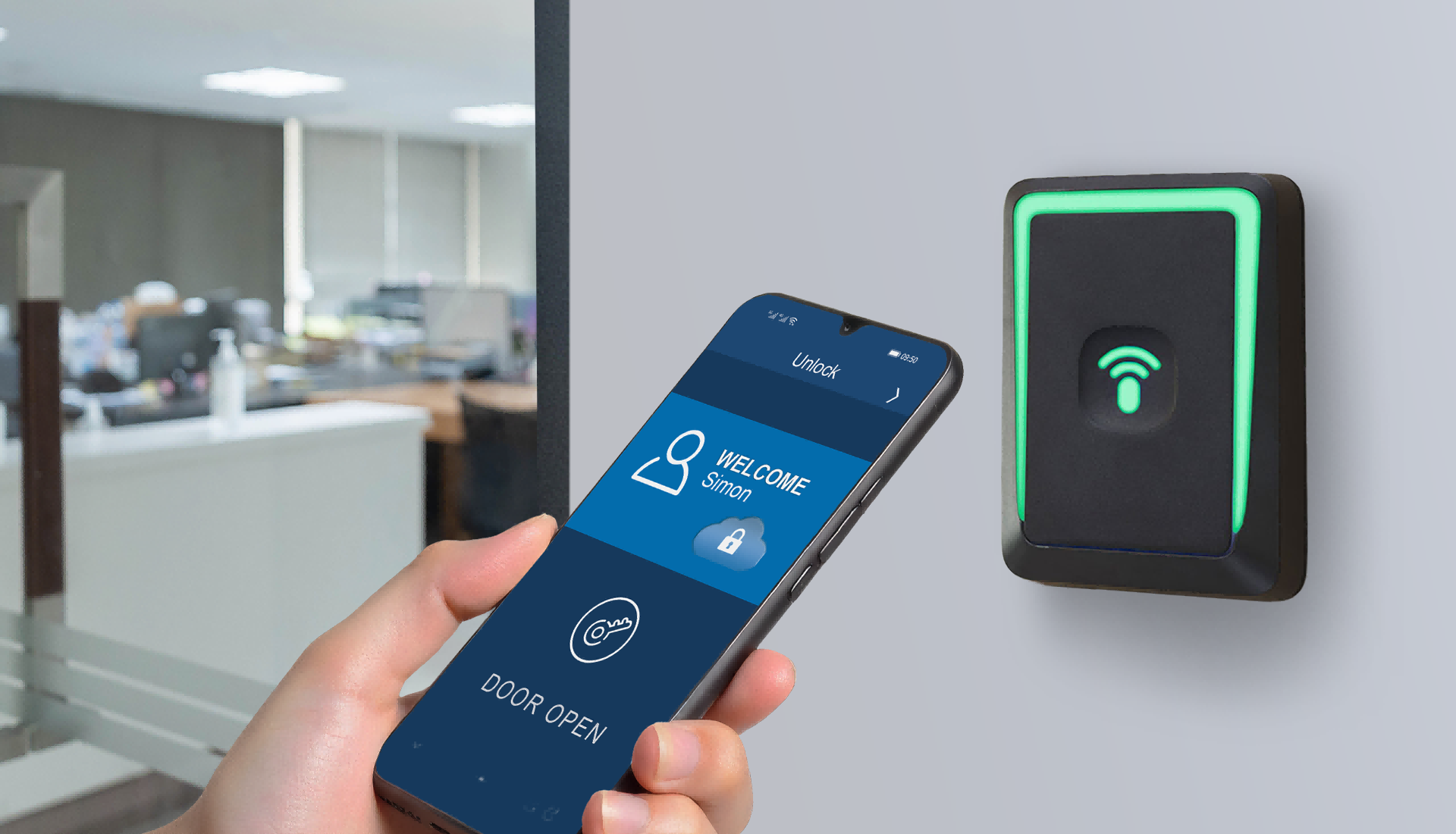
An NFC/BLE mobile credential suits repeat visitors or people already using an approved app. Send setup instructions with the appointment confirmation so the visitor has time to enroll the phone before arriving. Ask reception to confirm activation and show the visitor how to present the phone at the designated terminal.
Confirm which NFC and BLE options work with the actual devices, app and terminal configurations. CIVINTEC's product specifications describe BLE support for iOS and NFC/BLE support for Android on these models. Test the exact provisioning and presentation steps you plan to publish to visitors, including whether the app must be open and what to do after a phone replacement. Keep each visit time-limited even when a returning visitor already has the app.
A QR credential can suit visitors who make a single appointment and receive confirmation by email. With a compatible QR scanner fitted, the terminal reads the code displayed on the phone. The integrated system then validates the credential against the appointment and access point.
Define a reissue procedure for outdated or lost messages and choose a validation method that reflects the risk of forwarding. For example, a policy may require a reception identity check before a code becomes usable at controlled doors. Where the software supports rotating codes or limits on reuse, test those features against the expected visitor journey. A visit that includes a return trip from the waiting room may need several approved presentations within the same window. The CIVINTEC overview of visitor access control covers the general credential options for a broader range of sites.
Provide an assisted check-in for visitors with no compatible phone, a flat battery or difficulty using the scanner. Depending on the site's policy, staff can issue an approved temporary pass or arrange an escort after confirming the visit. Capture that exception in the same appointment record.
The visitor application should be the system of record for appointment status and the controls that govern temporary visits. CIVINTEC provides SDK and demonstration resources for third-party integration. The site integrator connects the terminal and door hardware to the approved access control architecture and confirms which interfaces apply to the selected model and firmware. The CIVINTEC access control hardware and SDK overview outlines the device-side capabilities.
Agree on what the application sends when a visit becomes active. A typical integration exchanges an appointment reference, a credential identifier, the allowed entry points, the validity window and the grant status. Map visitor-facing names such as “Permit Office Reception” to the corresponding entry point in the access system. Give reception a clear status for grants awaiting confirmation, especially after a late room change or cancellation.
In an online/server workflow, an integrated system can validate a credential against the current visit state when it is presented. This is useful when staff regularly change rooms or cancel visits close to the appointment. Configured local operation can use permissions available at the door, where supported. Define what happens when a door has yet to receive a change, and test how staff are notified when the software cannot confirm that a grant has been updated.
For an example of connecting a reservation window to a door, see CIVINTEC's guide to linking meeting room reservations to QR access. For a government office, include the reception approval step in the same integration design.
Ask for an event view that can show the visit reference, credential method, entry point, local timestamp and result where the integration exposes those fields. This lets staff investigate a reported denial without having to search a separate list of bookings by name alone. Distinguish an approved door release from confirmed passage and from a recorded checkout. Each represents a different event and may come from a different part of the installed system.
Before the pilot, agree which visitor details reception needs, which data reaches the terminal and which staff roles can view access events. Keep document images or visitor photos out of the exchange unless the institution approves a defined use. A door that only needs to verify a temporary credential can often work from a reference held by the visitor application. Confirm the appropriate retention rules with the institution's data owner.
A denial is useful only if staff can decide how to help. Set up a view in the connected visitor or access application that gives an authorized operator the appointment status and, where the integration provides it, the reason for the door response. A visitor who arrives early can be directed to a waiting area. A visitor who tries the wrong floor can be sent to the route on the booking. An expired pass should go back through the appropriate approval or rescheduling process.
Keep the message on a public-facing reader simple. The visitor needs to know whether to try again, follow the arrival instructions or contact reception. The desk may need a more specific explanation, such as an inactive grant, a room change awaiting synchronization, or a credential that the reader did not recognize. Test which reasons your hardware and software can actually distinguish. Where the system reports only a general denial, give staff a way to look up the visit before issuing a replacement.
Assign ownership for decisions that cross teams. Reception can verify a booking and record the interaction. The host can confirm that the appointment is still going ahead and request a permitted change. The access administrator can investigate a door configuration or update problem. Publishing these responsibilities inside the operator workflow helps a second receptionist continue an open case and gives the review team a record of why an exception was granted.
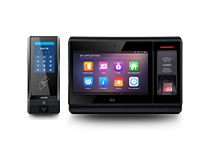
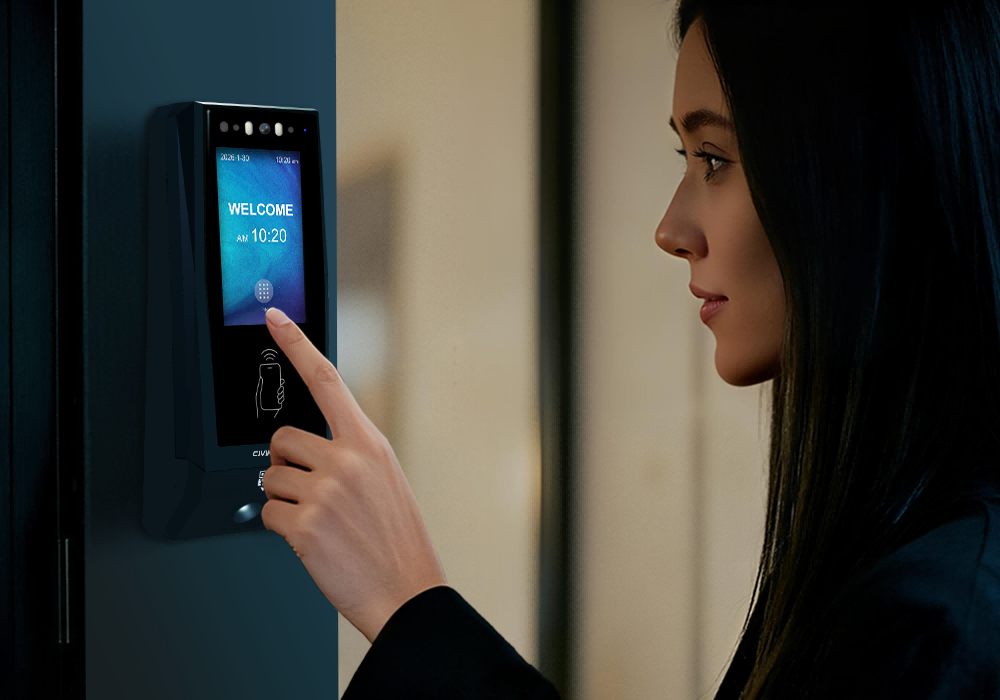
Choose the model around the actual role of the entry point. A reception entrance may need audio assistance. A staffed internal checkpoint may only need to read a scheduled credential. Confirm the QR module, mobile credential compatibility, network connection and door hardware for each position.
| Terminal | Credential options | Where to evaluate it |
|---|---|---|
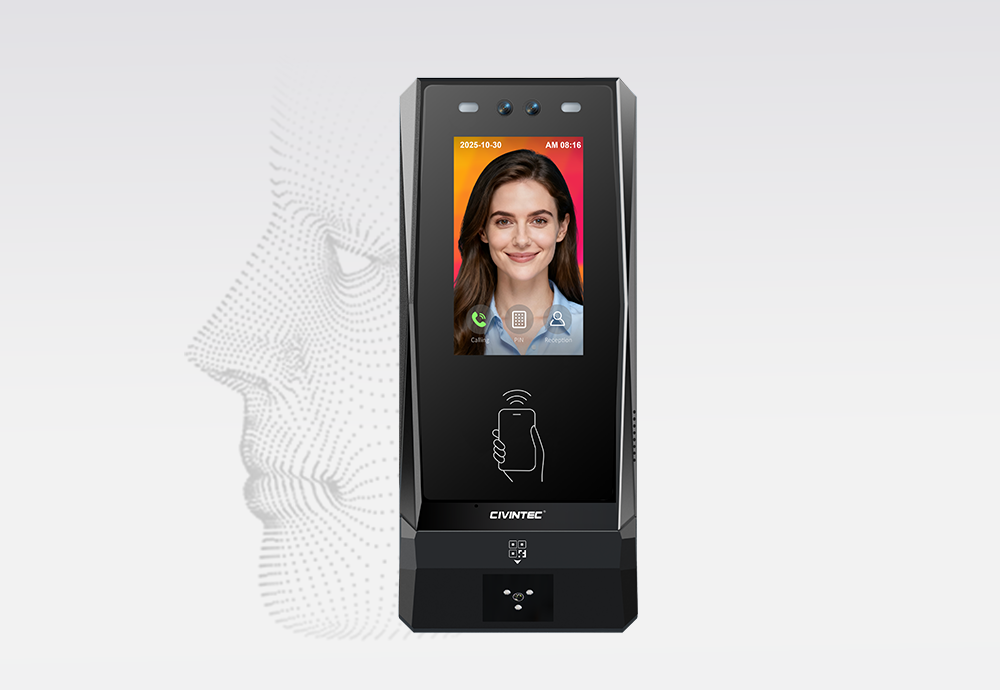
| CIVINTEC CT11 | NFC/BLE mobile credentials, QR with scanner fitted, RFID (125kHz and 13.56MHz), facial recognition | An assisted entrance that needs VoIP audio or a separately approved facial verification workflow |
| CIVINTEC CT10 | NFC/BLE mobile credentials, QR with scanner fitted, RFID (125kHz and 13.56MHz) | An entrance that needs VoIP audio assistance or supported credential-linked image records without requiring facial recognition |
| CIVINTEC CT9 PRO-W | NFC/BLE mobile credentials, QR with scanner fitted, RFID (125kHz and 13.56MHz) | Controlled doors where staff have already verified the visitor and separate assistance is available if required |
The CT11's facial recognition is a separate choice for an approved workflow. The CT10's camera supports configured image functions, and its VoIP assistance is audio. Plan separate assistance where you specify CT9 PRO-W. During model selection, ask the supplier to confirm the exact reader, scanner and communication options in the quote.
Run a small pilot with a real reception process and test credentials. Pick an appointment that starts on time, one that moves to another room and one that is cancelled after a credential has been sent. Put both QR and NFC/BLE through the same tests so a change is enforced regardless of the visitor's credential choice.
Early arrival. Reception can retrieve the booking. A controlled door follows the start time and any identity-check condition that the office has approved.
Room change. The revised appointment grants access only to the updated entry points. Reception can see that the revision has reached the applicable system before directing the visitor.
Cancellation or reissue. Confirm the old credential is rejected at the relevant entry points after the required update, and that staff can distinguish a revoked code from the replacement.
Checkout. Close the visit early and confirm the credential can no longer be used under the configured policy. Check that any approved extension has its own end time and operator record.
Interruption and recovery. Simulate loss of the visitor application or network. Confirm the site's approved response for new visitors, how existing authorizations are handled, and when delayed changes and events are reconciled.
For each test, record the expected door response, the observed result and what reception sees in the visitor application. This provides a practical acceptance checklist for government building access control and highlights handoff gaps that a hardware demonstration alone cannot show.
Use an example shift to check what the operator can see from booking through departure. Include a resident whose appointment stays in the public service area, an interview visitor who needs one controlled door and a recurring vendor who already has a mobile credential. Ask staff to show how they identify each record, verify the intended permission and communicate the correct arrival route. If a pass can be reissued, check what the previous credential does at the same door after the change is applied.
Review records alongside the door test. For a revised appointment that never reached a door, staff may see an approved booking and a pending access update at the same time. For a denial, they may see a credential reference and timestamp without a complete explanation. Agree what evidence allows the team to close each issue. Keep a small acceptance record of the expected door response, the actual result and the staff action taken, then repeat that check when another office uses the same workflow.
[block2]
Give every appointment a clear identity check, a defined access window and an approved set of entry points. Pair the visitor software's approval and cancellation rules with a CIVINTEC terminal that supports the NFC/BLE or QR workflow your visitors will use. Check the full journey at reception and at the door before expanding it to other departments.
Review the available CIVINTEC access control terminals and contact CIVINTEC with your visitor software, appointment process and entry-point list. Include any reception assistance requirements so the project team can confirm the appropriate models and integration approach.


 Home >
 Share




 Contact Us
