

-

Applications

Industries

 OEM & ODM Service
 Development Service
 Download
 Technical support
 Warranty & RMA
 FAQS
 My Community
 Who Is CIVINTEC
 Why CIVINTEC
 News & Express
 Cooperation




 Nov 10, 2026
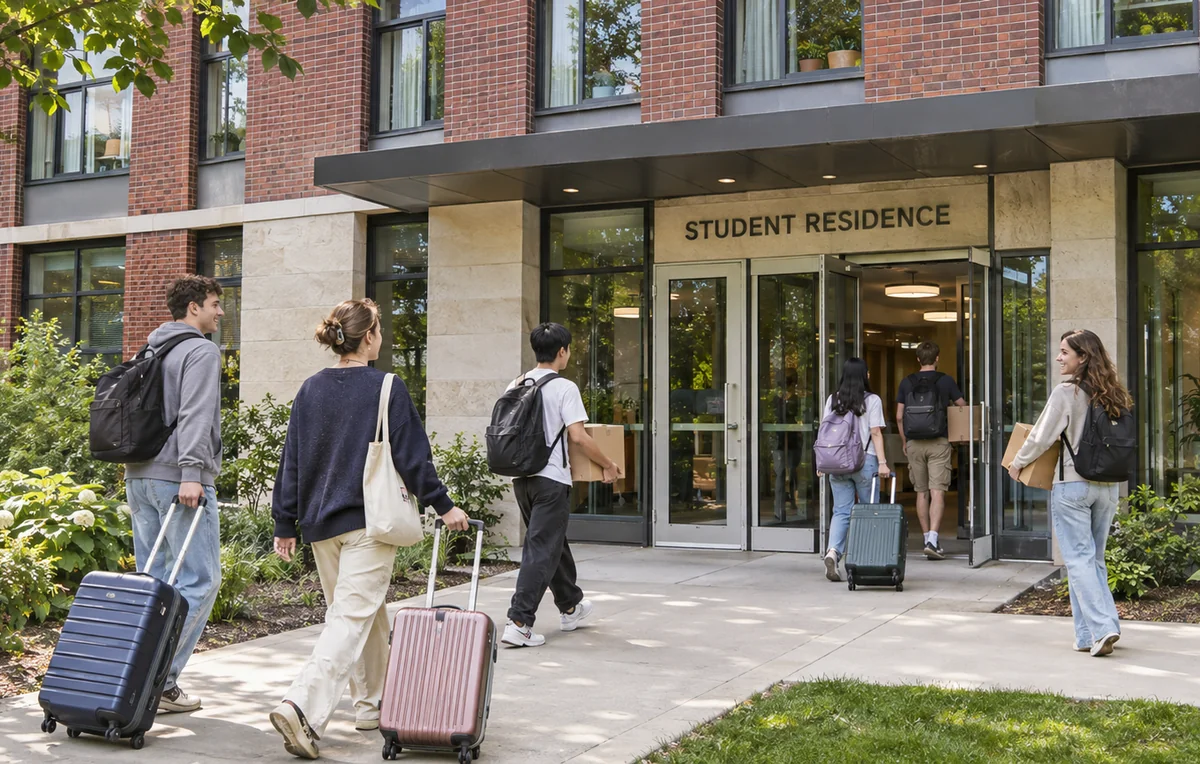
Arriving at a student residence should involve finding the right building, presenting an approved credential, and entering the spaces assigned for the stay. For the operator, that experience depends on an access control terminal that works with the residence's identity records and door permissions. A student ID, an NFC/BLE mobile credential, or an approved temporary QR code can serve different arrivals without giving everyone the same access.
CIVINTEC student housing access control brings these credential options to the entrance through CT11, CT10, and CT9 PRO access control terminals. Their touchscreen interfaces and software integration capabilities provide a hardware foundation for university dormitories and privately managed student residences. The choice of terminal determines how residents identify themselves, how visitors request help, and which information can be collected at the door.
Starting with those device capabilities helps operators connect a better arrival experience with manageable access throughout the academic year.
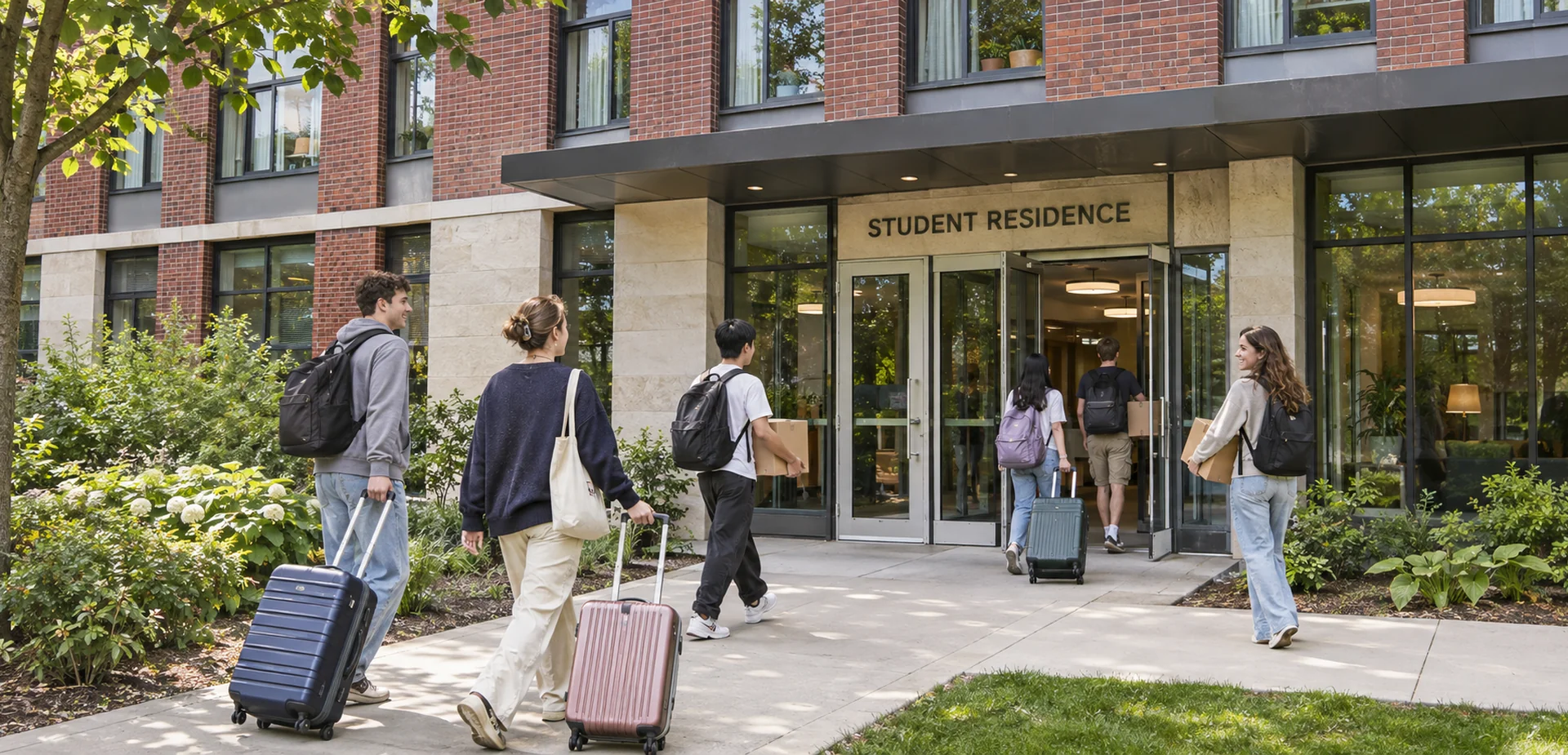
A residence entrance may serve a student returning from a lecture, a parent helping with luggage, and a maintenance contractor attending an appointment. CIVINTEC access control terminals support different credential technologies within the selected configuration, allowing the operator to choose an appropriate method for each group.
The hardware can support several practical improvements:
Familiar resident entry: Connect supported student cards or NFC/BLE mobile credentials with the doors assigned to each resident.
Temporary arrival access: Use an optional QR code module with customer software that defines the visitor's destination and permitted period.
Assistance at the entrance: Evaluate CT11 or CT10 where VoIP audio intercom can connect an arriving person with the designated support team.
Connected administration: Exchange supported credential events and access instructions with customer software through SDK integration.
CIVINTEC's campus access control solution describes how access control terminals can connect with a school database. In student housing, that relationship can link a resident's approved accommodation assignment with an appropriate entrance credential.
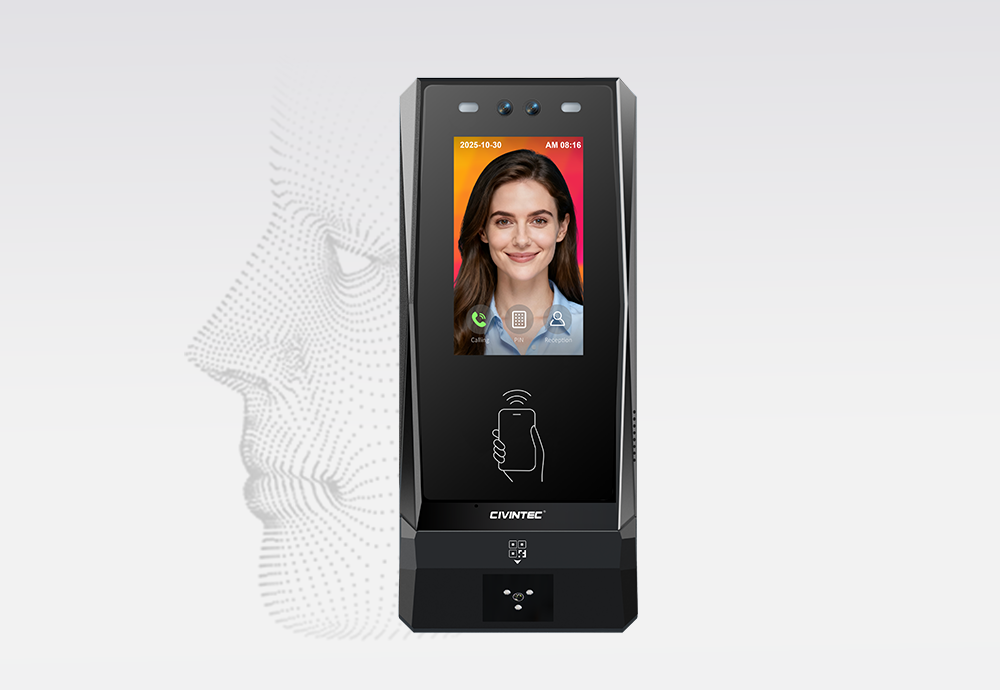
The CIVINTEC CT11 access control terminal adds facial recognition to a Linux-based terminal with a 3.5-inch touchscreen. It also supports RFID at 125kHz and 13.56MHz, NFC/BLE mobile credentials, an optional QR code module, and PIN entry. This range gives a residence several ways to design its entrance experience.
At a building lobby where facial recognition is appropriate, enrolled residents can identify themselves without presenting a physical card. This can be useful when a student is carrying shopping or moving belongings. Enrollment, device placement, lighting, and the residence's approach to biometric information should be agreed before rollout, with another approved entry method available when needed.
CT11's VoIP audio intercom adds a route for exceptions. For example, an arriving student whose credential has not yet been activated can contact a designated residence team through a configured audio workflow. Staff can check the accommodation record and follow the approved assistance process. The terminal provides the communication point, while the operator determines who answers and who may authorize entry.
CT11 is therefore worth evaluating where the project combines regular resident identification with assistance at a shared entrance. A main building lobby may justify that combination, while an internal communal room may need a simpler credential-based approach.
The CIVINTEC CT10 access control terminal combines a 3.5-inch touchscreen with RFID at 125kHz and 13.56MHz, NFC/BLE mobile credentials, optional QR code entry, and PIN. Its camera and VoIP audio intercom support projects that need credential-based access alongside an assistance channel.
For a residence that already issues student cards, CT10 offers a way to evaluate continued card use while introducing additional entry options. Residents can use the configured credential, while a visitor arriving for an approved appointment can present a QR code at a terminal fitted with the relevant module. Compatibility with the existing card application should be checked during selection.
CT10 supports photo capture on RFID card and QR code reads, subject to the selected configuration. A residence may use these supported event photos to help staff review a reported access issue. The project should define capture triggers, storage, authorized viewers, and retention before enabling this workflow.
At a reception entrance, audio assistance can help resolve a late arrival or a missing credential. The residence should provide a clear destination for the call and an agreed response when the usual desk is unattended. Combining these functions in the terminal can make the entrance easier to understand for people arriving at an unfamiliar building.
The CIVINTEC CT9 PRO access control terminal provides a Linux-based, 3.5-inch touchscreen option for credential-based access. Its capabilities include RFID at 125kHz and 13.56MHz, NFC/BLE mobile credentials, optional QR code entry, and PIN.
CT9 PRO can be evaluated for residence entrances or shared facilities where a card or phone is the preferred way to identify users. A resident might use the same supported campus credential at the residence building and a communal study room, with the customer platform checking the separate permission for each door.
CT9 PRO does not provide a built-in camera or VoIP intercom. Where a shared facility needs only credential presentation, that distinction may suit the project. A residence entrance that also needs voice assistance should be evaluated with CT11, CT10, or a separately designed assistance solution.
[block1]
University dormitory access control benefits from keeping the resident's identity consistent while offering suitable ways to present it. The credential is the resident's interaction with the terminal, while the accommodation assignment and access rules remain in the management workflow.
RFID can give students a familiar entry method, particularly where the institution already operates a campus card scheme. During integration, check the exact card technology, protected application, and data permissions. Support for a card frequency alone does not establish compatibility with every existing campus card.
For projects using DESFire with AES authentication, correctly configured protected applications and keys can help resist misuse based only on copied card identifiers. Reading a public UID alone does not activate this protection.
A shared campus card can simplify what residents carry while keeping permissions distinct. Permission to enter a residence building, use a study space, or access another campus service can each have its own conditions. CIVINTEC's campus access control guide provides related context for organizing different campus areas around authorized users.
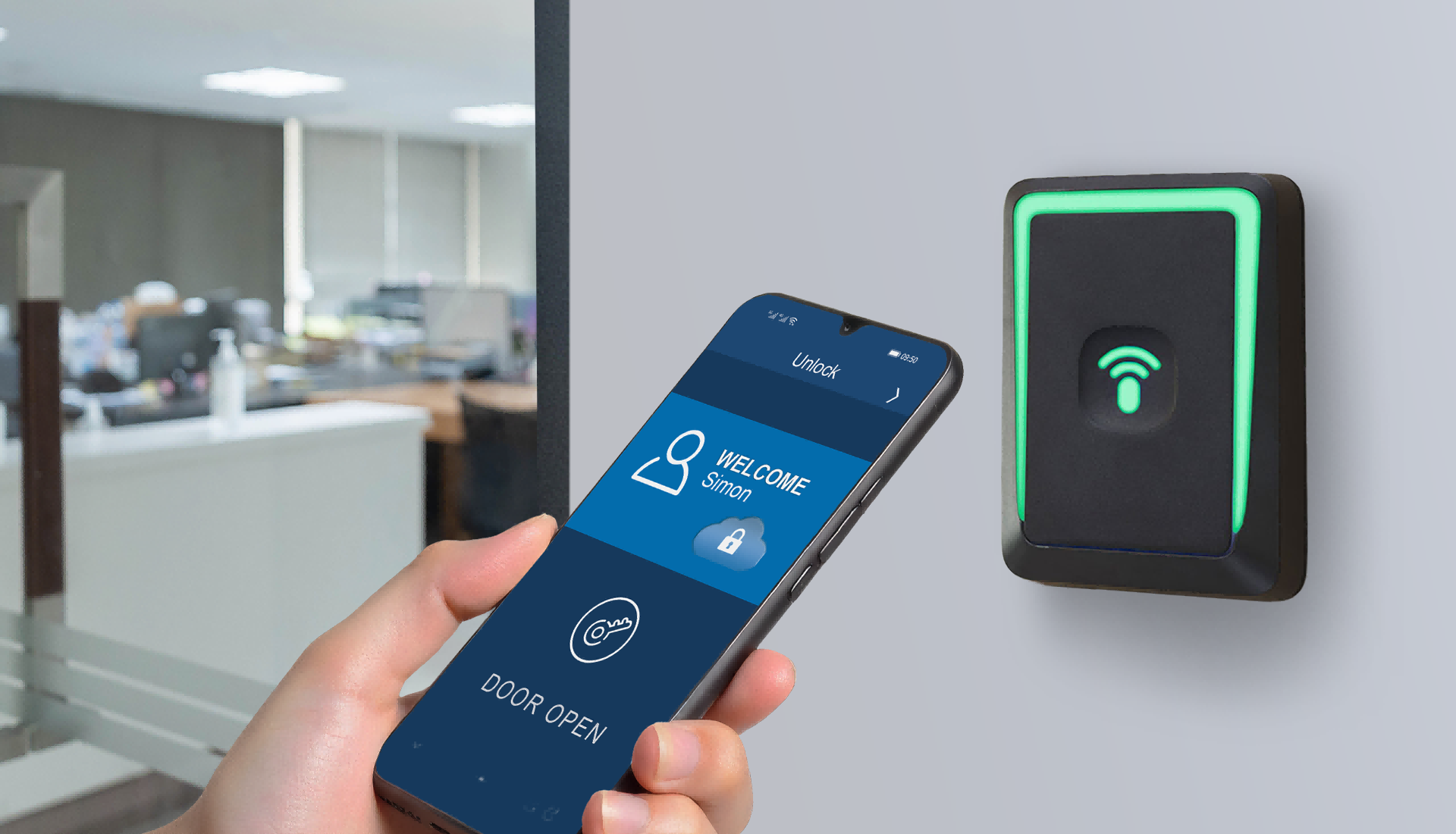
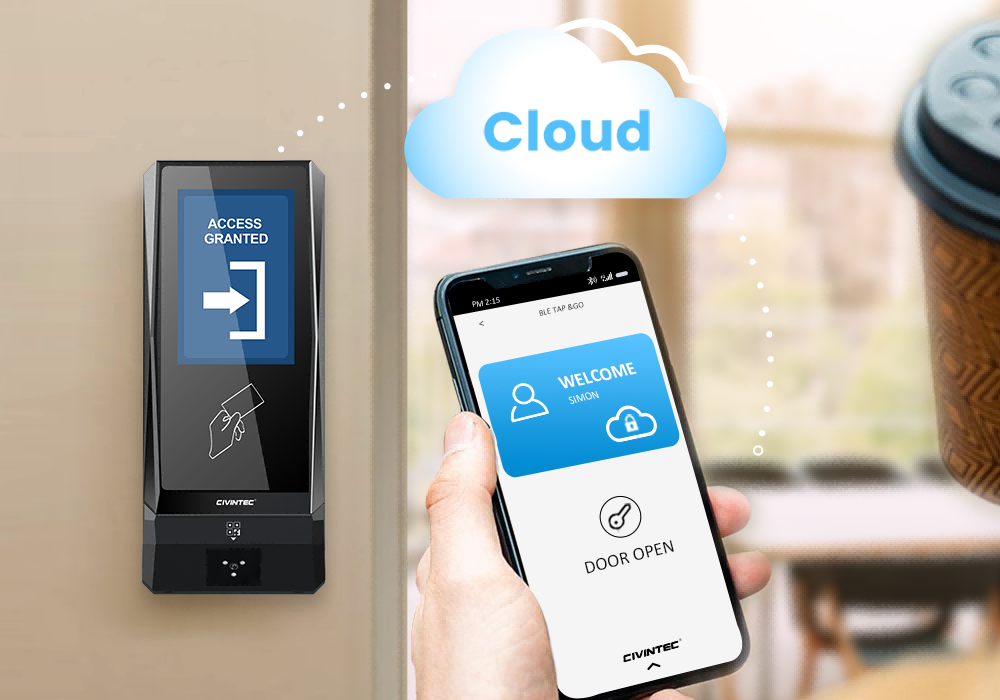
NFC/BLE mobile credentials let an approved smartphone serve as an alternative to a separate access card. In a student residence, the application and credential provisioning process can be prepared as part of onboarding, subject to the customer's software integration and supported phone environment.
Before offering mobile entry, decide how the credential reaches the resident, how a replacement phone is enrolled, and how access is withdrawn when a phone is lost. Students also need a practical alternative when they cannot use their phone. A supported RFID credential can provide that option within the residence's issuance process.
For broader background on the hardware approach, see CIVINTEC's mobile credentials in enterprise access control. The same product-led principle applies to housing. Choose the terminal and credential interaction first, then connect it to the institution's identity and permission workflow.
An optional QR code module can support temporary visitors, approved moving assistance, or scheduled service personnel. Customer software defines the credential, the permitted entrance, and its validity. The terminal reads the code and participates in the configured authorization process.
Consider a parent helping a student move in. The operator may approve temporary access through the main entrance during an arrival period without granting ongoing access to residential corridors or shared amenities. The management platform must translate that approval into the relevant door permissions and expiry rules.
The project should also define cancellation and repeated-use handling. The software validation rules and the residence's visitor process determine how the code is used.
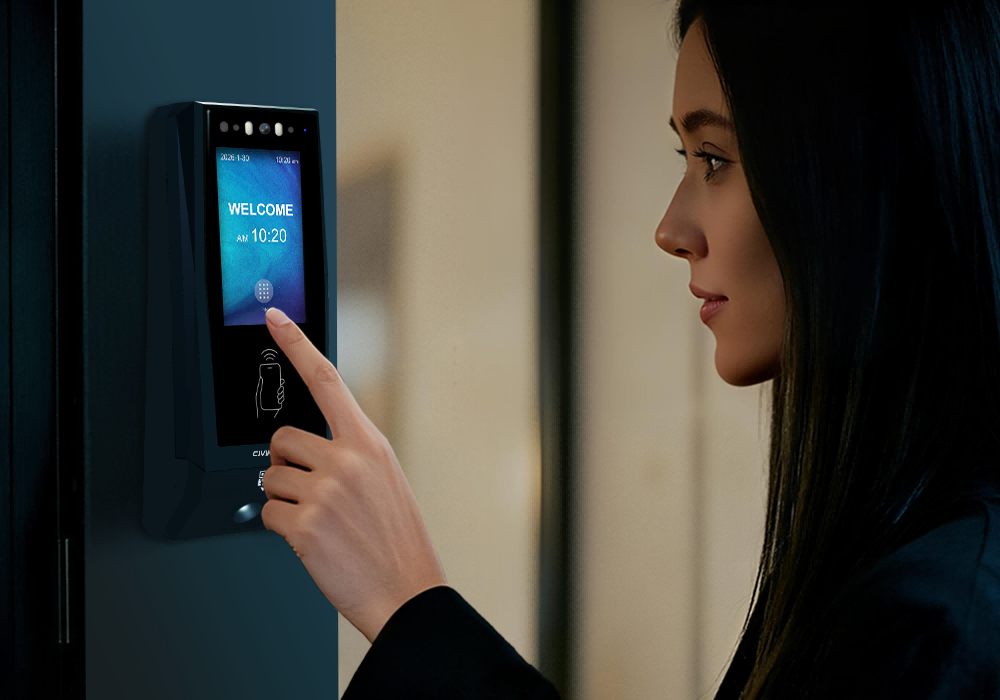
PIN provides another way to interact with a touchscreen access control terminal. Basic PIN settings can be configured at the device where supported, while individual or dynamic PIN assignment requires the appropriate customer software workflow.
For temporary use, define who receives the PIN, which door it covers, and when it ends. A permanent shared building code makes later access review and individual withdrawal difficult. The aim is to retain a usable option without losing the relationship between an approved person and their permission.
CIVINTEC SDK resources support integration between access control terminals and customer-managed software. For student residence access control, this can connect the hardware with a housing platform, campus identity system, or a dedicated access control application.
The customer software holds business information such as the resident's accommodation assignment, approved arrival date, visitor invitation, and departure status. It uses those records to determine access. The terminal handles supported identification, control, and event collection according to the configured operating mode.
A practical integration follows four connected steps.
Map the resident record. Associate the approved person with the supported credential and the correct residence or door group.
Apply the permission. Use the supported interface to carry the relevant access decision or configured permission to the terminal.
Collect access events. Return supported credential references, terminal identifiers, and timestamps to the customer application for review.
Process changes. Update the relevant access when a resident changes rooms, replaces a credential, extends a stay, or moves out.
For example, a student moving between two residence buildings should receive the new route while the previous building permission ends at the agreed point. The integration needs to handle the timing of both changes, including any approved overlap for moving belongings.
SDK availability provides the development resources for this connection. Confirm the required commands, data fields, software responsibilities, and exception handling with the integration team. The finished workflow depends on that implementation and the chosen terminal configuration.
The value of flexible hardware becomes clearer when the credential follows the accommodation record throughout the stay. The same access control terminal can support routine entry while the customer platform updates the resident's permitted areas and dates.
Before arrival: Prepare the identity record and supported credential, approve the relevant building, and define when access begins.
On move-in day: Check the first arrival at the actual entrance, including how a student obtains help if the credential fails.
During the term: Apply approved room changes and access to shared facilities without creating unnecessary permissions elsewhere.
For visitors and contractors: Issue the relevant temporary permission and provide a cancellation or end-of-visit process.
At move-out: End the departing resident's access and review outstanding temporary credentials associated with the stay.
Shared amenities can use a separate permission from the building entrance. A student may be authorized for the residence but need an additional booking or eligibility check for a music room, gym, or study suite. Customer software can supply that decision to the configured access control workflow.
Residential developments face similar questions about lobbies, communal facilities, and service entrances. CIVINTEC's apartment access control guide discusses the wider residential setting. Student housing adds the need to align permissions with accommodation assignments and academic periods.
Terminal selection also depends on the building infrastructure. Ethernet can suit an entrance with an existing network route. Available wireless options should be matched to the specific model and site coverage. Where supported by the ordered configuration, PoE can simplify terminal power and data cabling. Locks and other external equipment need their own power assessment.
HTTP/HTTPS communication connects supported terminal functions with customer software. Confirm the network arrangement, server access, and HTTPS configuration as part of deployment. The terminal's network interface and its application communication protocol should each be included in the integration plan.
Projects can evaluate online/server and configured local operation according to their requirements. Local operation uses the permissions available to the device, so the team should test which credentials remain usable during a connection loss and how events are handled afterwards. A disconnected terminal receives a new server-side revocation only after communication is restored and the update is applied. Power continuity requires a separate design.
Physical door operation also affects the resident experience. Check the lock, closing action, exit arrangement, and any required door monitoring alongside the terminal. Credential authentication needs to be supported by entrance design and residence procedures where tailgating or doors being held open are concerns.
Choose the model around the interaction needed at each door. A reception lobby may benefit from facial identification or voice assistance, while a communal room may mainly need a card or mobile credential check.
| Selection point | CIVINTEC CT11 | CIVINTEC CT10 | CIVINTEC CT9 PRO |
|---|---|---|---|
| Main device role | Facial recognition and credential entry | Credential entry with camera | Credential-based access control |
| RFID approach | 125kHz and 13.56MHz | 125kHz and 13.56MHz | 125kHz and 13.56MHz |
| Other credential options | NFC/BLE mobile credentials, optional QR code, and PIN | NFC/BLE mobile credentials, optional QR code, and PIN | NFC/BLE mobile credentials, optional QR code, and PIN |
| Assistance and camera | Facial recognition and VoIP audio intercom | Supported photo capture on RFID/QR reads and VoIP audio intercom | No built-in camera or VoIP intercom |
| Residence application to evaluate | Lobby requiring face identification and voice assistance | Card or QR entrance with event photos and voice assistance | Residence or shared-facility door using card, phone, QR, or PIN |
All three models use a 3.5-inch touchscreen. Final selection should also confirm network options, door interfaces, required software integration, and the ordered credential configuration. An entrance used with luggage, a bicycle, or mobility aids should be tested with the actual installation position and door hardware.
[block2]
Move-in readiness starts with the interaction at the door. CIVINTEC student housing access control gives operators a choice of facial recognition, RFID, NFC/BLE mobile credentials, optional QR code entry, and PIN across the appropriate terminal configurations. CT11, CT10, and CT9 PRO offer different combinations of identification and assistance to suit each residence entrance.
Connecting those terminals with customer housing software through the SDK allows approved accommodation decisions to become usable access permissions. Start with a representative building entrance, test resident arrival and a temporary visitor workflow, and confirm how permission changes reach the device before extending the project.
Review the CIVINTEC access control terminal range or discuss your student housing access control project with CIVINTEC. Share your residence entrances, existing student credentials, and software integration requirements to begin planning the right configuration.


 Home >
 Share




 Contact Us
