

-

Applications

Industries

 OEM & ODM Service
 Development Service
 Download
 Technical support
 Warranty & RMA
 FAQS
 My Community
 Who Is CIVINTEC
 Why CIVINTEC
 News & Express
 Cooperation




 Nov 12, 2026
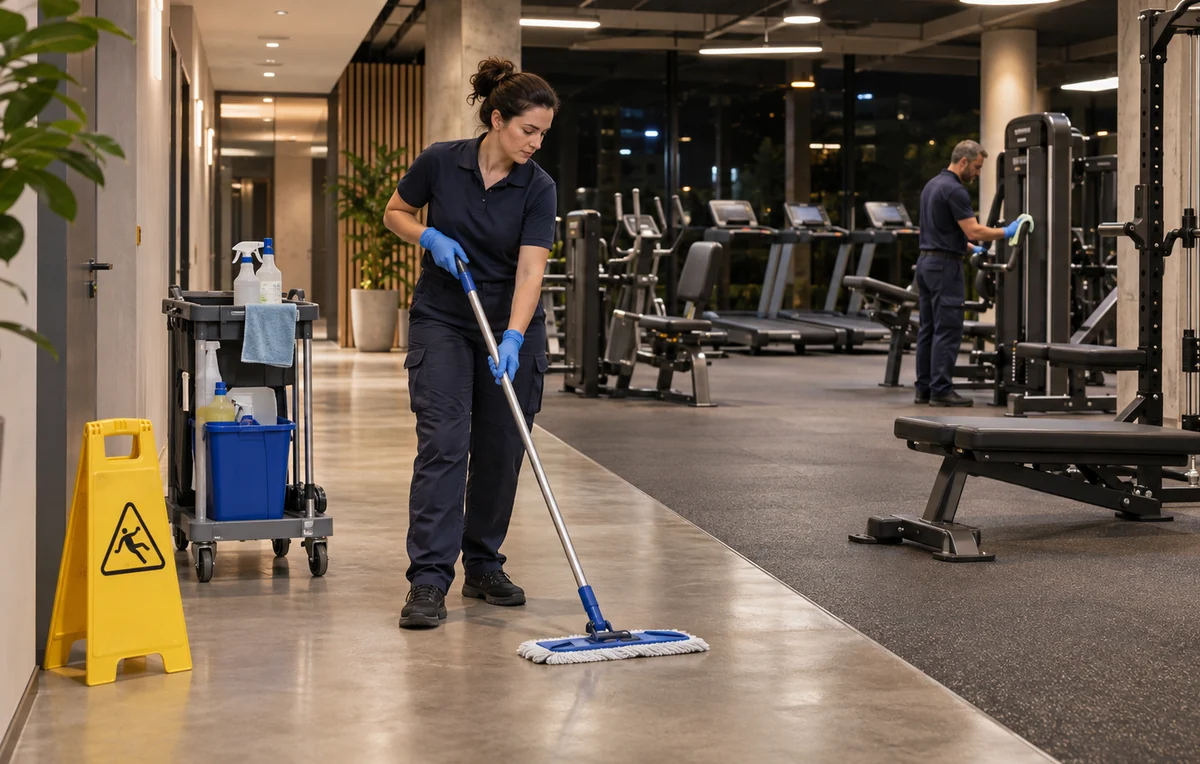
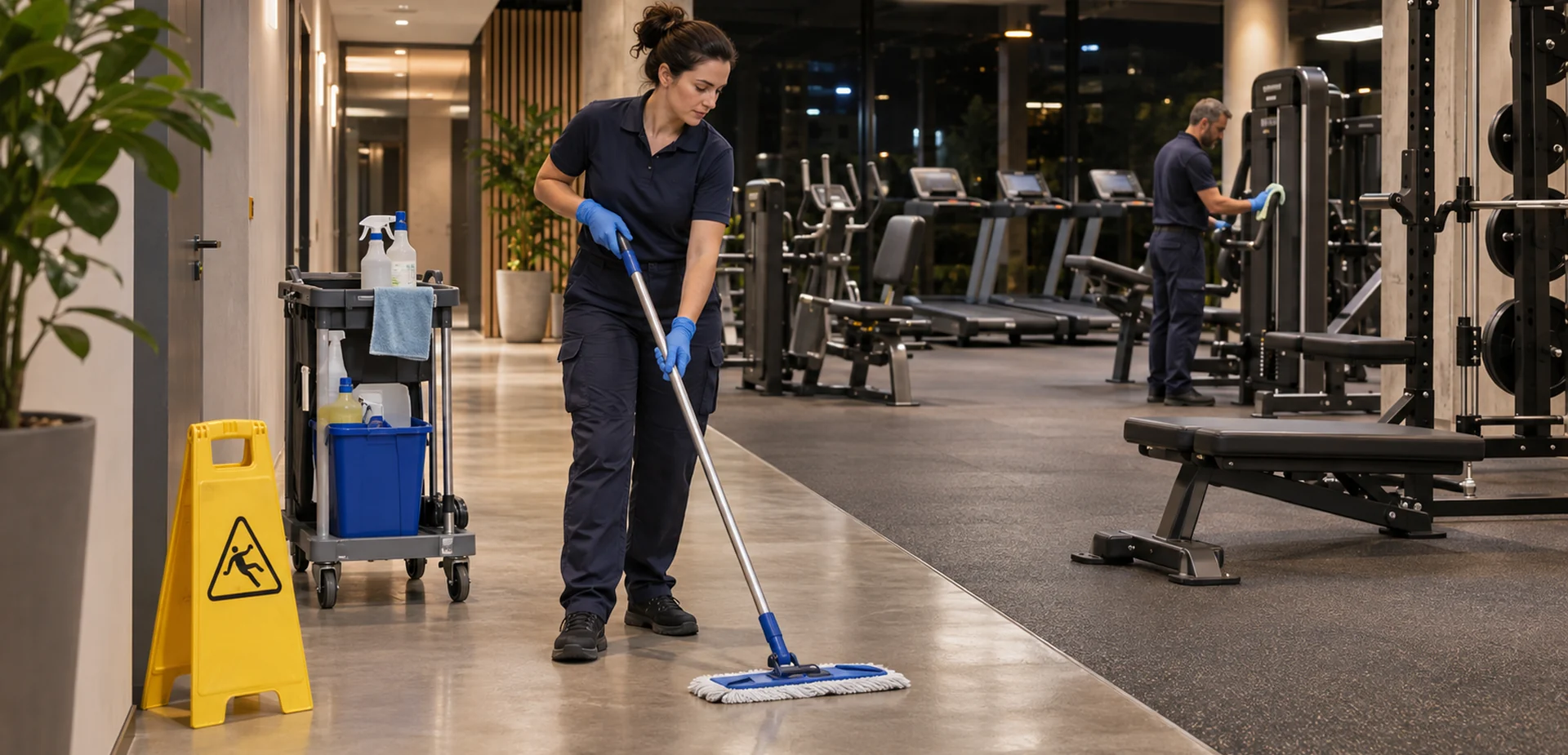
The last receptionist leaves, but the gym's working day continues. A cleaning team still needs to reach the changing rooms, collect supplies, and leave the building ready for the next morning. Giving that team a shared key or a member's access code makes it harder to manage who enters, which rooms they use, and when their access should end.
A 24 hour door access system can connect each approved cleaner's identity with specific doors, working periods, and access records. Twenty-four-hour availability does not mean every cleaner needs permission to enter at any time. The useful starting point is the cleaning visit: who is coming, what work is approved, and which route allows that work to happen.
CIVINTEC access control terminals provide hardware for credential verification, door control, and integration with customer software. This guide focuses on cleaning personnel during hours without front-desk staff. For the wider member-entry and operating model, see CIVINTEC's guide to 24/7 unattended gym access control.
24/7 gyms keep facilities clean by combining routine checks throughout the day with deeper cleaning during quieter hours. Staff or contractors can check changing rooms and toilets, restock soap and wipes, and clean high-touch surfaces such as equipment handles and lockers. Wipe stations let members clean shared equipment after use, and a reporting channel gives them a way to flag spills when reception is closed. For overnight cleaning, assign each area to a named worker, give that worker access to the required doors during the scheduled visit, and record completed tasks and any issues that need follow-up in the cleaning checklist or work order.
Cleaning arrangements change more often than the door hardware. A regular team may cover weekday evenings, another company may handle a monthly deep clean, and a replacement worker may arrive when the usual cleaner is absent. These visits need different approvals even when they use the same entrance.
Consider a gym that schedules cleaning from 11:00 p.m. to 1:00 a.m. The cleaners need a service entrance, the cleaning store, and the rooms assigned that night. They do not need the manager's office or unrestricted access on their days off. A useful access plan describes that visit before choosing a card, phone credential, QR code, or PIN.
Create a record for the individual who will present the credential. Link that person to the cleaning company and the gym location, then add an approver and the dates of the assignment. A company name alone cannot explain which worker used a shared credential.
The profile should make routine changes straightforward:
Regular cleaners: Assign the recurring work schedule and the doors needed for their normal route.
Replacement workers: Approve a separate identity and a defined visit period instead of borrowing another cleaner's credential.
Deep-clean specialists: Add the rooms and dates required for that job, then remove the additional permission when it ends.
Departing personnel: Close the assignment and withdraw the related access rights through the customer management workflow.
This approach gives facilities teams a practical way to manage cleaners without mixing their permissions with gym memberships. For organisations coordinating contractors across several properties, the multi-site contractor access control guide provides broader background.
The best credential is one that the approved worker can use consistently at the required door. Some cleaning teams prefer a company-issued card. Others need a phone-based option or a short assignment that does not justify issuing another physical credential.
CIVINTEC terminals support several identification methods, depending on the model and ordered configuration. The choice should fit the workforce and customer software rather than requiring every cleaner to use the same method.
RFID cards suit recurring staff who need a simple credential at a service entrance. Choose a supported card technology and an appropriate credential-security configuration. Keep issuance, replacement, and withdrawal tied to the individual access profile so a lost card can be dealt with without changing the whole team's access.
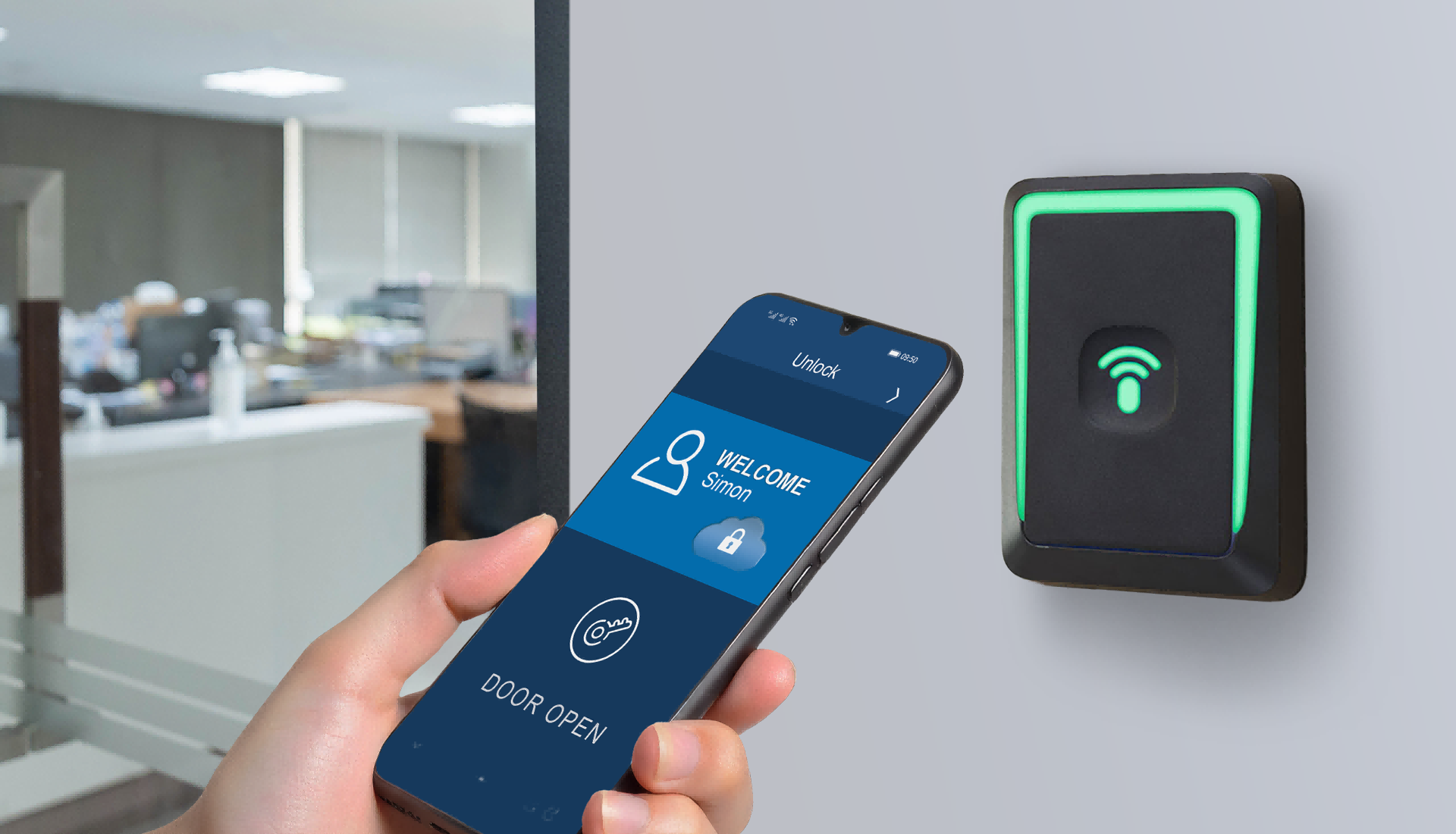
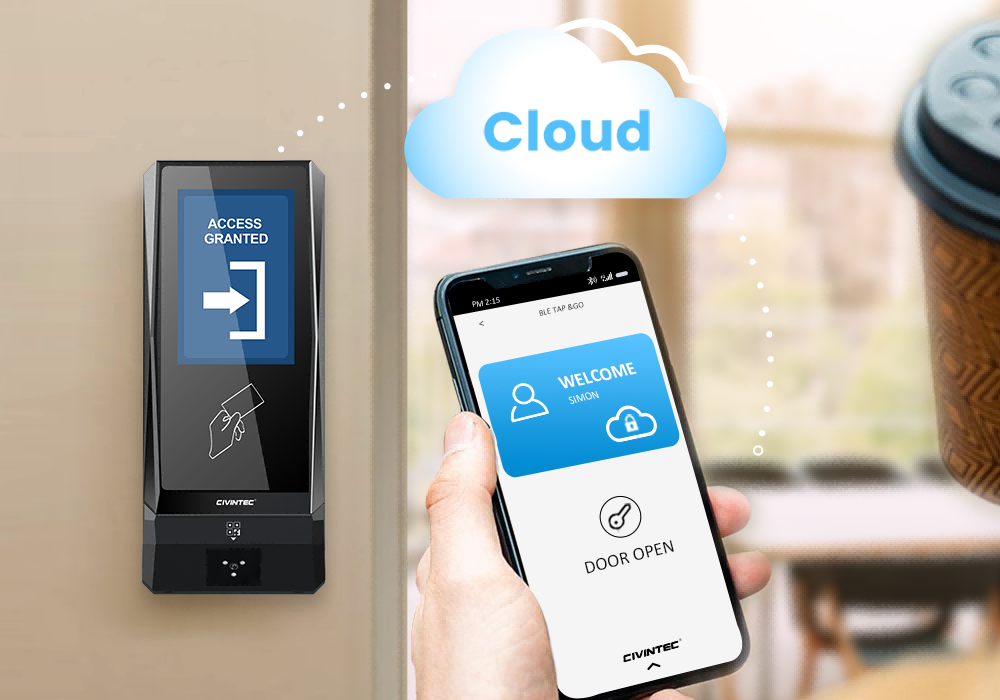
NFC/BLE mobile credentials provide another option where cleaners use compatible phones and the customer has a supported issuance workflow. Check phone compatibility and the process for a replacement device before relying on mobile entry during an unattended shift. Avoid assuming that every contractor has a suitable personal phone.
An optional QR code scanner can support visits arranged through customer software. For a temporary cleaner, the important questions are how the credential is issued, which visit it authorises, and how a cancelled assignment is withdrawn. Expiry and reuse rules belong in the configured software-and-terminal workflow; a QR image alone does not define those rules.
PIN entry can be useful where a card or phone is inconvenient. Review whether the project supports individually assigned codes and the required validity rules. A keypad does not by itself make a shared PIN attributable to one person or give it an automatic expiry.
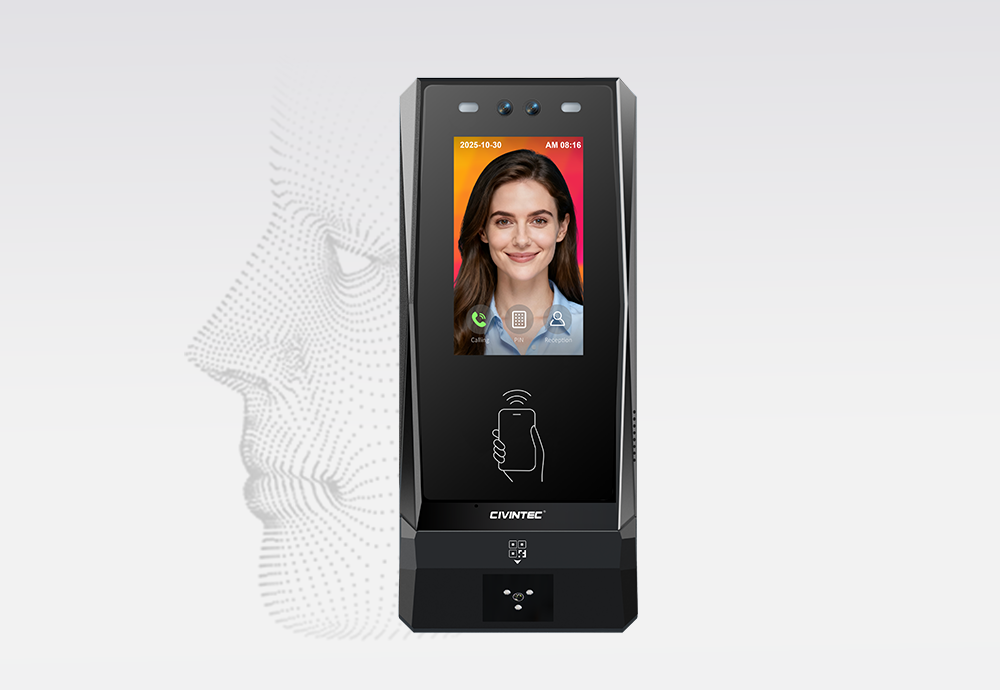
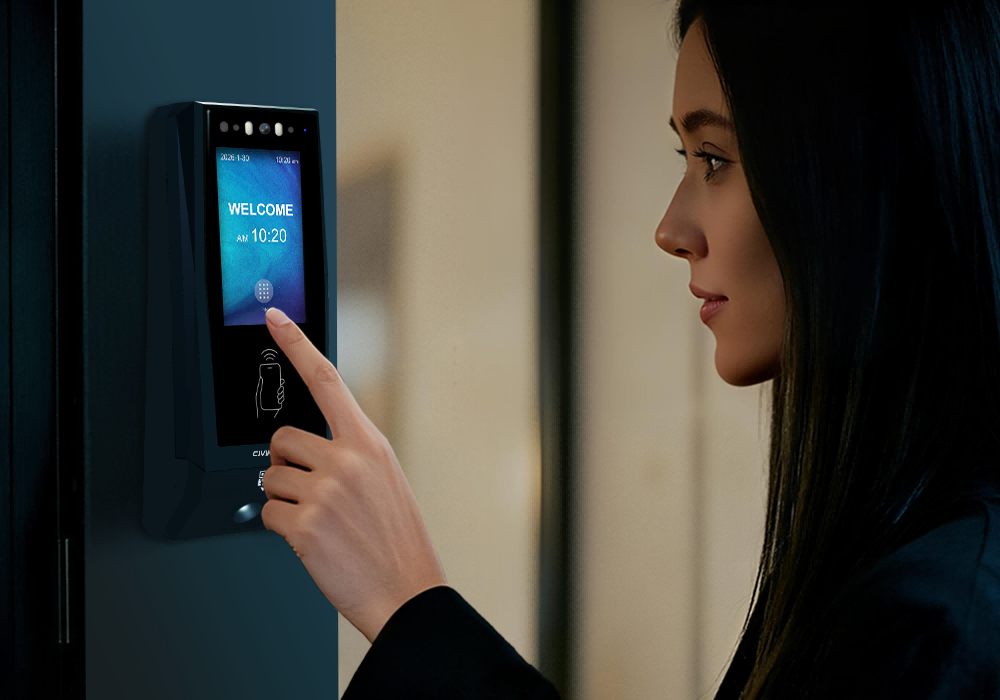
Where the entrance calls for facial verification, CT11 offers a face-capable option. Agree how workers are enrolled, how their records are removed when the assignment ends, and which alternative credential is available. CT10's camera serves a different role and should not be treated as facial recognition.
For cleaning teams, a 24 hour door access system needs precise schedules more than unrestricted entry. Separate the overall assignment period from the hours allowed within each visit. A cleaner may have a three-month contract but permission to enter only on selected nights.
Cross-midnight visits deserve particular attention. An 11:00 p.m. start and a 1:00 a.m. finish cover two calendar dates. The management software and terminal configuration should interpret that period as intended, including the relevant day of the week and any holiday exception.
Agree a small number of operational rules before the first unattended visit:
Arrival window: Decide when entry becomes available relative to the booked work period.
Working period: Specify the doors and rooms accessible during that visit.
Overruns: Identify who can approve extra time when a spill or deep clean takes longer than planned.
Cancelled visits: Withdraw the permission associated with that assignment.
Exit arrangements: Plan how workers leave after the entry window closes, using the site's appropriate exit provisions.
These decisions keep a late arrival from becoming an informal exception handled by a shared master code. A cleaner arriving outside the approved period should have a clear route to the responsible manager or support contact.
A replacement cleaner should inherit only the approved visit requirements, not another worker's identity or every permission held by the cleaning company. Likewise, an urgent callout can have its own sponsor, destination, and end time in customer software.
For example, a cleaner called to address a leak near the changing rooms may need a different route from the normal overnight team. Record that approval so the next day's review can distinguish an authorised exception from an unexplained entry attempt.
[block1]
A single staff-only boundary is rarely enough for a gym. Cleaners may need access to circulation areas, changing rooms, and storage while financial records, network equipment, and management offices remain outside their assignment.
Use the route through the building to define gym access control permissions. Include the doors needed to reach the work area and collect supplies, then identify where that permission should stop. A door that is technically accessible but outside the cleaning contract does not need to be included.
| Gym area | Cleaning access to plan | Approval or operating condition |
|---|---|---|
| Service entrance and staff corridor | Named cleaners during the approved visit | Assigned gym, work dates, and entry window |
| Cleaning store | Personnel who need supplies or equipment | Company and task-specific permission |
| Changing rooms and washrooms | Assigned team during the agreed cleaning period | Coordination with occupancy and local operating procedures |
| Studio or specialist training room | Access when the scheduled task includes that room | Separate booking or manager approval where needed |
| Manager's office, cash office, or communications room | Excluded from the routine cleaning profile | Explicit approval for a defined task |
Include carts and equipment in the route review. If moving a trolley requires holding a door open, agree the operating procedure and any required door-status monitoring. Credential verification identifies an accepted user; managing people following through a door also depends on the entrance layout, door hardware, and site procedures.
A regular review of the route is useful when studios are reassigned or storage locations change. Update the relevant permission group rather than leaving cleaners to find an unofficial way through the building.
Many operators already maintain staff lists, contractor schedules, or work orders in their own software. CIVINTEC provides SDK resources for third-party integration so the project can connect those records with terminal configuration, credential verification, and access events.
The customer application remains responsible for the business rules: which cleaner is approved, the visit's validity, the accessible doors, and who can authorise an exception. The terminal performs its configured verification and door-control functions. The integration must connect those responsibilities in a way the operator can maintain.
A practical integration can follow the life of the cleaning assignment:
1. Register the worker: Create the individual profile and associate the selected credential.
2. Approve the visit: Assign the gym, permitted doors, work window, and overall validity period.
3. Apply the permission: Send the required settings or handle online authorisation through the supported integration method.
4. Collect access events: Return the available verification and door-related records to customer software.
5. Close or revise the assignment: Change permissions when the worker, schedule, or contract changes, and confirm that the update has taken effect.
The SDK supports development; it is not a ready-made cleaning management application. Define the interfaces, update acknowledgements, and responsibilities with the integrator before rollout. CIVINTEC's 24-hour fitness gym access control solution offers related context for connecting terminals with third-party management software.
Review Ethernet and PoE availability at the service entrance before selecting hardware. Where the required model supports PoE, it can simplify power and data cabling to the terminal. Lock power, backup power, and other connected equipment still need their own installation design.
Selected network configurations also offer options such as Wi-Fi or 4G. Match the ordered version to the site's coverage and integration requirements. For doors using a local operating mode, agree how permissions are stored and refreshed during a network interruption. A cloud cancellation cannot be assumed to reach an offline terminal immediately.
After-hours access records help the facilities team answer practical questions: which credential was presented, at which entrance, and whether the configured access check accepted or rejected it. Customer software can combine those events with the approved cleaning schedule to highlight visits that need review.
Useful fields include the individual or credential reference, gym location, door, timestamp, verification result, and the available event details. Door-open or door-closed information requires the relevant hardware and integration. Camera-related records are also model- and configuration-dependent.
Repeated rejected attempts: Check whether the cleaner has the wrong schedule, a withdrawn credential, or an unapproved destination.
Use outside an expected visit: Compare the event with an authorised overrun or callout.
Unexpected doors: Review whether the access group includes rooms outside the cleaning assignment.
A missing expected event: Check the work order, door used, and connectivity before deciding why the record is absent.
These records support investigation and contractor discussions, but an entry event does not prove that cleaning was completed or establish the exact hours worked. Combine access information with the customer's work-order or supervisor confirmation process when reviewing service delivery.
For a gym group, retain the location and local time context when records are brought into a central application. This makes a cross-midnight visit easier to interpret and avoids comparing an event with the wrong day's work schedule.
Start model selection with the credential and assistance needed at the door. An entrance that only requires card or mobile verification has different needs from one where a cleaner may need to speak to a remote contact. A face-capable terminal is a further choice where the project requires that identification method.
| Selection point | CIVINTEC CT11 | CIVINTEC CT10 | CIVINTEC CT9 PRO |
|---|---|---|---|
| RFID credentials | RFID (125kHz and 13.56MHz) | RFID (125kHz and 13.56MHz) | RFID (125kHz and 13.56MHz) |
| Other credential options | NFC/BLE mobile credentials; optional QR code; PIN; facial recognition | NFC/BLE mobile credentials; optional QR code; PIN | NFC/BLE mobile credentials; optional QR code; PIN |
| Camera and assistance | Facial recognition; VoIP audio intercom | Camera capture in supported workflows; VoIP audio intercom | No built-in camera or VoIP audio intercom |
| Interface | 3.5-inch touchscreen; Linux | 3.5-inch touchscreen; Linux | 3.5-inch touchscreen; Linux |
| Customer software integration | SDK resources; supported communication interfaces | SDK resources; supported communication interfaces | SDK resources; supported communication interfaces |
Evaluate CIVINTEC CT11 for an entrance where facial verification is part of the agreed staff workflow. Consider CIVINTEC CT10 when credential-based entry, supported camera capture, and audio assistance fit the requirement. CIVINTEC CT9 PRO provides a credential-based option where a built-in camera and intercom are not needed.
Confirm the credential modules, network version, and required functions for the ordered terminal. If VoIP audio assistance is used, assign an answering contact and a fallback process; an intercom does not itself provide a staffed response service.
Test the access plan with the people who will use and support it. A short walkthrough with a cleaner, the facilities manager, and the integrator can reveal problems that are easy to miss in a door list.
Check a normal arrival, an early or late attempt, a cross-midnight work period, and an attempt at an excluded room. Include a lost credential, a replacement worker, and a cancelled visit. Where local operation is part of the design, test what happens to permissions and event transfer when connectivity is interrupted and restored.
Finally, confirm who receives calls, who approves an overrun, and who reviews unexplained events the next morning. Start with a representative entrance and cleaning team, then extend the arrangement once those everyday tasks work as intended. Clear ownership makes a 24 hour door access system easier to run after the front desk closes.
[block2]
Effective gym access control for cleaning staff starts with a named worker and a defined visit. Combine suitable credentials with realistic work windows, a clear cleaning route, and access records that help explain exceptions. CIVINTEC terminals and SDK resources provide hardware and integration options for connecting that plan with customer management software.
To plan your 24 hour door access system, compare the CIVINTEC access control terminal range and contact CIVINTEC with your cleaning schedules, door list, preferred credentials, and software requirements. These details help identify a configuration for evaluation at your gym.


 Home >
 Share





 Contact Us
