

-

Applications

Industries

 OEM & ODM Service
 Development Service
 Download
 Technical support
 Warranty & RMA
 FAQS
FAQS
 My Community
 Who Is CIVINTEC
 Why CIVINTEC
 News & Express
 Cooperation




 Sep 14, 2026
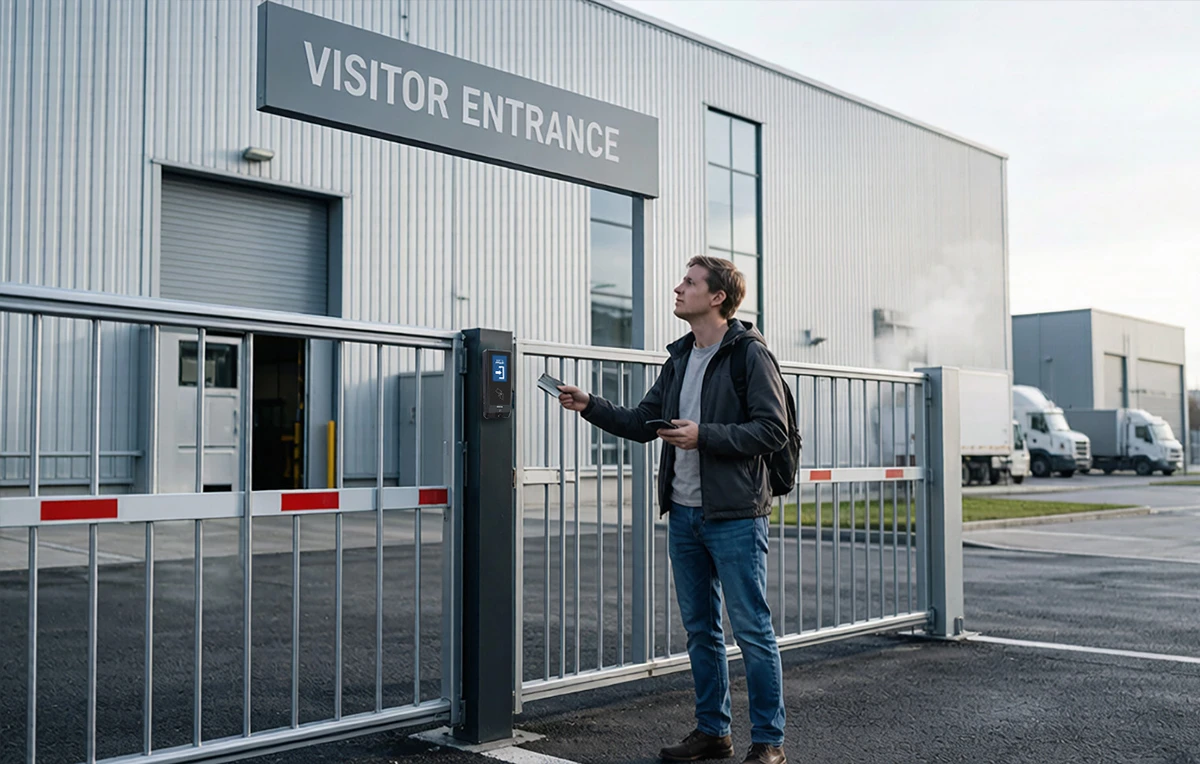
The reception desk closes at six, but the factory does not. A night-shift employee arrives through a side entrance. A maintenance technician needs access to a service corridor. A supervisor must decide whether an unexpected visitor should enter without leaving the production floor. When every arrival requires a phone call or a borrowed key, the entrance becomes a recurring interruption.
Unattended Access Control Systems allow routine, authorized entry without an attendant checking every person at the door. Their value depends on how well they handle the moments outside that routine: an expired credential, a failed connection, an unanswered assistance call, or a door that does not close.
CIVINTEC develops and manufactures access control hardware for integration with customer management software. For factory operators, the objective is practical: let approved users complete predictable transactions independently, while giving responsible personnel the information and authority to resolve exceptions. This guide explains how to design that operating model and select suitable CIVINTEC terminals.
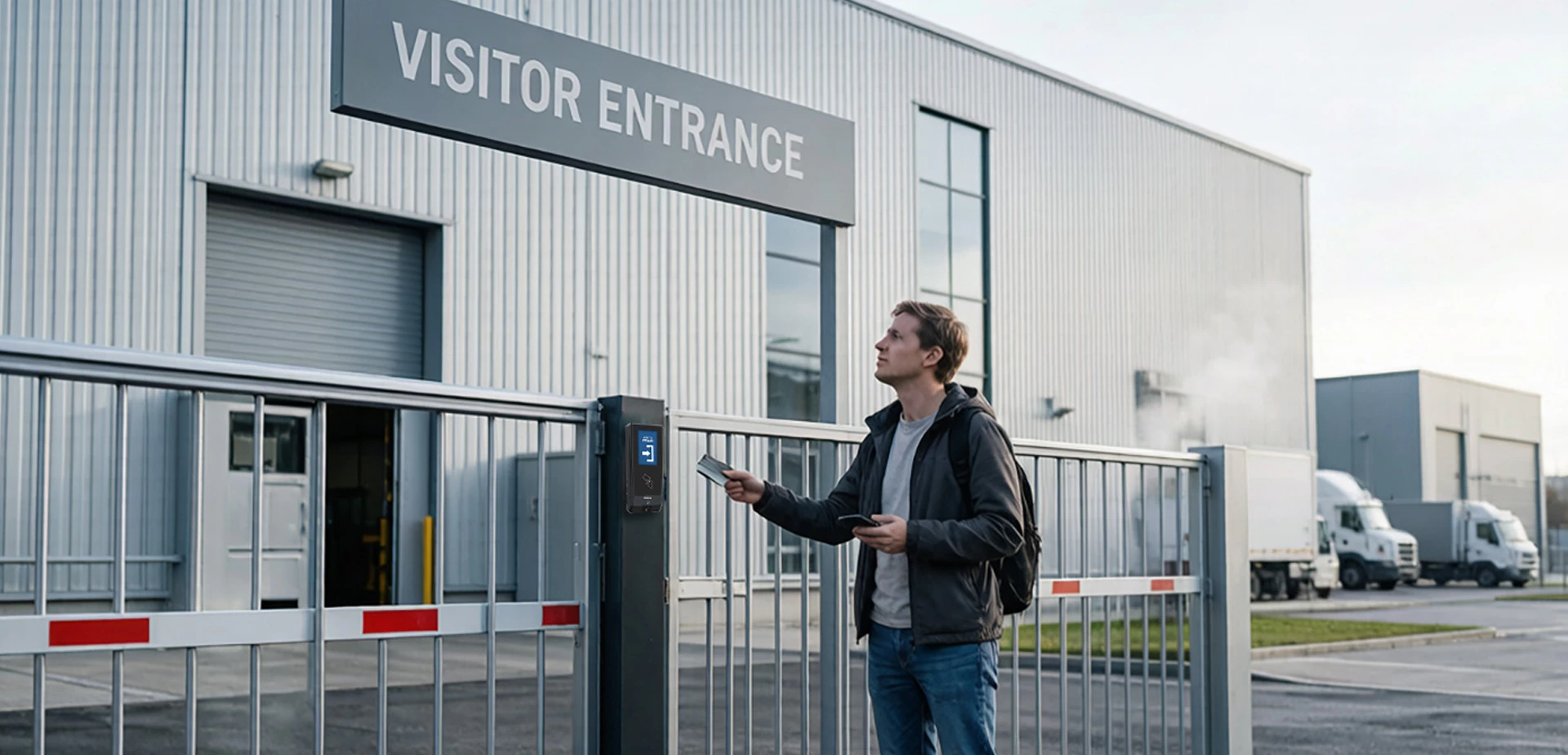
An unattended entrance combines credential verification, an authorization decision, physical door control, and event recording. In a connected workflow, management software can evaluate the request and return a decision. In a supported local configuration, the terminal can use permissions already stored at the entrance.
This arrangement removes repeated manual checking from ordinary arrivals. It does not remove ownership of access decisions. Someone still approves permissions, responds to incidents, maintains the equipment, and decides which entrances are appropriate for unattended use.
For manufacturers, after-hours access control is therefore an operating process as much as a hardware purchase. A reader that accepts cards may be sufficient for a supervised doorway. An unstaffed doorway also needs understandable feedback, a defined response when access fails, and a way to establish whether the door actually returned to its secure condition.
Separate a successful credential transaction from successful physical passage. An unlock command does not prove that someone entered, that only one person passed, or that the door subsequently closed. Door contacts and other external equipment provide additional information when correctly installed and integrated.
Our access control terminals and hardware solutions explain the broader relationship between identification, control, and connected management. For this project, define the expected result of each transaction before selecting individual features.
Consider a factory planning to retain a staffed main gate while automating a secondary staff entrance and an approved maintenance entrance overnight.
Employees should use individually assigned credentials at the staff entrance during approved periods. A maintenance visitor should receive access only after the responsible manager approves the visit and its destination. An unknown arrival should reach a designated contact rather than discover a shared override PIN posted beside the terminal.
Start with recurring users whose access requirements are stable. They are easier to prepare before the reception desk closes, and their routine gives the project a clear baseline for testing.
Identify visits that still require an escort, identity checks, or a supervisor's approval. Automating credential presentation does not make those requirements disappear. Keep these visits outside the automatic acceptance path until the necessary checks have been completed through the customer's process.
The CIVINTEC industrial access control solution provides context for role-based and shift-based access. The unattended design should add clear responsibility for the hours when the usual reception or security contact is unavailable.
A useful handover confirms expected visitors, outstanding approvals, recently revoked credentials, and any entrance under maintenance. It also identifies the person receiving assistance requests and the backup contact if that person is unavailable.
Include cleaning and servicing periods. A temporary daytime instruction to leave a door open can undermine an otherwise sound overnight policy if nobody restores normal operation. Treat changes to access schedules and door operating modes as tasks that need confirmation, not informal verbal reminders.
[block1]
Automated access control works best when authorization is prepared before the user reaches the entrance. The customer platform should connect each permission to an identified person, approved entrance, and relevant time period. The terminal then applies the supported verification and control workflow.
For maintenance visits, the site manager or authorized business system handles contract and qualification checks. The access control terminal does not independently determine whether a technician has completed training or remains qualified to perform a task.
A scheduled expiry is known in advance. A cancellation may occur unexpectedly after the credential has been issued. These require separate tests, especially when permissions are also stored locally.
Ask the integrator to demonstrate how an approved visit becomes active, how an extension is authorized, and how a cancellation reaches each relevant entrance. Establish what the user sees if an extension has been approved in the business system but has not reached the access control system.
Our article on essential features of visitor access control introduces temporary credential workflows. For an unstaffed factory entrance, extend that discussion to the practical question of who resolves a mismatch after reception closes.
An expired entry permission should prevent a later unauthorized return. It should not be treated as an instruction to obstruct departure. Entry authorization and safe exit arrangements have different purposes and must be addressed separately in the door design.
Where the process records checkout, distinguish a completed administrative record from confirmed physical departure. A person may forget to check out, and a credential event alone is not a reliable count of everyone remaining in the building.
Credential choice affects both security and the number of assistance requests. Test the actual user population rather than assuming everyone carries a compatible phone, remembers a PIN, or can use the same identification method at every entrance.
For RFID access control, CIVINTEC supports DESFire EV1/EV2/EV3 credentials with AES encryption. Correctly configured protected application authentication requires the appropriate keys; copying the visible card number alone does not reproduce that authentication.
Specify this requirement explicitly. Reading a DESFire card's UID alone does not activate its protected application capabilities. Confirm card provisioning, key ownership, and the reader configuration with the integration team. Keep credential replacement and revocation procedures available outside normal office hours.
This protection addresses credential copying, not the lending of a genuine card or someone following another person through an open door. The physical entrance and operating policy must address those risks separately.
NFC/BLE mobile credentials can reduce physical badge collection when supported by the selected terminal and mobile implementation. Confirm device compatibility and the required user action before deployment. A worker with a flat phone battery needs a controlled alternative, not a permanently shared code.
For QR code access control, select the required QR code module and define validation rules in the integrated system. Time limits, usage limits, and cancellation depend on the implementation. A changing QR code is not, by itself, proof that screenshots or forwarding are impossible.
Provide concise arrival instructions showing the correct entrance and where to present the credential. Test printed codes and phone screens under the lighting conditions at that doorway. When configured through the client's cloud software, reserve individually assigned, limited-duration PIN codes for defined users and situations, with appropriate expiry and review.
Select the terminal around the assistance and identification needs of each doorway. A factory may use different models within the same project while keeping its permission policy consistent.
The comparison below separates the functions that materially change the unattended experience. Credential modules, communication options, and firmware behavior must be confirmed for the ordered configuration.
Selection point | CIVINTEC CT11 | CIVINTEC CT10 | CIVINTEC CT9 PRO |
|---|---|---|---|
Credential options* | Face; RFID (125kHz & 13.56MHz); NFC/BLE mobile credentials; QR code; PIN | RFID (125kHz & 13.56MHz); NFC/BLE mobile credentials; QR code; PIN | RFID (125kHz & 13.56MHz); NFC/BLE mobile credentials; QR code; PIN |
User interface | Linux; 3.5-inch touch screen | Linux; 3.5-inch touch screen | Linux; 3.5-inch touch screen |
Camera function | Facial recognition; confirm required capture workflow | Photo capture on card/QR reads; confirm triggers | No built-in camera |
Remote voice assistance | VoIP audio intercom | VoIP audio intercom | No built-in VoIP intercom |
Working modes | Online/server | Online/server | Online/server |
Integration | SDK for customer software | SDK for customer software | SDK for customer software |
Entrance to evaluate | Staff entrance needing facial verification and voice assistance | Visitor or maintenance entrance needing voice assistance and event photos | Routine credential-based entrance with separate assistance arrangements |
Product details |
*CIVINTEC terminals support basic PIN configuration in standalone mode. Advanced workflows, such as assigning different PINs to individual users or using dynamic PINs, require the client's cloud software and are not available in standalone mode. Confirm credential modules, communication options, and firmware behavior for the ordered configuration.
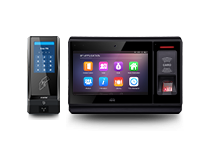
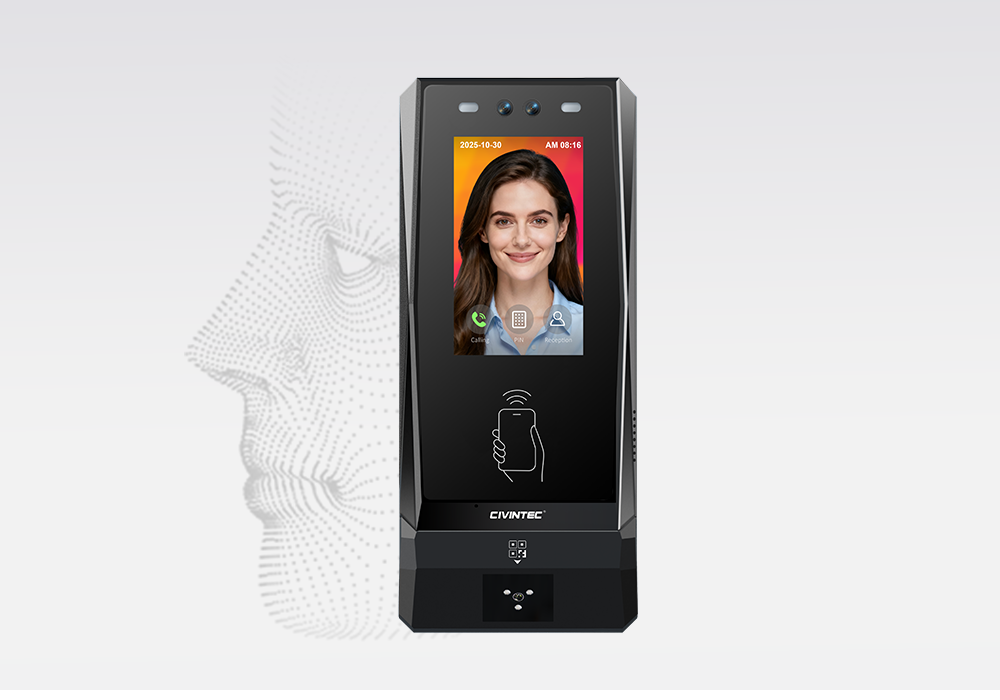
CT11 adds facial recognition to the credential options available for a factory entrance. Its suitability depends on enrollment quality, installation position, lighting, and the actual conditions in which employees approach the terminal.
Test the intended workflow with the protective equipment worn at that entrance, including any masks or visors. Agree how biometric information will be handled and provide an appropriate alternative when facial verification cannot complete. CT11's VoIP function provides audio assistance.
CT10 combines credential-based access with VoIP audio intercom and a camera for the supported capture workflow. This makes it worth evaluating where occasional visitors need help and the operator wants an associated image for reviewing credential transactions.
Confirm photo capture on RFID card and QR code reads, along with storage and transfer settings. Event photography is not facial recognition, continuous surveillance, or proof that every person passing through the doorway has been recorded.
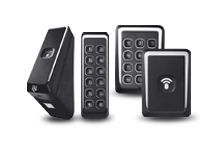
CT9 PRO is an option for an entrance where RFID (125kHz & 13.56MHz), NFC/BLE mobile credentials, QR code, or PIN entry meets the requirement without built-in camera or voice functions. If assistance remains necessary, provide a separate contact method and make it visible to the user.
Compare total entrance cost, including assistance equipment and installation, rather than comparing terminal prices alone. Camera and voice functions are model-specific, so include any separate assistance equipment in the CT9 PRO proposal.
Remote access control management becomes useful when a person at the door can reach someone authorized to act. A voice connection without an approval process simply moves the uncertainty from reception to another desk.
For a compatible CT11 or CT10 deployment, define the VoIP endpoint, operating hours, and fallback contact. Test speech intelligibility where fans, traffic, or production noise may interfere. Do not assume that every networking option carries every service identically; verify the selected communication path and intercom integration together.
An assistance request should identify the entrance and, where available through the integrated platform, the relevant credential transaction. The operator should be able to distinguish an unfamiliar credential from a known user arriving outside an approved period.
Define what evidence is sufficient for a remote approval. A caller knowing an employee's name should not automatically gain entry. Record the reason for an override and the responsible operator in the customer platform, using the capabilities agreed for that project.
Keep screen instructions short and actionable. A rejected user needs to know whether to try the credential again, use the designated contact method, or wait for approval. Displaying internal permission details or personal information is rarely necessary for resolving the immediate problem.
Our guide to cloud centralized access control covers the connection between terminals and management software. The unattended requirement is narrower: make the next action clear when a normal transaction cannot finish.
Establish how long an arrival should wait and which entrance or contact becomes the fallback. Avoid a policy in which a missed call silently results in access being granted. Repeated unanswered requests should prompt a review of staffing arrangements, not just another change to the terminal.
Unattended Access Control Systems need a defined response to network loss. A connection failure should not leave users or operators guessing which permissions remain valid.
Supported CIVINTEC host and local modes give integrators options for connected decisions and locally stored authorization. The project must still define which credentials are available offline, how long they remain valid, and which functions require the server.
The important question is how old a local permission may become before the site no longer considers it acceptable. A stable employee permission and an urgent cancellation for a temporary visitor may justify different operating rules.
Ask whether the chosen implementation can enforce the required expiry conditions locally. If it cannot, decide whether that entrance should reject the affected credential type during an outage or use a supervised alternative. A disconnected terminal cannot receive an immediate cloud revocation until communication returns.
Avoid assuming that more local storage solves every continuity problem. Capacity determines how much information can be retained; it does not establish whether that information remains current or whether a server-dependent service continues to operate.
When the connection returns, the integration should reconcile events and restore the intended permissions. Test that a canceled credential does not remain accepted and that delayed records retain useful timestamps.
Ask the software team how it handles duplicate event uploads and delayed commands. A command intended for an earlier request should not unexpectedly unlock a door after the user has left. These are acceptance requirements for the complete integration, not assumptions about default terminal behavior.
Finally, separate network continuity from power continuity. A locally authorized user still needs a powered terminal and functioning door equipment. Include the selected power arrangement, network equipment, and appropriate backup provision in the installation review. Use supported HTTPS communication for encrypted server transport; plain HTTP is not equivalent protection.
Commissioning should demonstrate a complete user journey, including failure and recovery. A successful card read at a test desk is only one part of that evidence.
Start with a representative doorway and real operating conditions. Check mounting position, screen visibility, credential presentation, accessibility, and how the door closes after ordinary use. Observe the entrance at night as well as during installation hours.
The following tests are proposed project checks, not claims that every function is included in every terminal configuration.
Test condition | Result to demonstrate | Evidence to review |
|---|---|---|
Approved routine arrival | Entry follows the agreed rule without assistance | Credential result and observed door behavior |
Expired or canceled permission | No new entry under the applicable policy | Permission status and rejection record |
Unsupported or unreadable credential | Clear guidance and controlled assistance | Screen response and help procedure |
Network disconnected | Only the agreed local workflow continues | Local decisions and retained events |
Connection restored | Current permissions and records reconcile | Cancellation test and synchronization review |
Door does not close | Configured monitoring reaches its assigned responder | Door contact behavior and notification handling |
For RFID deployments using DESFire credentials, also demonstrate that the intended workflow uses protected authentication rather than accepting a copied identifier. For CT10, verify the agreed capture triggers instead of assuming that every alarm produces a photograph.
Distinguish a routine access denial from an incident needing immediate attention. If every rejected scan generates the same urgent response, operators may struggle to identify the events that matter. Agree notification priorities and response ownership in the integrated platform.
Measure first-attempt entry completion, assistance requests, and unresolved incidents during the pilot. Review the reasons behind failures before changing access policy. Better instructions may resolve one issue; another may require correcting credential provisioning or physical installation.
Keep emergency exit arrangements and machinery safety outside ordinary convenience automation. Have the relevant designers verify the required interfaces and behavior. A general access control relay is not a substitute for a safety-rated machine interlock, and unattended entry does not make hazardous work appropriate for lone operation.
For a factory buyer, the business case should include more than the device and installation invoice. Account for credential issuance, customer software integration, remote assistance coverage, network service, maintenance, and periodic testing.
Estimate benefits from your own baseline: how often someone leaves their normal work to answer an entrance, how many visits require badge collection, and how long approved users wait. Compare those observations with the pilot results. Do not assume a fixed labor saving simply because an entrance becomes unattended.
Ask prospective suppliers to document the selected terminal configuration, included modules, integration deliverables, and acceptance responsibilities. Confirm access to configuration records and the process for restoring service after a terminal replacement. A cheaper initial installation may be difficult to operate if these responsibilities remain unclear.
Plan staged deployment. Retain a practical fallback while the first entrance is evaluated, then expand when ordinary transactions and exception handling are working as intended. Review permissions, assistance availability, and physical door condition after operational changes, including new shifts or a change of maintenance provider.
[block2]
Effective Unattended Access Control Systems give approved users a predictable route through the entrance and give operators a defined way to handle everything else. For factories, the strongest starting point is a limited, well-understood after-hours workflow with clear permissions, suitable credentials, and tested recovery procedures.
CIVINTEC offers terminal options for credential-based entry, facial verification, and remote audio assistance, supported by SDK integration with customer software. Select CT11, CT10, or CT9 PRO according to the work each entrance must perform, then validate the complete installation before expanding it.
Share your entrance layout, operating hours, user groups, software environment, and assistance requirements so we can discuss the appropriate configuration.
Initiate Technical Consultation: Discuss your unattended access control project with CIVINTEC.
Explore Product Specifications: Browse CIVINTEC access control terminals.


 Home >
  Share
Share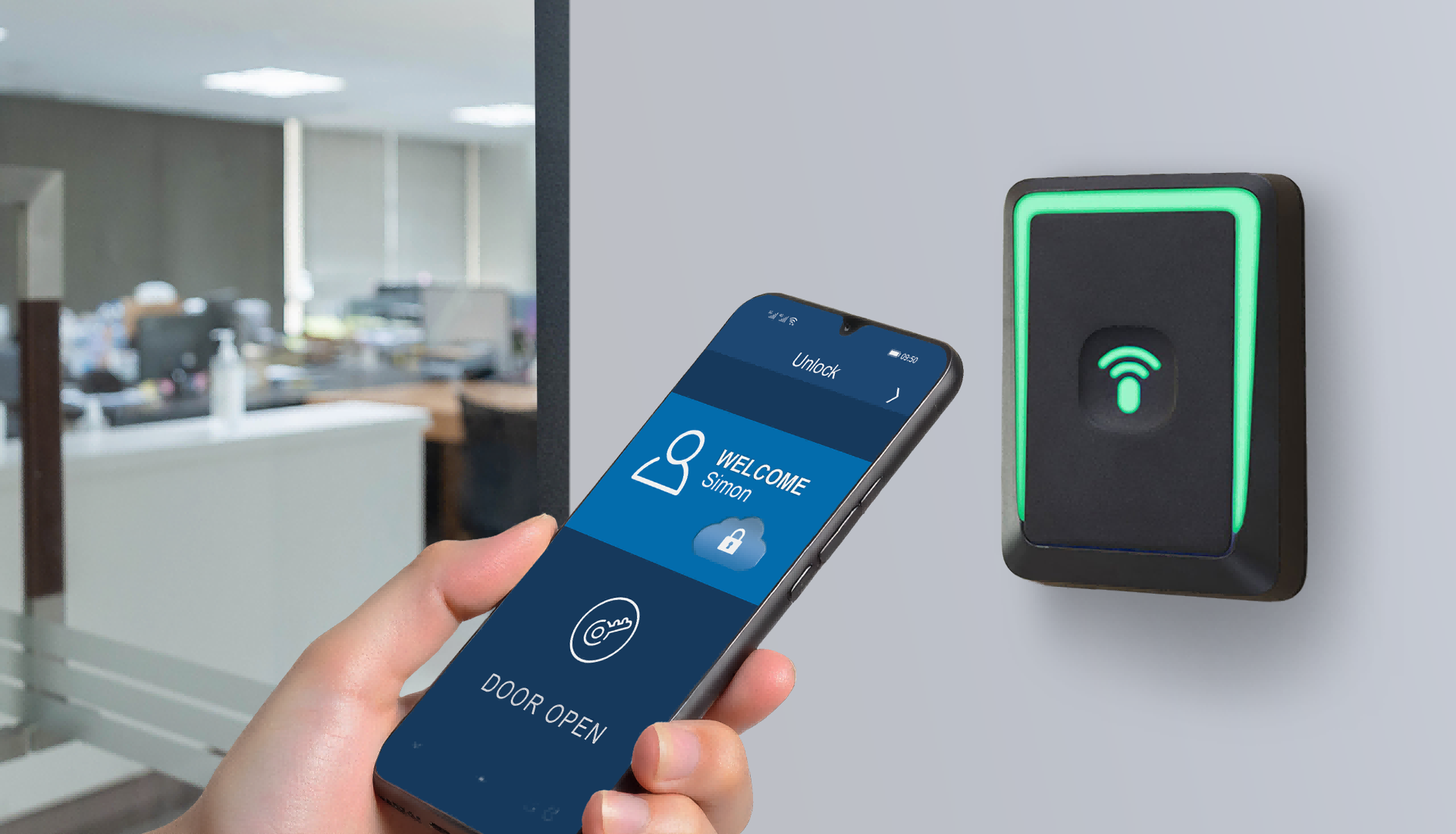




 Contact Us